
RomeoSEO11 min read
On-Page SEO Optimization: A Practical Guide
Learn how on-page SEO optimization improves page clarity, intent alignment, headings, links, content depth, and review workflows without keyword stuffing.
On-page SEO optimization is the process of improving the content and HTML elements on a web page so search engines can understand its topic and people can find a useful answer. It includes more than adding a keyword: you may need to clarify the page’s purpose, improve its title and headings, strengthen internal links, fill important content gaps, and make sure the page matches what searchers expect.
The most effective approach is usually systematic rather than cosmetic. Start with the query and the page’s current performance, make changes that address a specific weakness, and review the result before shipping more work. This guide explains the process, the page elements to inspect, the tools that can help, and the limitations to keep in mind—because sprinkling keywords like SEO confetti is not a strategy.
What is on-page SEO optimization?
On-page SEO optimization is the practice of improving elements on an individual page to make the page more useful to its audience and easier for search engines to interpret. Those elements can include:
- The page’s primary topic and search intent
- The title tag and meta description
- The H1 and supporting headings
- The depth, clarity, and usefulness of the content
- Internal links and their descriptive anchor text
- Image context, where images genuinely support the page
- Relevant HTML elements and page structure
The goal is not to insert a target phrase as many times as possible. A well-optimized page gives a clear answer to a recognizable need, organizes that answer logically, and helps both readers and search engines understand what the page covers.
On-page SEO is also distinct from off-page SEO. On-page work changes the page itself. Off-page work generally concerns signals and activities outside the page, such as links from other websites. Technical SEO can overlap with on-page work, but it often covers broader site or infrastructure concerns. Keeping those categories separate helps you choose a focused next step instead of treating every SEO issue as the same problem.
For additional background, these supplied references explain the topic from different perspectives: What Is On-Page SEO? And How to Do It, On-Page SEO Techniques for Measurable Growth, and What Is On-Page SEO? How To Optimize A Page.
A practical on-page SEO optimization process
Use this sequence to turn a broad optimization project into a set of specific page decisions. Each step should produce an observable change or a documented reason not to change the page.
- Define the page’s target topic and intent. Identify the query or problem the page should address and determine whether the searcher wants an explanation, comparison, recommendation, transaction, or another type of answer.
- Inspect the page and its current evidence. Review the existing title, headings, content, links, and search performance where that data is available. Look for page-two rankings, an incorrect ranking page, thin coverage, or a mismatch between the page and the query.
- Prioritize the highest-impact page changes. Choose a small group of changes tied to the diagnosed problem, such as clarifying the title, improving the opening, expanding a missing section, or fixing internal links.
- Edit for usefulness and clarity. Make the page easier to scan and more complete without adding filler or forcing exact-match phrases into awkward sentences.
- Review, approve, and monitor the work. Check the edits, ship them through the appropriate approval path, and monitor the page before deciding whether another round of optimization is justified.
This order matters. If you begin by rewriting sentences before deciding what the page should accomplish, you can produce polished copy that still targets the wrong intent. Likewise, a tool report can identify possible issues, but it cannot decide whether a change improves the answer for the actual reader.
A simple before-and-after decision makes the distinction clear. Before: a page titled “Best Software for Teams” opens with a generic product pitch, even though searchers want to compare options. After: the page defines the comparison criteria near the top, organizes the alternatives consistently, and explains the tradeoffs before asking readers to choose. The improvement is not “more keywords”; it is a better answer to the query.
The page elements to review
A page audit is more useful when each element is evaluated against the page’s purpose rather than a universal score. The following areas cover the core of SEO on page optimization.
Search intent and page purpose
Start by writing a one-sentence description of what the page helps the visitor do or understand. Then compare that purpose with the query you want to target and with the content currently ranking for similar searches.
If the page is supposed to answer a “how to” query but mostly promotes a service, the issue is not simply missing keywords. The page may need a different structure or a different page type. If two pages answer the same question, consolidating or clearly differentiating them may be more useful than optimizing both for the same phrase.
Title tag and H1
The title tag helps describe the page in search results, while the H1 identifies the main subject on the page. They can be related without being identical. Both should communicate the page’s subject clearly and set an expectation the content fulfills.
Avoid vague titles, exaggerated promises, and repetitive keyword variations. A specific title is generally more useful than a title that tries to include every related phrase. Check that the title and H1 describe the same page rather than pointing readers toward different intents.
Headings and content structure
Use headings to make the page’s argument or instructions easier to follow. A reader should be able to scan the H2s and H3s and understand the major questions the page answers.
A strong structure usually moves from the direct answer to supporting explanation, practical steps, examples or criteria, and limitations or next steps. Do not create a heading for every keyword variation. Create one when it helps the reader navigate a meaningful section.
If you are planning a content piece rather than optimizing a single element, Anatomy of a blog post — RomeoSEO offers a related way to think about structure and reader flow.
Content depth and usefulness
“More content” is not the same as better content. Review whether the page answers the important subquestions implied by the main query, explains specialized terms, gives the reader a way to act, and avoids unsupported claims.
Improve depth where the page is genuinely incomplete. That might mean adding definitions, decision criteria, examples, troubleshooting guidance, or a clearer explanation of tradeoffs. Remove repetition when it makes the answer harder to use.
A practical example: before, a service page might say that it “helps businesses grow” without explaining what a visitor can learn or do next. After, it could state the page’s specific subject, answer the likely first question, and link to supporting information. Clarity beats grandiosity; the searcher should not need a detective hat to understand the page.
Internal links
Internal links help readers continue to related information and help search engines understand relationships among pages. Link when the destination is a useful next step, and use anchor text that describes what the reader will find.
For related reading, visit the RomeoSEO blog, including Anatomy of a blog post — RomeoSEO. When a reader is ready to learn more about the workflow behind auditing, content improvements, and approved changes, the RomeoSEO homepage is the relevant next step.
Do not add links only to meet a target count. A few relevant links are more useful than a dense list of loosely related destinations. Review important pages for orphaned content, links pointing to outdated destinations, and repeated generic anchors.
Images and supporting media
Images can improve comprehension when they explain a process, show a real subject, or provide information that is difficult to communicate in prose. They should have a clear relationship to the surrounding section, useful alternative text, and an appropriate file treatment.
An image added only because a page “needs a visual” is unlikely to improve on-page performance or reader experience. Choose media for a concrete communication job, not as decoration.
A checklist for reviewing an optimized page
Before requesting approval or publishing a change, use this focused checklist. It is intentionally narrower than a full technical audit: the aim is to verify that the page answers the intended query and that the proposed edits are defensible.
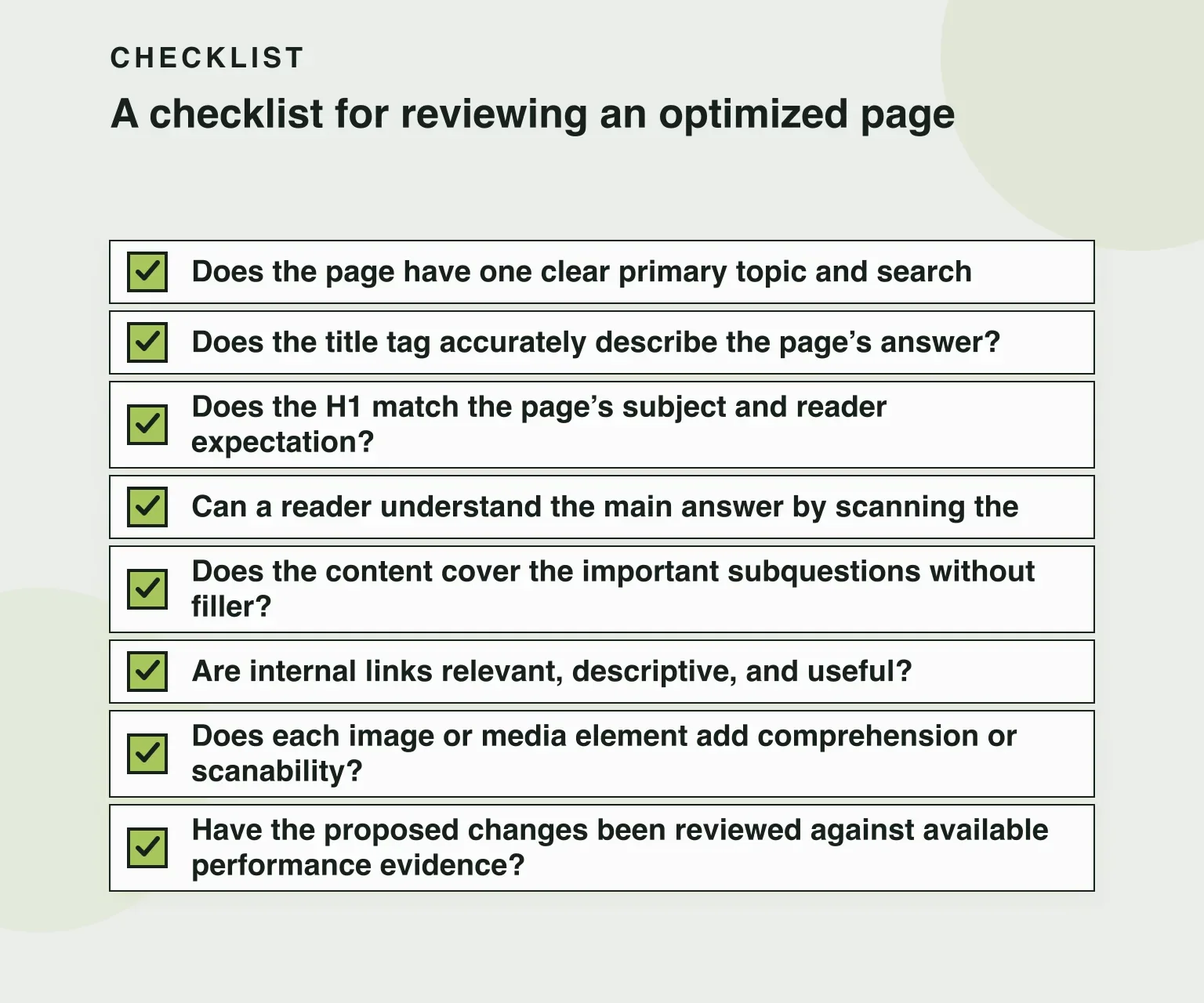
- Does the page have one clear primary topic and search intent?
- Does the title tag accurately describe the page’s answer?
- Does the H1 match the page’s subject and reader expectation?
- Can a reader understand the main answer by scanning the headings?
- Does the content cover the important subquestions without filler?
- Are internal links relevant, descriptive, and useful?
- Does each image or media element add comprehension or scanability?
- Have the proposed changes been reviewed against available performance evidence?
If the answer to several questions is no, prioritize the underlying issue instead of applying a generic score-based fix. If the answer is yes but performance is unchanged, investigate other explanations rather than repeatedly rewriting the same paragraphs.
How on-page SEO tools fit into the workflow
On-page SEO tools can make review faster by collecting page information, surfacing related terms, checking selected elements, or comparing a page with a defined set of criteria. They are useful for organizing evidence and spotting omissions, especially when a team reviews many pages.
However, a tool’s recommendation is not automatically an instruction. Scores can reward the presence of a phrase without evaluating whether the phrase belongs in the sentence. A content analyzer may flag a page for being shorter than another page even when the shorter page gives the better answer. A keyword suggestion may be related to the topic but represent a different intent.
Treat an SEO page optimization tool as an assistant for diagnosis and consistency:
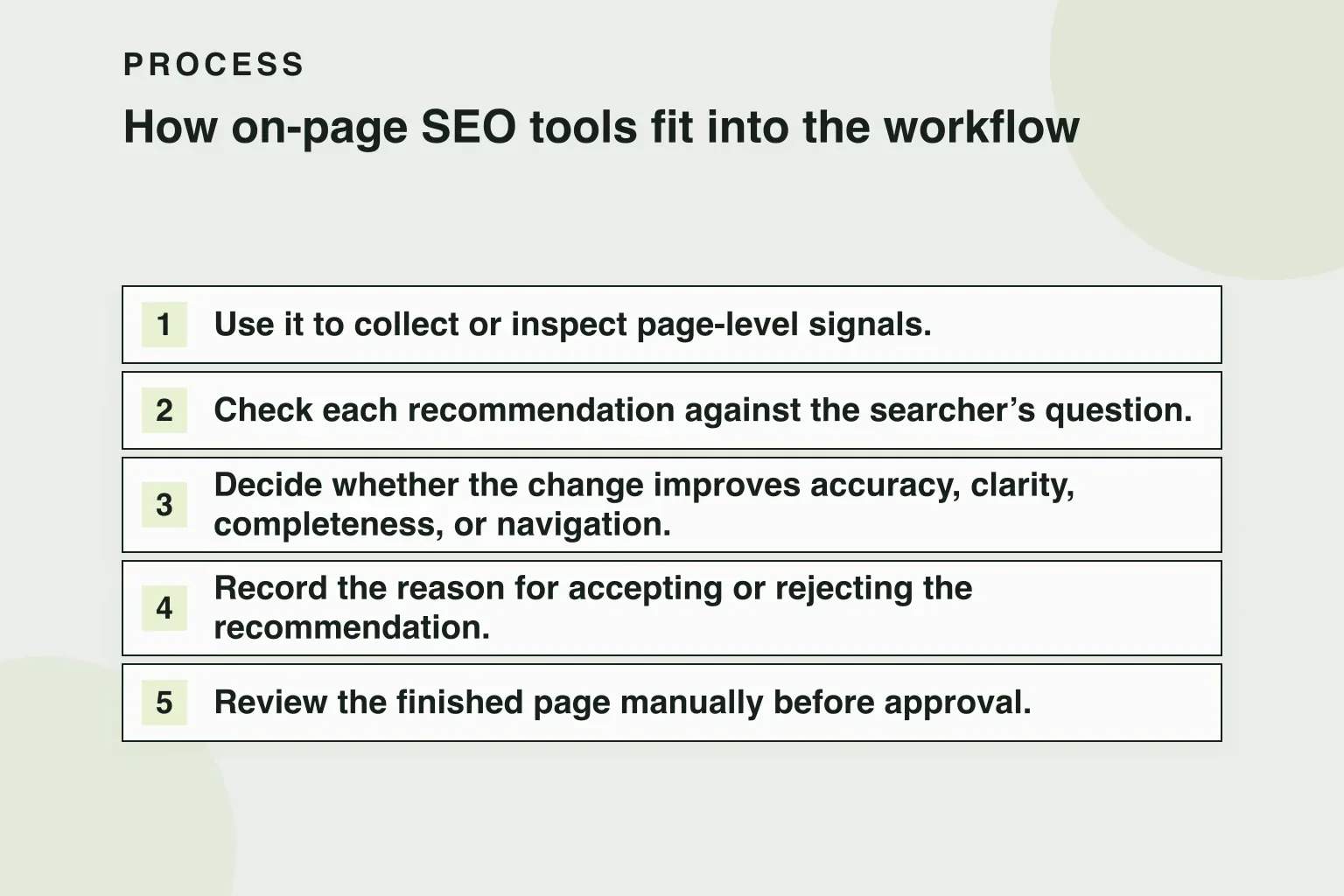
- Use it to collect or inspect page-level signals.
- Check each recommendation against the searcher’s question.
- Decide whether the change improves accuracy, clarity, completeness, or navigation.
- Record the reason for accepting or rejecting the recommendation.
- Review the finished page manually before approval.
This is also why “seo on page optimization tool” and “on-page SEO tools” should not be treated as interchangeable promises. Different tools can inspect different elements, use different scoring systems, or support different workflows. Compare the actual evidence and review process, not just the label on the tool.
Common mistakes and limitations
Optimizing for a phrase instead of an answer
Keyword use matters, but a page that repeats a phrase while failing to answer the underlying question is not well optimized. Write naturally and use related language where it improves precision.
Changing too many variables at once
If you replace the title, restructure the page, add large sections, and change internal links simultaneously, it becomes harder to understand which change affected the result. When practical, group related fixes and document what changed.
Treating rankings as the only evidence
Rankings are useful, but they do not explain every outcome. Search demand, competition, page history, technical conditions, seasonality, and changes in search results can all affect performance. Use the evidence available, and avoid promising a specific ranking or traffic result.
Ignoring the existing page landscape
A new article is not always the right answer. An existing page may already address the topic and be a better candidate for improvement. Before creating a new page, check for overlapping content, competing URLs, and opportunities to consolidate or distinguish pages.
Assuming optimization is a one-time task
Search results and pages change. After approved work is shipped, allow enough time and collect enough evidence for a meaningful review. If the page still underperforms, return to the diagnosis rather than applying the same checklist mechanically.
Frequently asked questions
What is the difference between on-page SEO and technical SEO?
On-page SEO focuses primarily on the content and page-level elements that communicate a topic and serve the visitor. Technical SEO often addresses broader crawlability, indexing, performance, and site-architecture concerns. The categories can overlap, so use the distinction to organize work rather than to force every issue into one label.
How often should a page be optimized?
There is no universal schedule. Review a page when its performance, search intent, business context, or information has materially changed, or when evidence points to a specific weakness. Rewriting on a fixed timetable without a diagnosis can create unnecessary churn.
Are on-page SEO tools required?
No. A tool can speed up collection and review, but the essential work is understanding the query, evaluating the page, making useful changes, and checking the result. A manual process can be appropriate for a small number of pages; a tool may help with consistency across a larger set.
Should I create a new page or update an existing one?
Compare the page’s current purpose with the opportunity. Update an existing page when it can answer the query with focused improvements. Consider a new page when the existing content has a distinct intent, cannot be adapted without becoming confusing, or would compete with another page after expansion.
Final takeaway
Good on-page SEO optimization is disciplined editorial work: identify the searcher’s need, diagnose the page’s actual weakness, make targeted improvements, and review the result through an approval process. Use tools to support that work, not to replace judgment. Start with one important page, document the changes, and build from evidence.
For more information about RomeoSEO’s approach to auditing content, identifying SEO opportunities, writing page changes, and delivering work as pull requests or CMS drafts for approval, visit the RomeoSEO homepage to join the waitlist.