
RomeoSEO8 min read
SEO Keyword Ranking: Track, Analyze, Improve
Learn how to track SEO keyword ranking, analyze movement, choose a ranking tool, and turn Search Console data into practical content updates.

SEO keyword ranking is the position a page holds in search results for a specific query. Tracking that position helps you understand whether your content is becoming more visible, losing ground, or attracting impressions without enough clicks.
A useful ranking review is more than checking whether a keyword moved from position twelve to position ten. You also need to confirm which page is ranking, how visibility changes over time, whether the result matches the search intent, and which improvement is most likely to help next.
What SEO keyword ranking tells you
A keyword ranking gives you a point-in-time view of how prominently a page appears for a query. Rankings can vary by location, device, search history, language, and the date of the check, so a single number is best treated as a signal rather than a complete performance report.
The most useful questions are usually:
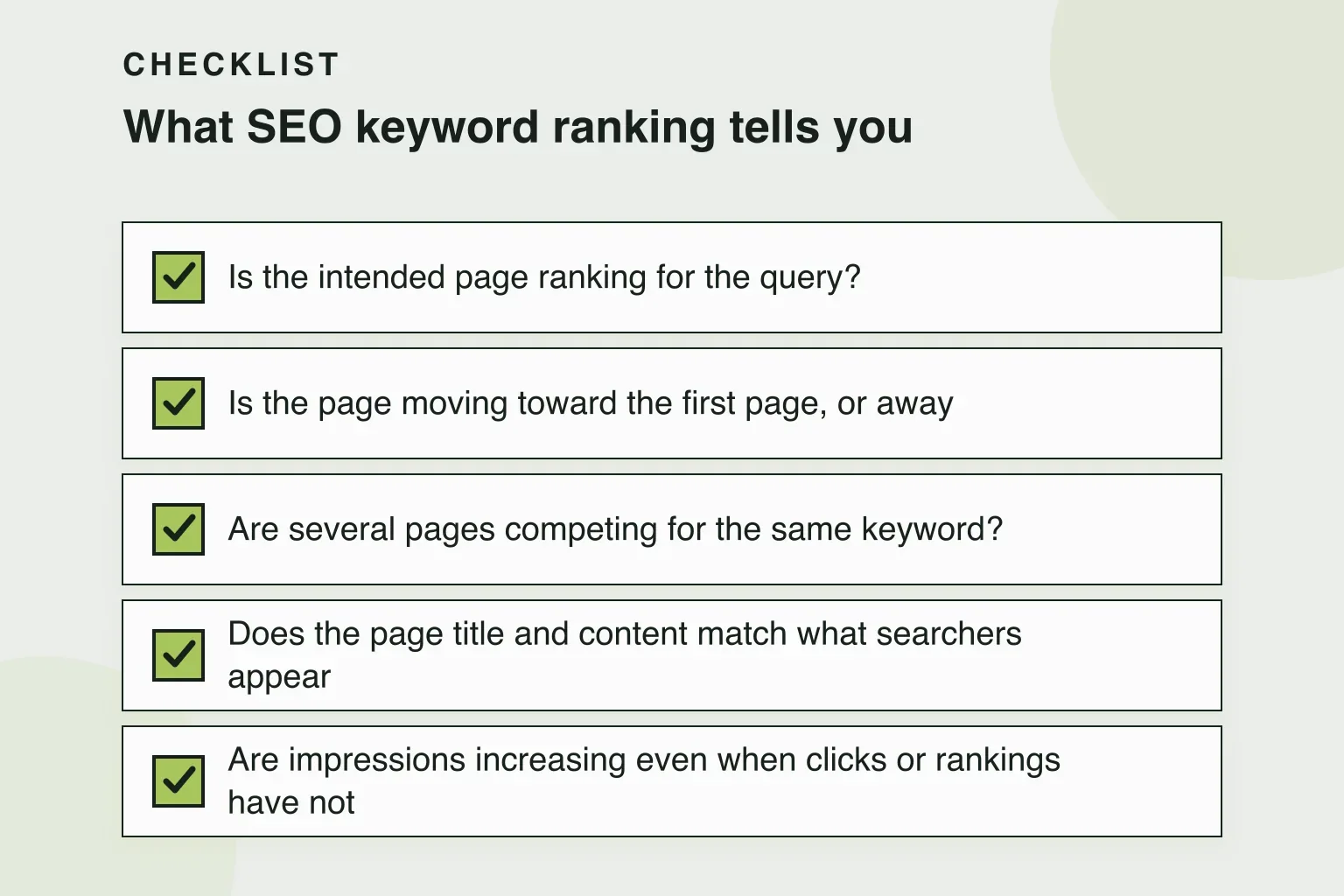
- Is the intended page ranking for the query?
- Is the page moving toward the first page, or away from it?
- Are several pages competing for the same keyword?
- Does the page title and content match what searchers appear to want?
- Are impressions increasing even when clicks or rankings have not changed much?
Search Console data can add context to rank tracking by showing impressions, clicks, click-through rate, and average position for the queries that generated visibility. A ranking tool can help you monitor selected keywords consistently, while Search Console can reveal queries you did not know the page was appearing for.
A practical SEO keyword ranking workflow
A repeatable process makes ranking data easier to act on. Start with a defined set of queries, connect each query to the page you expect to rank, review changes over a meaningful period, and turn the findings into a small number of prioritized updates.
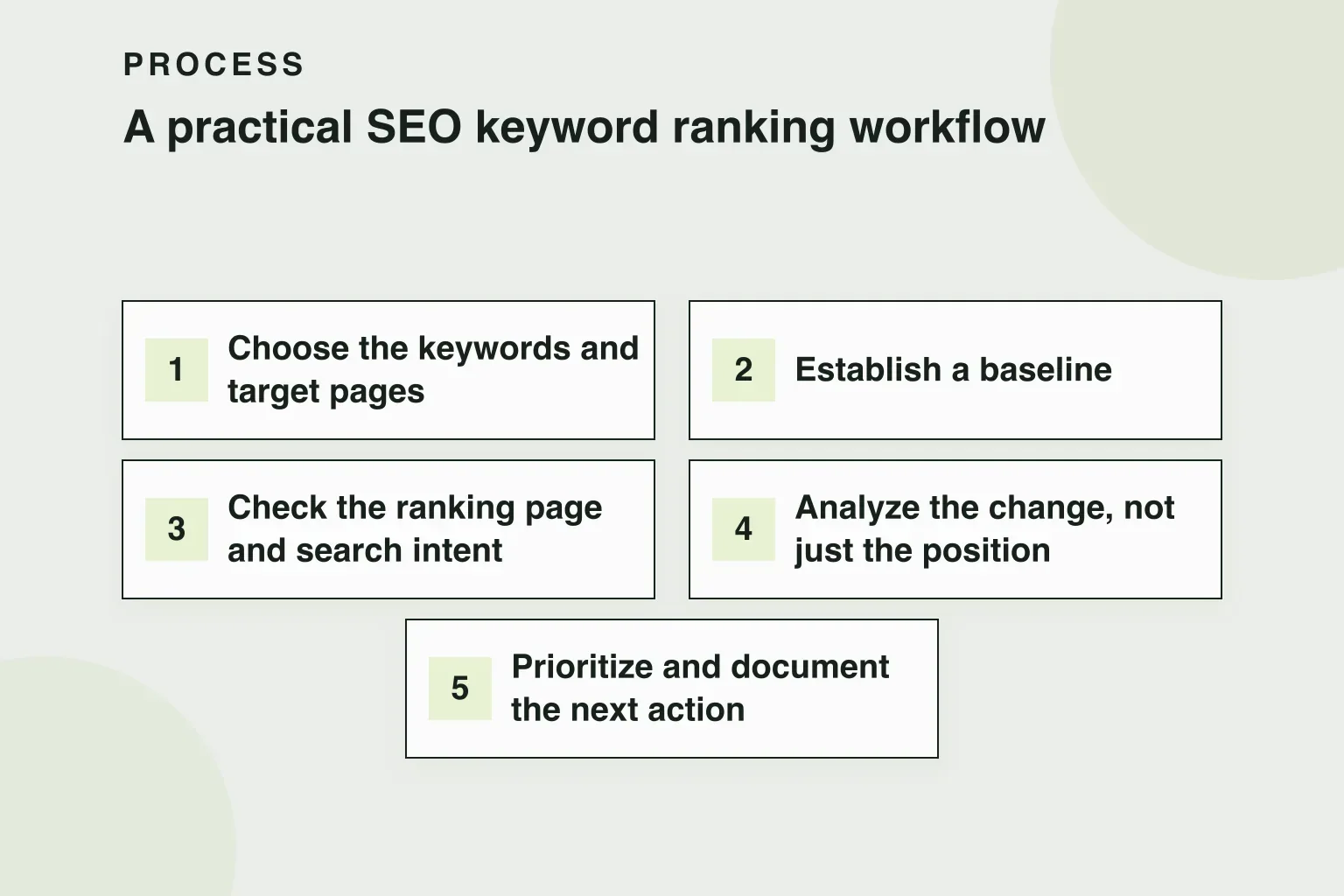
1. Choose the keywords and target pages
Begin with queries that matter to the page and the people it is intended to serve. Record the primary query, close variations, the target URL, the country or location, and the device type where those settings are relevant.
Do not assume that every related phrase deserves its own page. If several queries express the same need, one well-focused page may be a better target than multiple thin pages.
2. Establish a baseline
Capture the current ranking, the ranking URL, impressions, clicks, and average position where those metrics are available. The baseline gives you something to compare against after a content update, technical change, or new round of internal linking.
Keep the date and measurement settings with the record. Comparing desktop data from one location with mobile data from another can create a misleading trend.
3. Check the ranking page and search intent
Look at the page that actually appears in search results. It may not be the URL you expected. If another page is ranking, investigate whether the site has overlapping content, unclear internal links, or a page that better satisfies the query.
Then compare the result type and content format with the query’s likely intent. A guide, category page, comparison, and product page answer different needs. Improving a page is harder when its format does not fit the searcher’s task.
4. Analyze the change, not just the position
Review ranking movement alongside impressions, clicks, click-through rate, and conversions when those data are available. A small position change can matter more for a high-impression query than a larger change for a query with almost no visibility.
Look for patterns across related keywords. Several pages moving together may point to broader demand or technical changes, while one page declining may call for a content or internal-link review.
5. Prioritize and document the next action
Turn the analysis into a specific action: clarify the page’s topic, improve a title or meta description, expand missing information, strengthen relevant internal links, resolve cannibalization, or refresh outdated sections.
Record the change, the reason for making it, the affected URL, and the date it was shipped. This creates a usable history instead of a collection of disconnected ranking snapshots.
How to choose a keyword ranking tool
A keyword ranking tool is useful when you need a consistent way to monitor selected queries. The right choice depends on the questions you need to answer, not on the number of features listed on a pricing page.
Use these criteria when comparing tools:
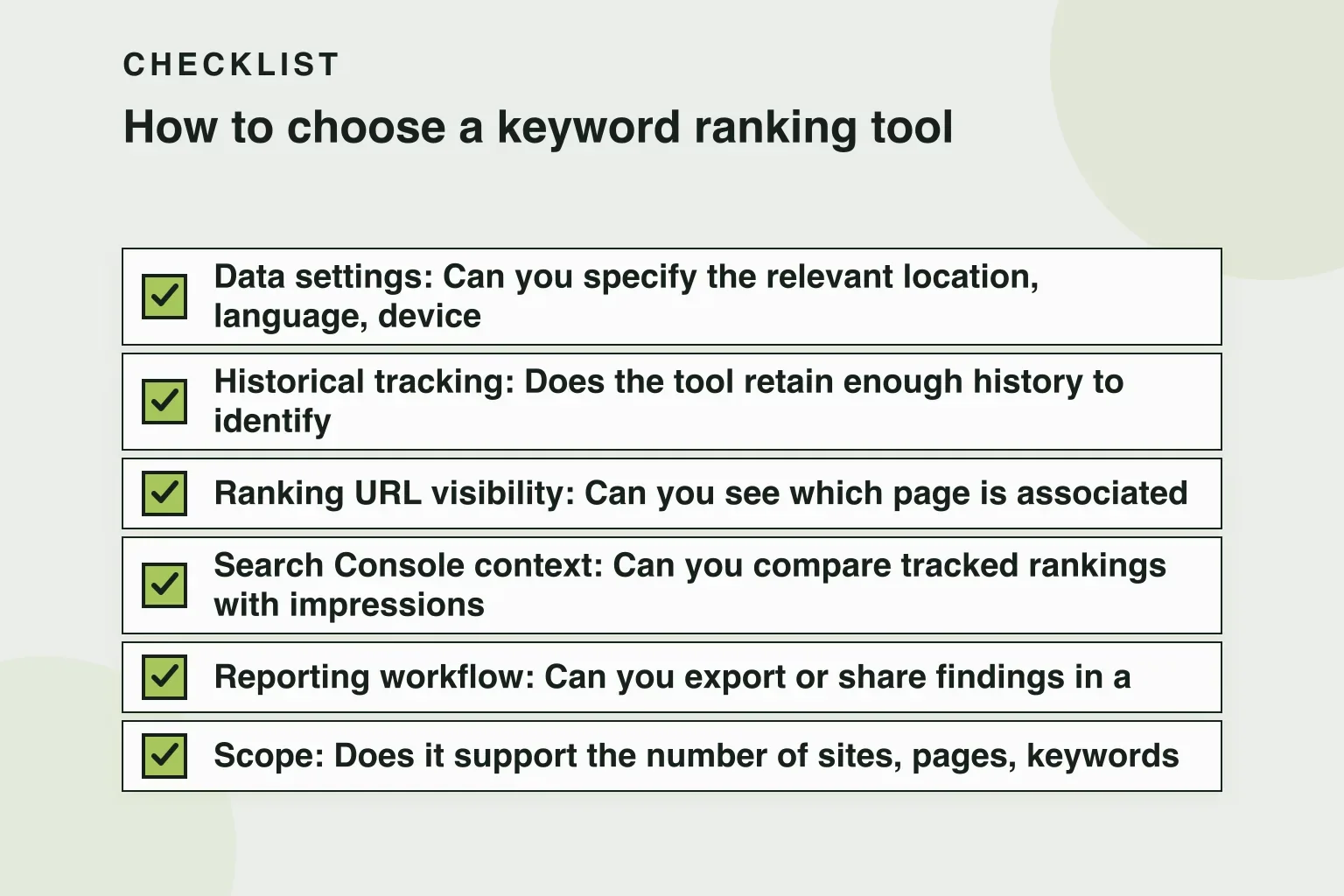
- Data settings: Can you specify the relevant location, language, device, and search engine?
- Historical tracking: Does the tool retain enough history to identify meaningful movement?
- Ranking URL visibility: Can you see which page is associated with a keyword?
- Search Console context: Can you compare tracked rankings with impressions and clicks from your own site?
- Reporting workflow: Can you export or share findings in a format your team can review and act on?
- Scope: Does it support the number of sites, pages, keywords, and locations you actually need?
Free rank checkers can be useful for a quick manual check. For example, Seobility’s free website ranking checker and Ahrefs’ free keyword rank checker can help you inspect rankings without first building a long-term monitoring system. A tool such as SE Ranking’s keyword tool is relevant when you are also exploring keyword ideas, although keyword discovery and ongoing rank tracking are separate jobs.
The important distinction is repeatability. A manual check can answer “where does this page appear right now?” A tracking workflow should help answer “how has this page changed, under consistent settings, and what should we do next?”
How to perform keyword ranking analysis
Keyword ranking analysis turns raw positions into decisions. A practical review can be organized around four comparisons.
Compare the intended URL with the ranking URL
If the wrong page ranks, check for overlapping topics and competing signals. Review page titles, headings, internal links, canonicalization, and the depth of each page before deciding whether to consolidate, redirect, or refocus content.
Compare position with impressions and clicks
A page can gain impressions without a corresponding increase in clicks. That may indicate a title or snippet that is not compelling enough, a weak match with the query, or visibility that is concentrated in lower positions. It can also indicate that the query has broader or changing intent.
Compare related queries
Group terms by topic and intent rather than reviewing every keyword in isolation. If a page performs well for specific variations but poorly for the broader topic, it may need clearer coverage or stronger alignment with the main query.
Compare changes with shipped work
Use your change log to connect ranking movement with actual edits. Avoid claiming that one change caused every movement: rankings can respond to competition, indexing, seasonality, and other factors outside the page itself. The goal is to build better evidence over repeated review cycles.
Common SEO keyword ranking mistakes
Treating one ranking as the truth
A single check is not a trend. Keep measurement settings consistent and review several observations before making a substantial change.
Ignoring the ranking URL
The position alone does not tell you whether the correct page is visible. Always inspect the URL associated with the query.
Optimizing for position without intent
A page can rank for a phrase and still fail to help the searcher. Check whether the content format, depth, and next step fit the query before making keyword-focused edits.
Creating a separate page for every variation
Close keyword variations do not automatically require separate URLs. Multiple pages can divide signals and make the site harder to understand when they answer the same underlying question.
Making too many changes at once
If you rewrite the page, change its targeting, add links, and alter its structure simultaneously, it becomes harder to learn from the outcome. Where practical, group related changes and document them clearly.
Frequently asked questions
What is a good SEO keyword ranking?
There is no universal cutoff. A useful ranking is one that brings qualified visibility for a query the page can satisfy. Positions near the top generally receive more attention, but relevance, impressions, clicks, and the value of the resulting visit matter too.
How often should rankings be checked?
The right cadence depends on the site, query volatility, and the amount of work being shipped. Weekly reviews can provide a practical rhythm for teams making regular SEO changes. More frequent checks may add noise unless there is a specific event to investigate.
Is a keyword ranking tool enough for SEO reporting?
Usually not. Rank tracking should be combined with first-party performance data such as Search Console impressions and clicks, plus the business outcome the page is meant to support. A tool measures selected queries; it does not explain every reason performance changed.
Should I focus on rankings or traffic?
Use both, along with the quality of the resulting visits. Rankings indicate visibility, while clicks and downstream outcomes show whether that visibility is useful. A ranking improvement is not automatically a business improvement.
Next steps
Start with a small, consistent keyword set, map each query to an intended page, and review rankings alongside Search Console data. Then choose one clearly documented improvement instead of reacting to every fluctuation.
For teams that want help auditing rankings and content and preparing changes for review, visit RomeoSEO’s homepage to join the waitlist. You can also explore the RomeoSEO blog and its guide to the anatomy of a blog post for related content-workflow guidance.