
RomeoSEO8 min read
Best SEO Solutions for Small Business (2026)
Compare SEO solutions for small businesses by budget, team size, and who ships the fixes: free tools, affordable audits, keyword research, all-in-one suites.
TL;DR
Small business owners comparing SEO solutions usually need one of six things: a free starting point, an affordable audit, cheap keyword research, a broad all-in-one platform, a tool that prepares the fixes for you, or a person who does it all. Pick based on your budget, how much time you have, and whether you need diagnosis or execution.
- RomeoSEO: finds opportunities using your pages, rankings, and Search Console data, then prepares reviewable changes; good when you have no SEO staff.
- Google Search Console: free data on how Google sees your site; the first step for every small business.
- SEOptimer: fast, affordable audits from $29/month; strong on finding issues, lighter on fixing them.
- LowFruits: low-competition keyword research from $29.90/month; not a full suite.
- Semrush: deep research and monitoring from $139/month; the most expensive option here.
- Agency or freelancer: hands-off execution, but the highest ongoing cost.
How to Choose an SEO Solution for Your Small Business
This comparison uses public product documentation and pricing pages, checked on October 27, 2026, rather than a hands-on benchmark. Before comparing tools, answer four questions. They cut the options down fast.
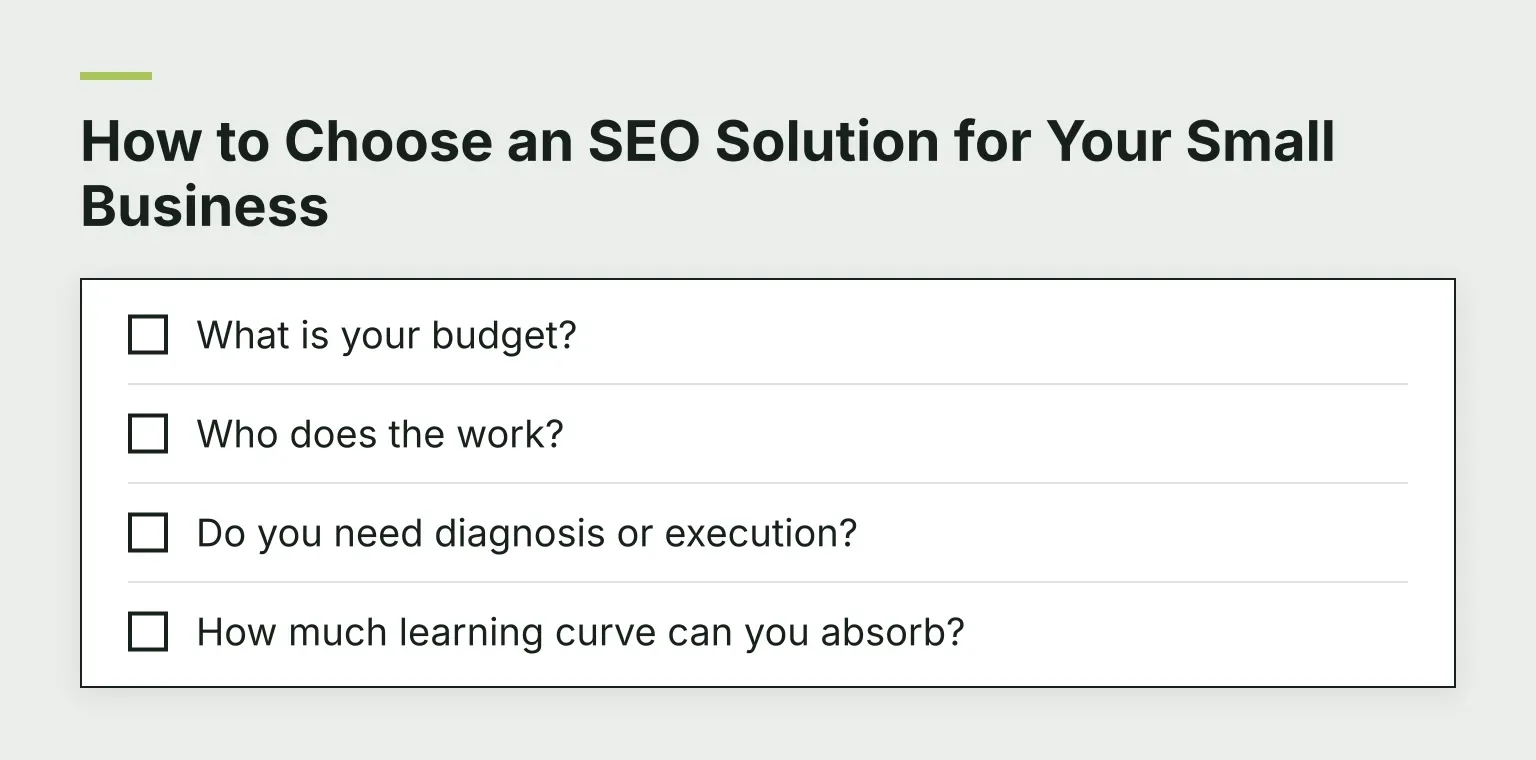
- What is your budget? Anything from $0 (Search Console) to $140+ per month (Semrush) can be reasonable, but only if you use it. A $30 tool you use weekly beats a $140 tool you log into twice.
- Who does the work? If it is just you or one marketing person, a tool that hands you a 60-page report is a liability. You need something that ends in a to-do list, not homework.
- Do you need diagnosis or execution? Most tools tell you what is wrong. Fewer help you actually fix it. Knowing which half of the problem you are stuck on changes what you should buy.
- How much learning curve can you absorb? All-in-one suites take weeks to learn. Focused tools take an afternoon.
If you are unsure where you sit on that last question, our guide to choosing an SEO analysis tool walks through the same criteria in more detail.
Diagnosis vs. Execution: The Gap That Trips Up Small Teams
Here is the pattern we see most often. A small business buys an audit tool, runs a scan, and gets a list of 200 problems. Then nothing happens, because nobody has time to turn that list into fixed pages, new content, and internal links.
The tool did its job. The workflow did not exist. That is why the solutions below are split into two honest categories: tools that are strong at finding issues, and tools (or people) that help ship the changes.
For a closer look at what can be automated versus what still needs a human, see our SEO automation tools roundup.
RomeoSEO: When You Want Changes Prepared, Not Just Problems Listed
RomeoSEO is built around that diagnosis-versus-execution gap. It uses your site's pages, rankings, and connected Search Console data to find keyword and content opportunities, then prepares the work: new or improved pages, titles, metadata, internal links, and images, written in your site's brand voice. Every change arrives as a pull request or CMS draft for human review before anything goes live.
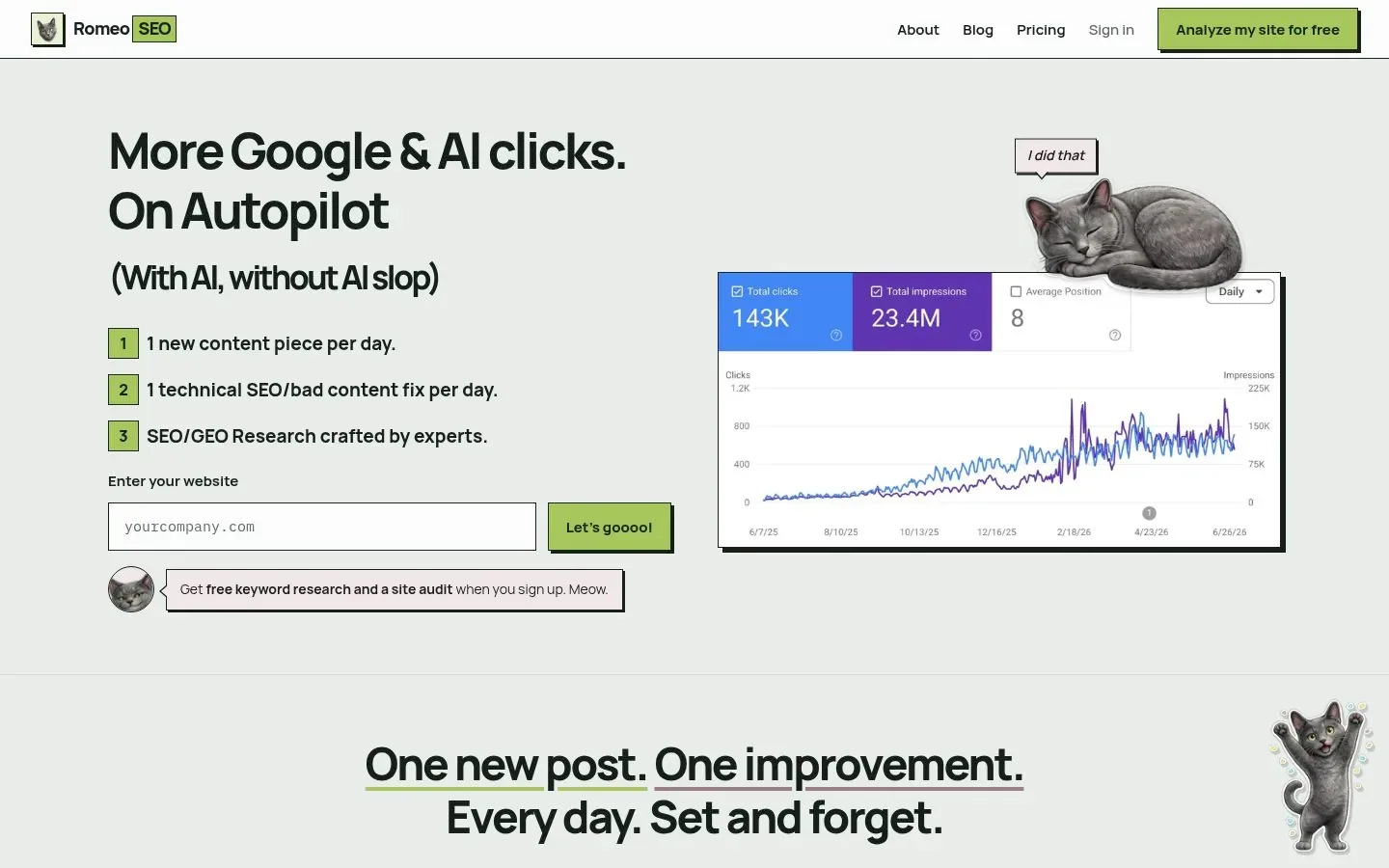
For a small team with no dedicated SEO staff, that review step matters. You keep control over what gets published, but you are not starting every task from a blank page. RomeoSEO also monitors rankings and Search Console data to suggest the next task, so the workflow becomes: review, approve, move on.
The honest tradeoff: RomeoSEO is built for execution and prioritization, not for deep competitive research the way a large all-in-one suite is. If your main need is market research at scale, pair it with the free baseline below or look at Semrush. The site lists an early-bird price of $69/month per site, with a listed regular price of $149/month. Check the current pricing and access terms before signing up. You can read more about the small team behind it on the About page.
Google Search Console: The Free Baseline Every Business Should Start With
Google Search Console is a free service from Google that shows how your site performs in search: which queries bring impressions and clicks, which pages are indexed, and where technical problems exist. Google's own documentation describes it as the way to monitor, maintain, and troubleshoot your presence in Google Search.
It will not write content or fix anything for you. But every tool on this page either uses Search Console data or competes with it, so connect your site to it first. It costs nothing and tells you which pages are losing traffic, which is exactly the information you need before spending money on anything else.
SEOptimer: Affordable Audits, With Limits on the Fixing
SEOptimer focuses on fast, readable SEO audits. Its pricing page lists a DIY Starter plan at $29/month (or $21.75/month billed annually), which covers one site with 4 SEO crawls, 20 tracked keywords, and 20 AI Writer articles per month.
Who it fits: a business owner who wants a clear picture of what is technically wrong with their site, in plain language, without a big spend.
The tradeoff: it is diagnostic. You get the report and some writing help, but turning findings into shipped fixes is mostly on you. If you are comfortable executing yourself, that is fine. If you are not, budget for the gap.
LowFruits: Cheap, Focused Keyword Research for Competitive Niches
LowFruits focuses on analyzing search results in bulk to find keywords where weak, low-authority sites currently rank, which can help identify potential opportunities. Weak competitors do not guarantee an easy ranking. Its pricing page lists a Standard plan at $29.90/month (or $20.75/month billed yearly) with 3,000 credits and a 100-keyword rank tracker, plus pay-as-you-go credit packs if you only need it occasionally.
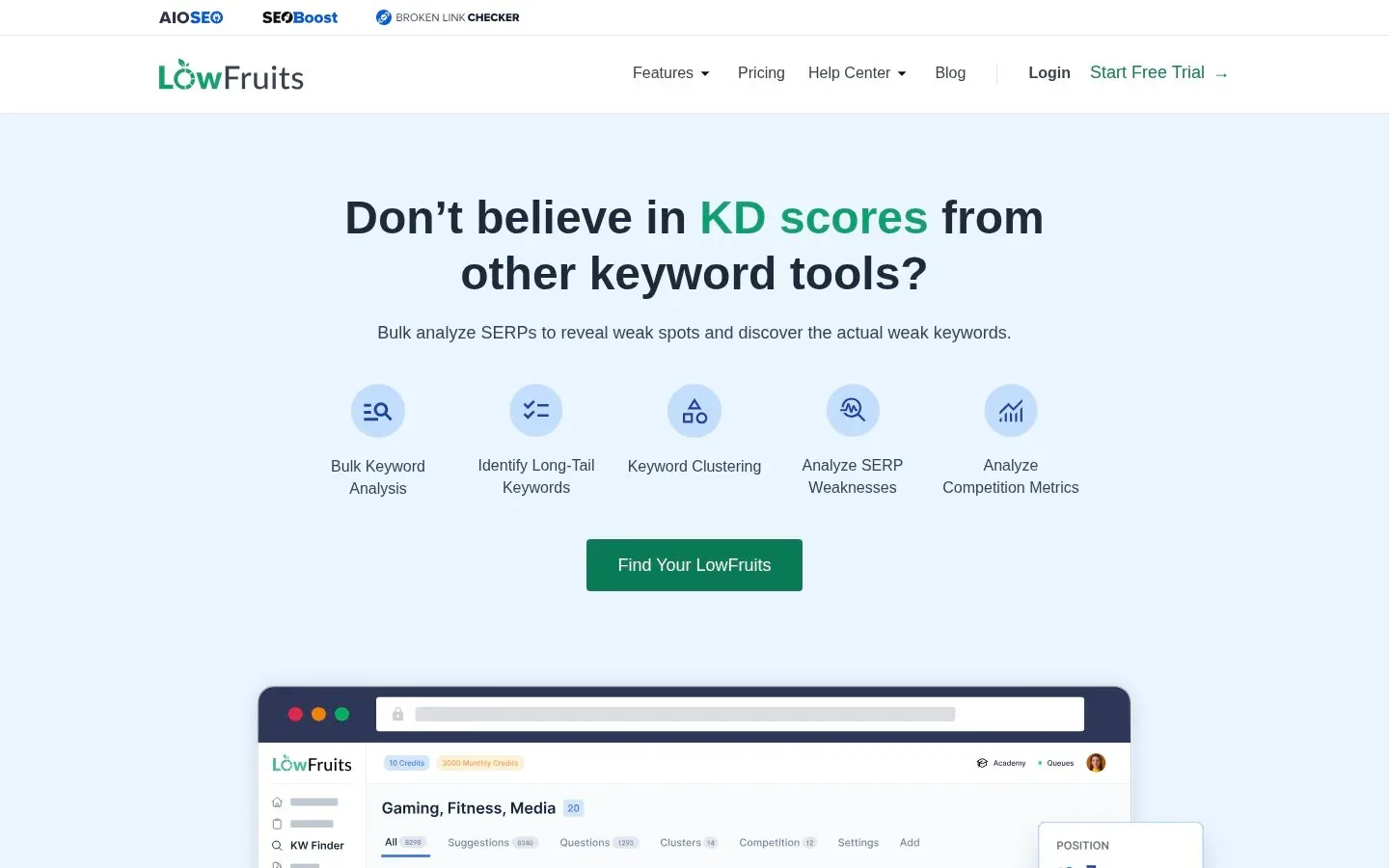
Who it fits: a small business in a competitive niche that cannot outrank big brands head-on and needs realistic long-tail targets. A 14-day money-back guarantee applies if you have used fewer than 100 credits, which lowers the risk of trying it.
The tradeoff: it is not a full suite. There is no site audit, no content writing, and no fix-preparation. You get keyword targets; executing on them is a separate job.
Semrush: The All-in-One Platform, at a Premium Price
Semrush is the broadest platform here: keyword research, competitor analysis, rank tracking, site audits, and more in one subscription. Its pricing page lists the SEO plan at $139/month ($117.33/month billed annually) for up to five websites and 500 daily-tracked keywords. SEO + AI Search packages cost more. A free 7-day trial is available on Semrush's own trial page.
Who it fits: a business with real research and monitoring needs, such as tracking many keywords, studying competitors, or managing multiple sites, and someone on the team with time to learn it.
The tradeoff: it is the priciest option here and the steepest learning curve. Like most audit-style tools, it diagnoses more than it executes; the fixes are still your work.
When to Hire an Agency or Freelancer Instead of Buying Software
Software is not always the answer. Consider hiring instead when:
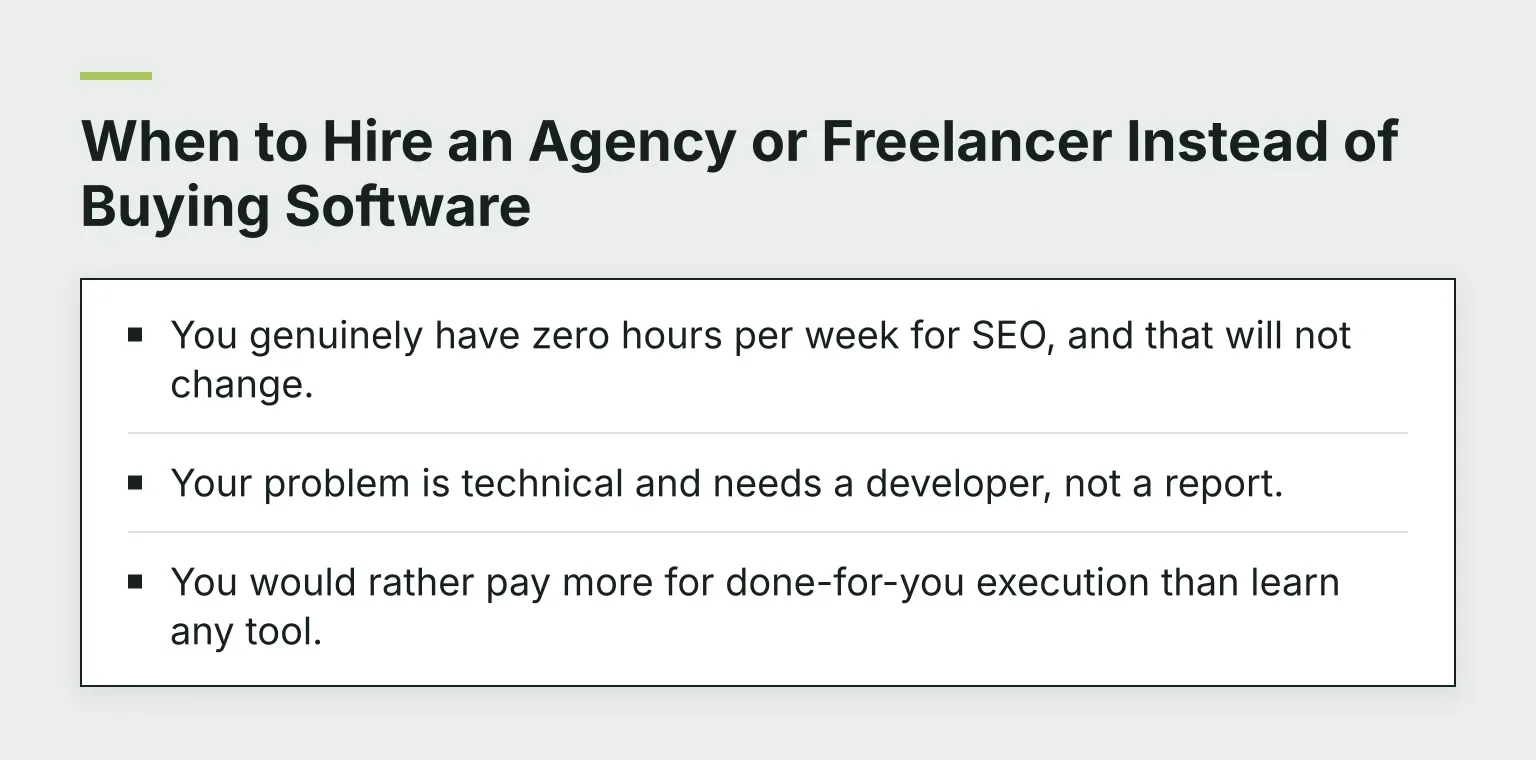
- You genuinely have zero hours per week for SEO, and that will not change.
- Your problem is technical and needs a developer, not a report.
- You would rather pay more for done-for-you execution than learn any tool.
The tradeoff is cost and trust. Agencies and freelancers typically cost far more per month than any tool above, and quality varies widely. If you go this route, ask candidates to show specific changes they shipped for similar businesses, not just reports they generated.
SEO Solutions for Small Business Compared
| Solution | Best for | Starting price | Strength | Main limitation |
|---|---|---|---|---|
| RomeoSEO | Small teams without SEO staff | $69/month per site, early-bird | Prepares reviewable fixes, not just reports | Not a deep-research suite |
| Google Search Console | Every business, first step | Free | Authoritative data on how Google sees your site | Diagnoses only; fixes nothing |
| SEOptimer | Affordable, readable audits | $29/month | Fast, plain-language diagnostics | Limited help with executing fixes |
| LowFruits | Low-competition keyword research | $29.90/month | Finds keywords weak sites rank for | Not a full suite |
| Semrush | Research and monitoring depth | $139/month | Broad all-in-one toolkit | Price and learning curve |
| Agency or freelancer | Fully hands-off execution | Varies, usually highest | Done for you | Cost and variable quality |
FAQ
What SEO should a small business do first? Connect your site to Google Search Console, then check which pages get impressions but few clicks, and which pages are losing traffic. Those two reports tell you where your first wins are. From there, pick one option above that matches your budget and time.
How much should a small business spend on SEO? There is no fixed number, but a useful rule: start free (Search Console), then spend only as much as you can pair with real working time. A $30 tool used every week outperforms a $140 subscription used twice. If you outsource entirely, expect to pay several times what software costs.
Tools or an agency: which is better for a small business? Tools win when you have some time and want control and lower cost. An agency wins when you have neither time nor interest in doing the work yourself. A middle path is a tool that prepares changes for your review, so execution speeds up without giving up control.
Next Step: Pick One and Start This Week
Connect your site to Search Console today, run one honest look at your budget and free hours, and choose a single solution from the table above. If you want changes prepared for review instead of another list of problems, join the RomeoSEO waitlist by providing your email address, and you will hear when it opens.