
RomeoSEO11 min read
12 Best SEO Automation Tools in 2026
Compare 12 SEO automation tools by task, human review, and workflow fit. See options for content, audits, internal links, monitoring, and custom workflows.
Summary of the article
The best SEO automation tool depends on one question most roundups skip: does the tool publish changes on its own, or does it prepare them for a human to approve?
- Approval workflows (RomeoSEO, SEOmator, Link Whisper): automation prepares changes for review. Check optional automatic publishing or linking settings before enabling them.
- Audit and monitoring tools (Screaming Frog, SE Ranking, Semrush, LowFruits): automate the scanning and alerting, you act on the findings.
- Configurable on-page automation (SEOJuice): choose which changes need approval and which run automatically.
- Workflow builders (Zapier, n8n, Gumloop): build your own automations, with as much or as little oversight as you design in.
If rankings recovery or brand voice matters to you, favor tools that gate changes with human review. Here is the shortlist, grouped by the task each tool automates.
| Tool | Task automated | Who reviews changes |
|---|---|---|
| RomeoSEO | Opportunities, content, internal links, monitoring | You approve pull requests or CMS drafts |
| SEOJuice | On-page automation at portfolio scale | Per-feature review or autopilot |
| OMNIUS (Atomic) | SEO and AI-search analytics and tasks | Agency-led |
| Screaming Frog | Technical site audits | You (findings, not auto-fixes) |
| SEOmator | Audits, keyword/prompt tracking, agent fixes | Approval by default; optional auto-publish |
| Semrush | Research, audits, rank and AI-visibility tracking | You |
| SE Ranking | Rank tracking, audits, AI visibility | You |
| LowFruits | Keyword and SERP weakness analysis | You |
| Link Whisper | Internal linking on WordPress and Shopify | Review suggestions; optional auto-linking |
| Zapier | Custom SEO workflow glue | Whatever you build |
| n8n | Custom workflows, including human-in-the-loop steps | You design the gates |
| Gumloop | Prebuilt AI SEO agents | Configurable |
A note on method: this is an editorial shortlist based on the vendors' product pages and documentation, checked on October 16, 2026. Each tool section links to its source. We have not hands-on tested every tool, and the order is not a performance ranking. RomeoSEO is our own product. Check current features, plans, and approval settings before you buy.
How we judged these tools
Five criteria guide the comparison:
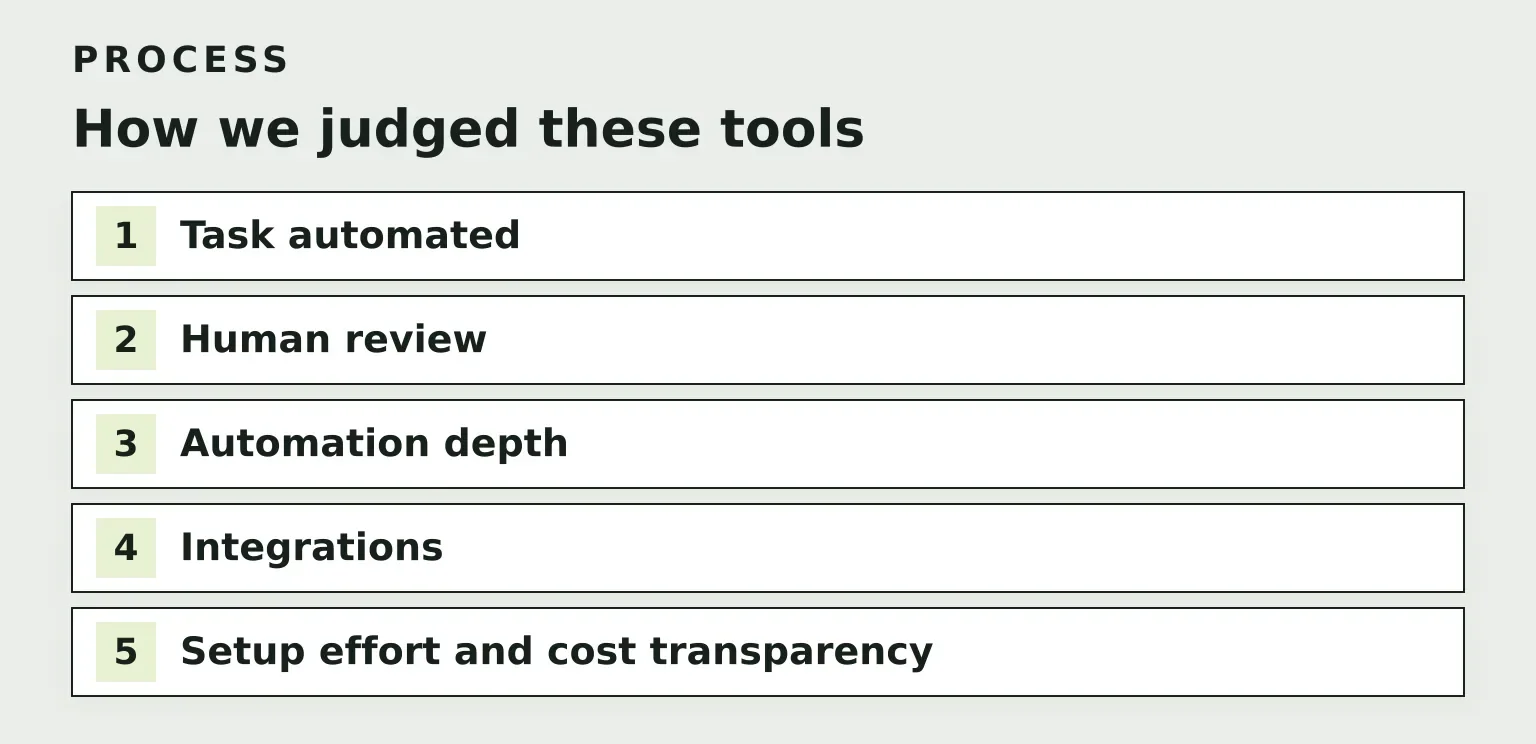
- Task automated. Each tool maps to one clear job: content, audits, internal links, or monitoring. Tools that try to do everything rarely do any one job well.
- Human review. Does the tool gate changes with your approval, or publish directly? This is the biggest risk divider in 2026.
- Automation depth. Does it finish the job, or hand off halfway?
- Integrations. Search Console, your CMS, or a repo. If the tool can't read your real data, its suggestions are guesses.
- Setup effort and cost transparency. How fast to a first useful run, and can you find the price without a sales call?
If you want a deeper framework behind these criteria, our guide to SEO Automation Software: How to Choose a Tool walks through the evaluation step by step.
The human-review tradeoff: read this before you pick
Full automation is seductive. Connect your site, wake up to published pages. The useful distinction is whether automation helps create valuable work or simply scales output. Google's guidance on generative AI content warns that generating many pages without adding value may violate its scaled content abuse policy.
The risks of unchecked autopilot are concrete:
- Low-value content. Mass-generated pages can contain errors, repeat existing material, or fail to help readers. Review quality and usefulness before publication; using AI alone does not determine search performance.
- Unapproved changes. A tool that edits live pages without a checkpoint can rewrite your best-converting page overnight.
- Brand voice drift. Fifty auto-generated pages sound like nobody. Your customers notice before Google does.
Review-gated workflows make these problems easier to catch. Automation still does the heavy lifting (finding opportunities, drafting pages, proposing links), but a human reviews the proposed changes before they go live. Approval is useful only when someone checks facts, intent, and brand voice.
Content automation tools
RomeoSEO
RomeoSEO is the review-loop-native option on this list, and the reason we can be specific about it is that we build it. It uses your site's pages, rankings, and connected Search Console data to find keyword and content opportunities, then writes new SEO content in your site's brand voice, improves existing pages, titles, metadata, and internal links, and adds images. Critically, it does not publish on its own: changes arrive as pull requests or CMS drafts for human review before they go live.
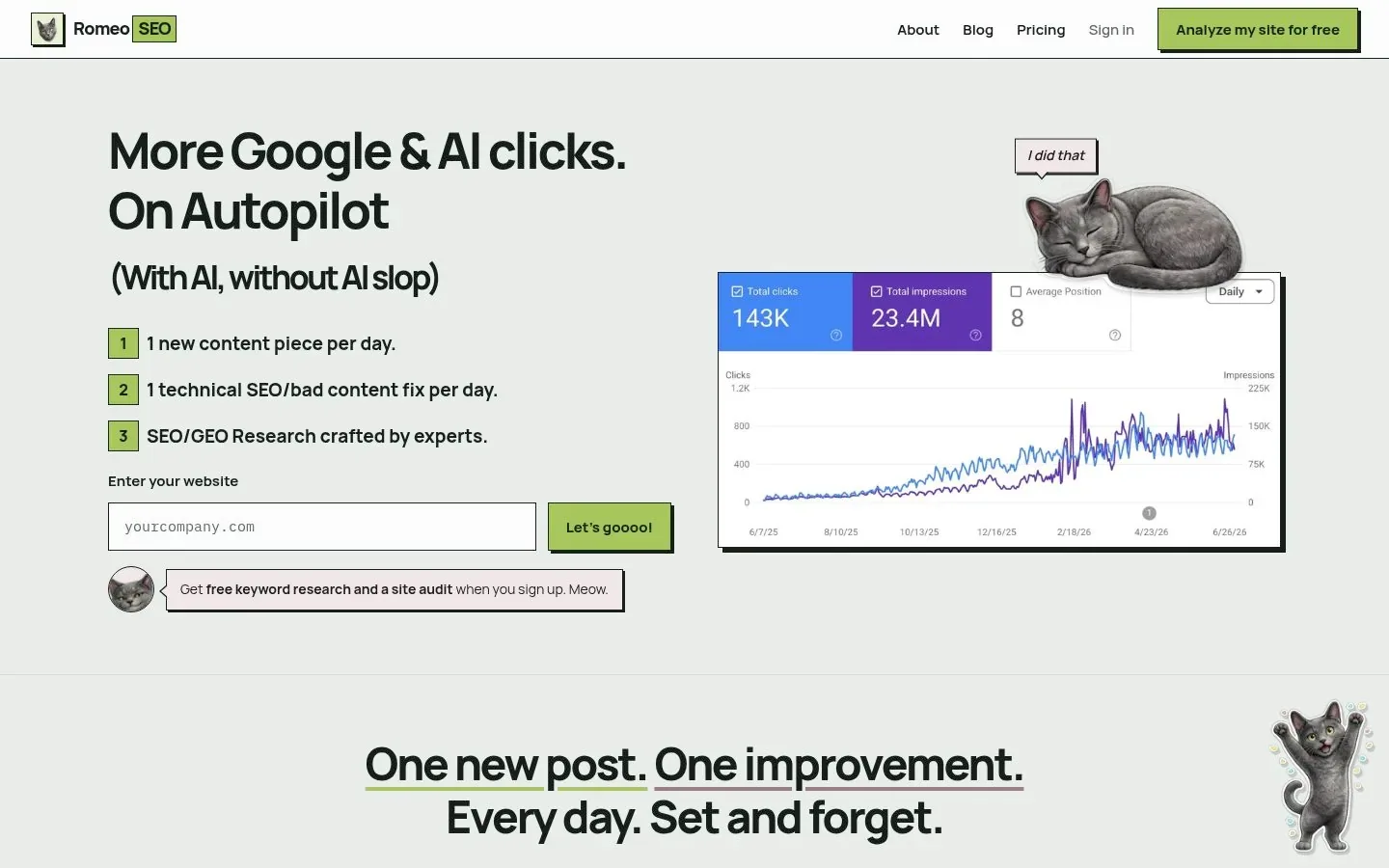
It also monitors rankings and Search Console data to pick the next SEO task, so the loop runs: find, prepare, review, ship, measure. Fits best for established sites improving or recovering rankings, and smaller companies that want SEO output without hiring a full team. Learn more at RomeoSEO.
Tradeoff: you (or someone) still has to click approve. That is the point, but it is real time.
SEOJuice
SEOJuice positions itself as automated on-page SEO, and it leans hard into agency workflows: multi-tenant workspaces, white-label reports, and pricing that scales with sites rather than seats. If you run client portfolios, that model is its clearest fit.
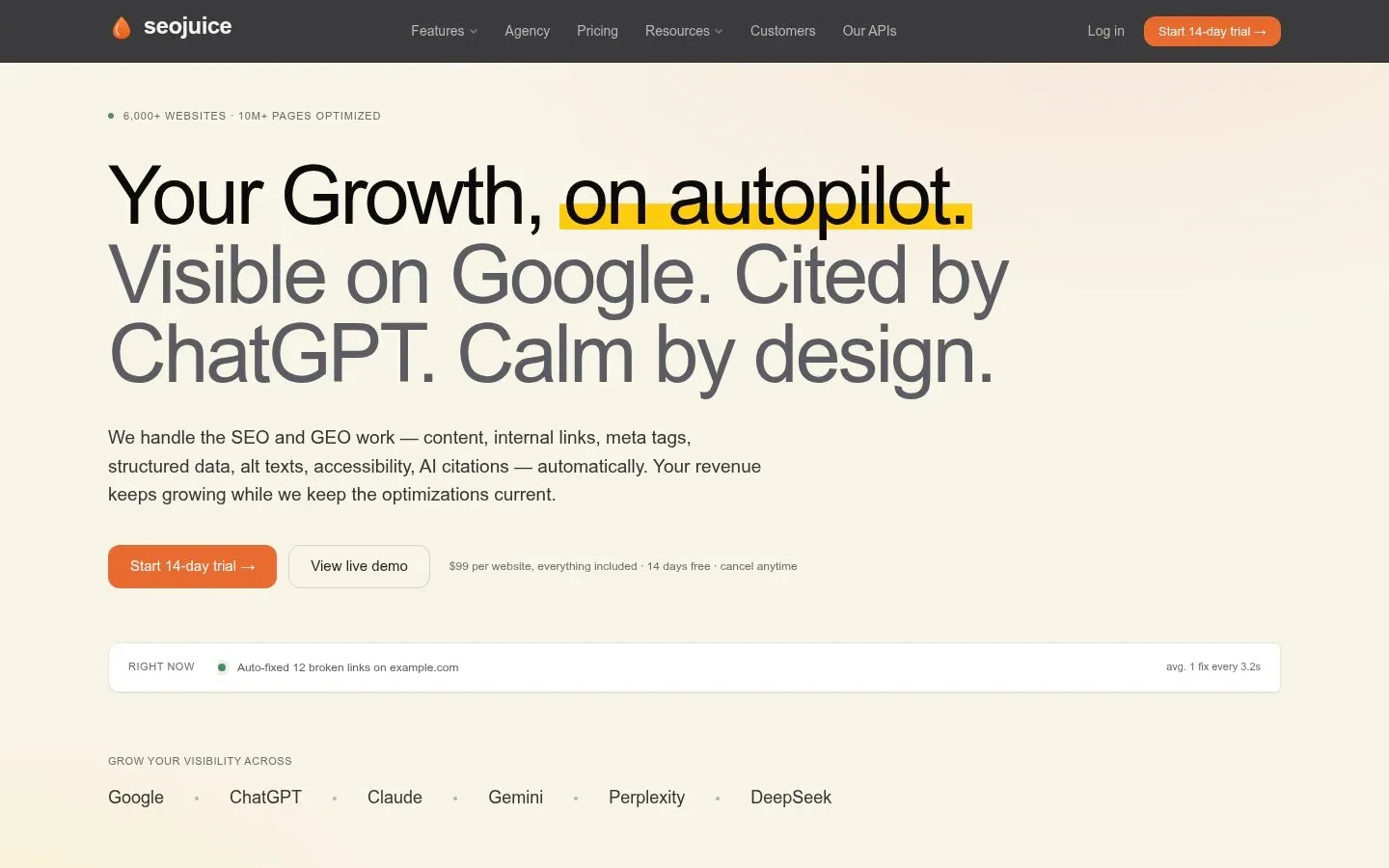
Tradeoff: SEOJuice offers per-feature approval controls as well as autopilot. Check the settings for each feature: reviewing content drafts does not necessarily mean internal links or metadata also wait for approval.
OMNIUS
OMNIUS is primarily a B2B SEO and AI-search marketing agency for SaaS and Fintech, with its own software layer (Atomic) for tracking AI search visibility, analyzing SEO data, auditing sites, and automating optimization tasks. You are buying a service plus tooling rather than pure self-serve software.
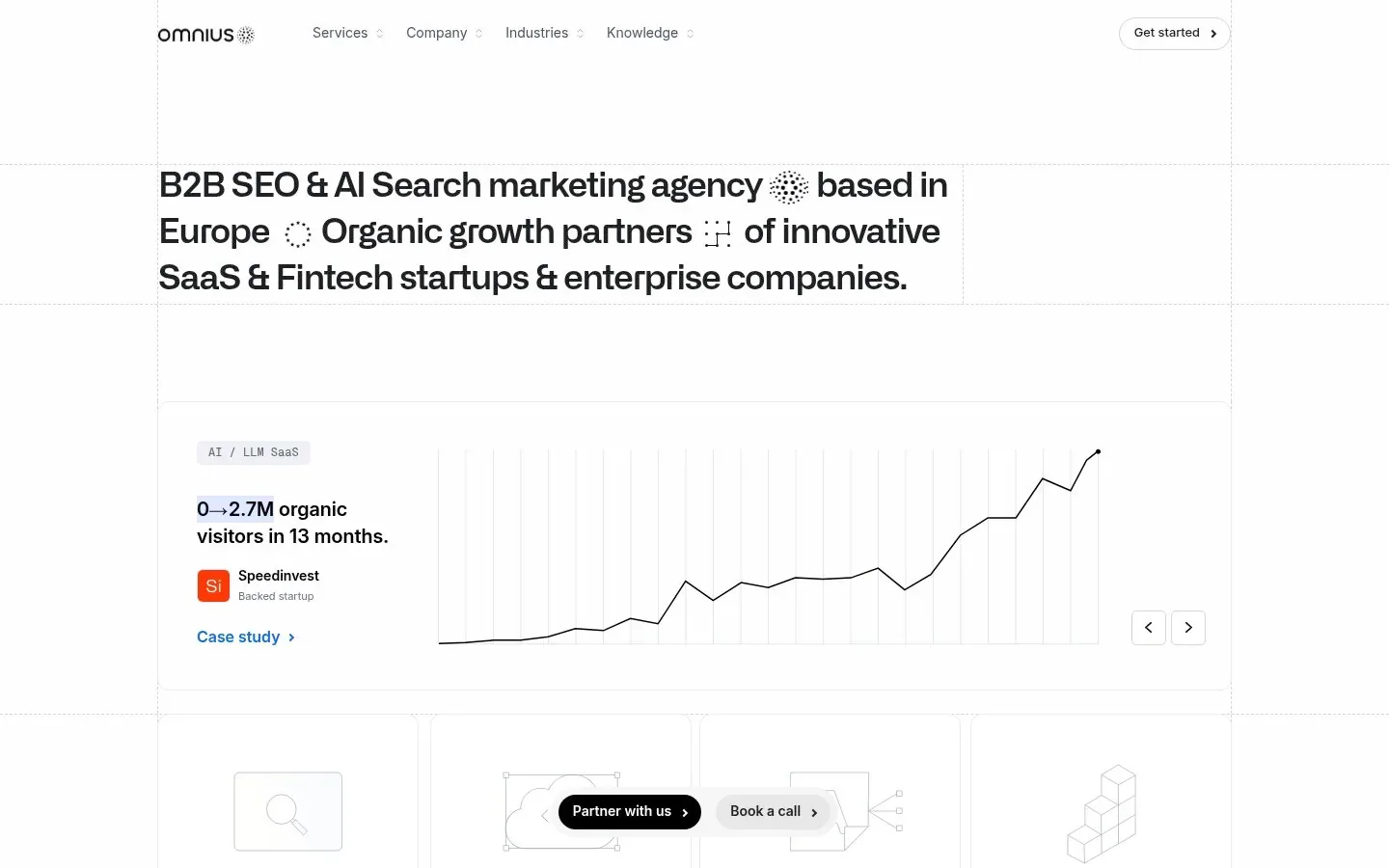
Tradeoff: agency-led means experts in the loop, but also agency pricing and timelines rather than a dashboard you control.
Audit and monitoring tools
Screaming Frog
Screaming Frog SEO Spider is a desktop crawler for technical SEO audits, including broken links, metadata, redirects, and duplicate content. You can crawl 500 URLs free; a license removes that limit and adds advanced features. It automates the finding, not the fixing: you get a report and you decide what to change.
Tradeoff: it is a crawler, not a publishing engine. Pair it with something that acts on the findings. If you are weighing crawlers against other diagnostics, our guide to choosing the right SEO analysis tool covers how to judge them.
SEOmator
SEOmator targets B2B SaaS teams with an agent model that audits your site for Google and AI search, turns findings into a to-do list ranked by impact, and tracks keywords and AI prompts. Its workflow is explicitly approval-gated: once you approve a fix, SEOmator can publish it to WordPress, Webflow, or Shopify. Its audit engine is also open source under MIT, which is unusual transparency.
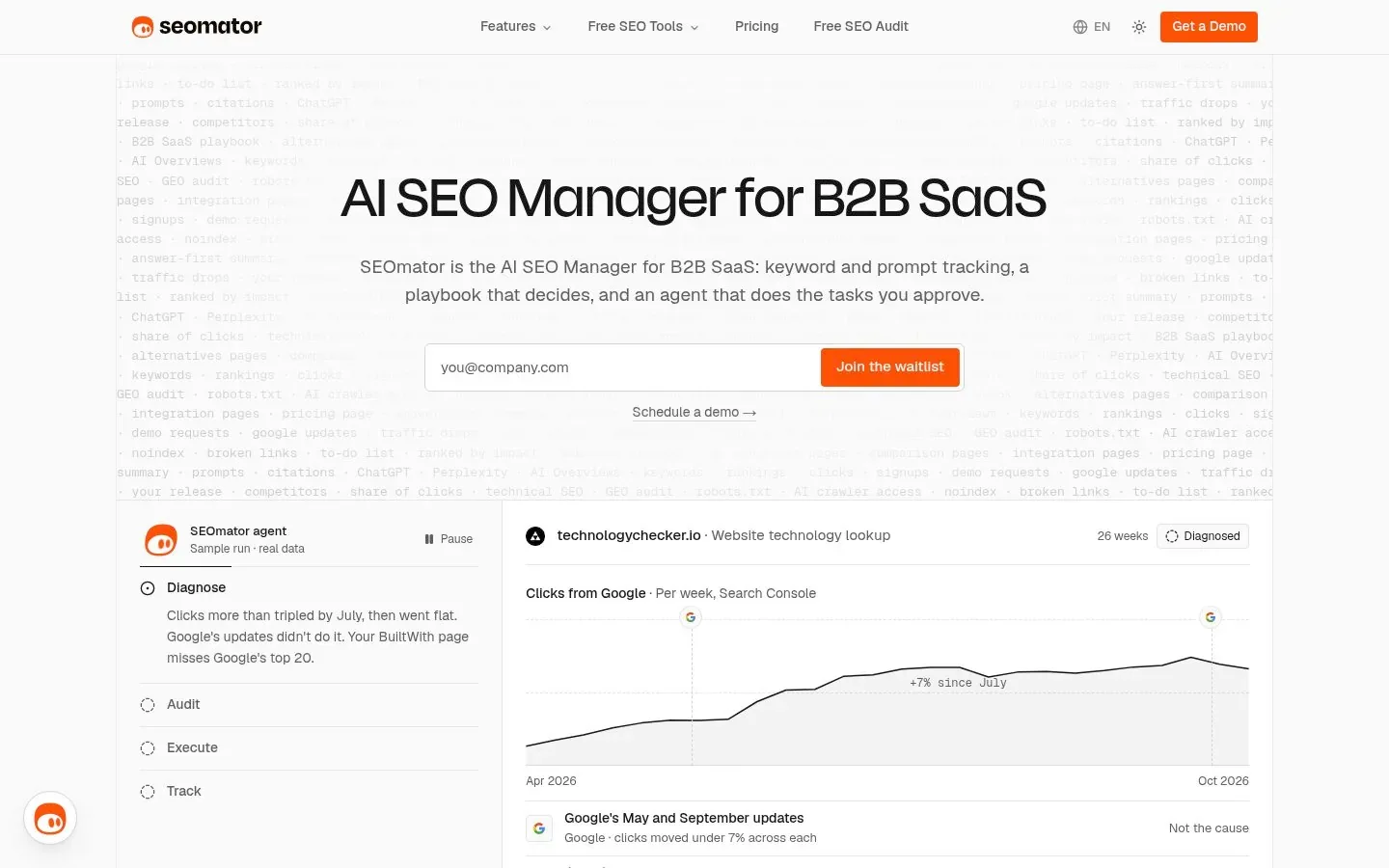
Tradeoff: built for B2B SaaS specifically; teams outside that niche may find the playbook less fitted. Unlike the other tools in this category, it can ship changes. Its default is approval first, but its documentation also describes optional auto-publishing for low-risk fixes; keep that disabled if every change needs review.
Semrush
Semrush is the broadest suite here: keyword research, backlink data, technical audits, rank tracking, content tooling, and prompt-level AI visibility tracking. It supplies much of the data layer that other tools automate on top of; feature availability depends on the plan and add-ons.
Tradeoff: breadth over depth. It tells you what to do more often than it does it, and the full feature set takes real onboarding time. For help judging what its AI-visibility claims mean, see our comparison of AI Search Optimization Tools.
SE Ranking
SE Ranking is a frequent Semrush alternative, trusted by a large agency base. It covers rank tracking, audits, keyword and backlink data, and now AI visibility across major AI engines, with API and MCP access for pulling its data into your own tools.
Tradeoff: like Semrush, it is a data-and-tracking platform first. Automation of the actual work is limited compared to the agent-style tools. For what to do with the tracking data it hands you, see our guide to tracking and improving keyword rankings.
LowFruits
LowFruits automates one sharp job: bulk-analyzing SERPs to find weak keywords, highlighting where low-authority sites rank so you can spot realistic wins. It clusters keywords by intent and supports wildcard searches for long-tail angles.
Tradeoff: it stops at discovery. It will not write or publish anything, which makes it a good feeder for a content tool rather than a standalone answer.
Internal linking automation
Link Whisper
Link Whisper is a WordPress plugin (and Shopify app) that suggests internal links inside your editor: source sentence, anchor text, and target post. Its WordPress workflow lets you review suggested links before adding them, and it also reports orphan pages and broken links. Optional auto-linking rules can add links automatically, so review those settings separately. A free plugin is available on WordPress.org.
Tradeoff: choose the version for your CMS: WordPress and Shopify have separate offerings. A Webflow or custom-stack site needs a different integration. Suggestion review and automatic linking are distinct workflows; verify the controls in the version you use.
Workflow builders for custom SEO automation
Zapier
Zapier connects 9,000+ apps, so it is the default choice for simple SEO automations: new Search Console alerts into Slack, new posts into an audit queue, form data into keyword trackers. No code required.
Tradeoff: per-task pricing gets expensive at volume, and complex multi-step logic gets clumsy compared to code-first tools.
n8n
n8n is a source-available workflow platform with integrations, self-hosting, and explicit human-in-the-loop approval steps. Its Sustainable Use License differs from a conventional open-source license. For SEO teams with technical help, you can build exactly the review-gated pipeline this article argues for: agent drafts, human approves, CMS publishes.
Tradeoff: you maintain the workflows you build. Self-hosting also means maintaining the infrastructure; a managed cloud option is available. Building, debugging, and reviewing your SEO pipeline still takes time.
Gumloop
Gumloop is an AI agent builder with ready-made SEO templates: keyword research agents, content refresh agents that find decaying pages, internal linking agents, and Search Console dashboards. It ships enterprise controls like SSO and audit logging, so IT can see what agents do.
Tradeoff: agent output quality varies with the model and prompt you choose. Start with scheduled, read-only jobs like monitoring before you let agents touch content.
How to choose
Match the tool to three things:
- Team size. Solo or tiny team? Consider tools that prepare work for approval, such as RomeoSEO or SEOmator, before assembling Zapier plus five subscriptions. For internal linking alone, a focused tool such as Link Whisper may be enough.
- Existing stack. WordPress-only points you at Link Whisper and CMS-integrated tools. Agencies need portfolio features like SEOJuice's. Technical teams can build with n8n.
- Appetite for oversight. If your rankings are healthy and content volume is the goal, autopilot might be tolerable. If you are recovering from a drop or protecting a brand voice, review-gated is not optional; it is the whole point.
One honest caution: monitoring-only tools (Screaming Frog, LowFruits) automate the easy half. The hard half, deciding what to change and doing it well, still needs either a person or a tool built around review.
FAQs
Can SEO be fully automated?
Research, audits, rank tracking, and change preparation can be automated. Some tools also publish automatically, but that does not guarantee accuracy, usefulness, or rankings. Automate the finding and drafting, then have someone review changes before publication.
Are there free SEO automation tools?
Yes, partially. Screaming Frog crawls 500 URLs free, Link Whisper has a free plugin tier, n8n is source-available if you self-host, and Google Search Console itself is free monitoring data. Full agent-style automation is almost always paid.
When should I not automate SEO?
Three cases: your site is recovering from a ranking drop (you need careful, reviewed changes, not volume); your content requires genuine expertise or regulatory accuracy; and you cannot commit anyone to review outputs. An unreviewed automation nobody checks is worse than no automation, because you will not notice when it goes wrong.
If the review-gated approach matches how you want to work, that is exactly what we built RomeoSEO around: opportunities found from your real Search Console data, changes prepared as drafts or pull requests, and nothing live until you approve it. Join the RomeoSEO waitlist by leaving your email address.