
RomeoSEO8 min read
How to Track Keyword Rankings in Search Console
A practical guide to tracking keyword rankings in Google Search Console, reading position data honestly, and turning ranking drops into a prioritized fix list.
TL;DR
Your keyword ranking in SEO is where your page sits in Google's results for a search, and it only matters when you read it alongside impressions, clicks, and change over time. This guide gives you a workflow a small team can actually run: set up trustworthy tracking, read the data honestly, and turn drops into a prioritized fix list.
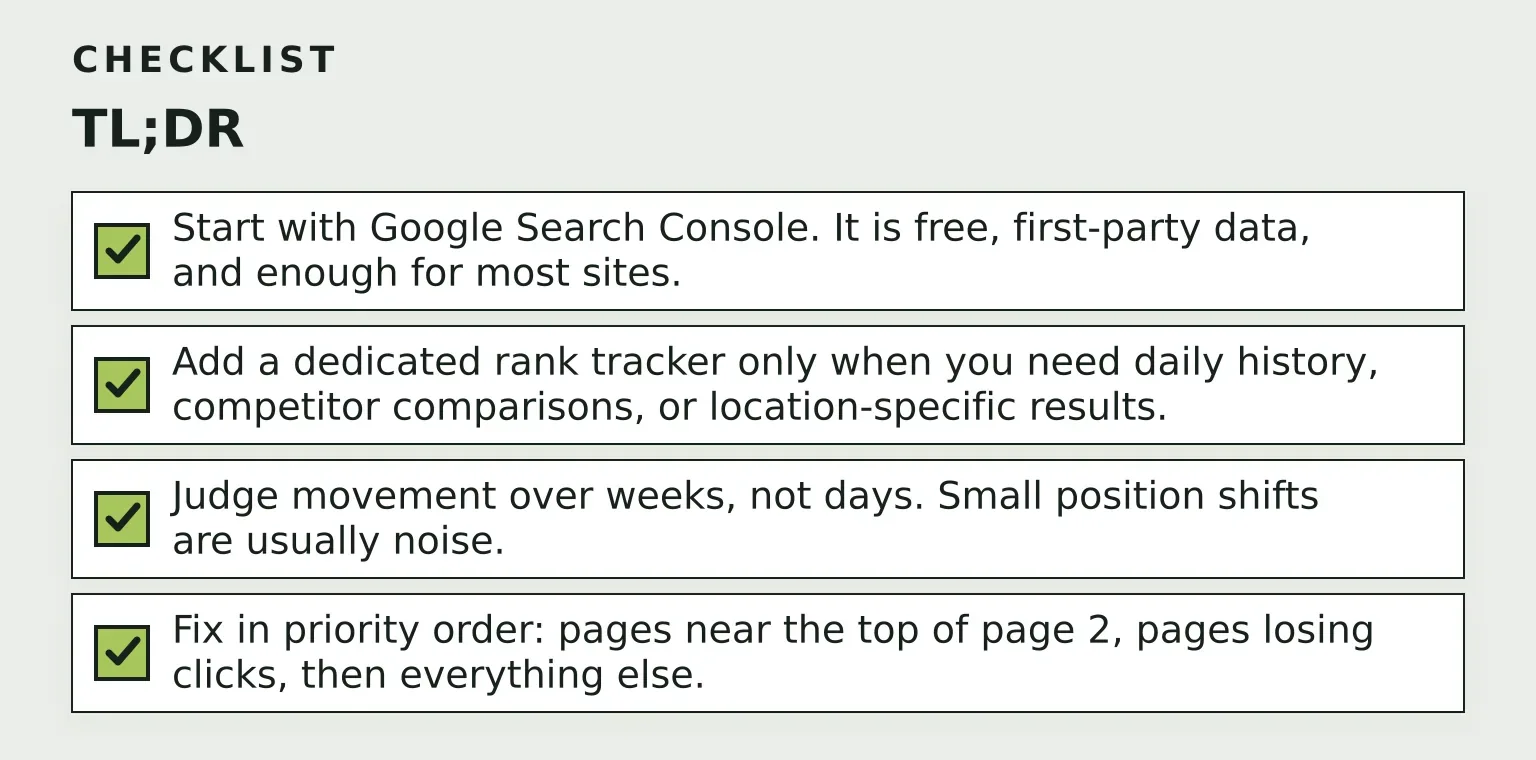
- Start with Google Search Console. It is free, first-party data, and enough for most sites.
- Add a dedicated rank tracker only when you need daily history, competitor comparisons, or location-specific results.
- Judge movement over weeks, not days. Small position shifts are usually noise.
- Fix in priority order: pages near the top of page 2, pages losing clicks, then everything else.
What a keyword ranking actually measures
A keyword ranking is a page's position in Google's results for a specific search. Position 1 is the topmost result. In Search Console, what you see is an average position: the average of the topmost position your link occupied across all impressions. Google's own documentation explains that each result element occupies a single position, and that position is only recorded when your link actually gets an impression (Google Search Console Help).
That definition already tells you what ranking does not measure:
- Traffic. Position 4 can earn more clicks than position 3 if the snippet is better.
- One number for everyone. Results vary by location, search history, device, and time of day. Google confirms results differ between people because of personalization and context (Google Search Help).
- Steady state. Google results change constantly as new content gets crawled and rankings roll out unevenly.
So the useful question is not "what is my exact position?" It is "is my position trending up or down over weeks, and is that movement showing up in clicks?"
Set up baseline tracking in Search Console
Search Console's Performance report is free, first-party, and shows four metrics: clicks, impressions, click-through rate, and average position, grouped by query, page, country, device, and date (Search Console Help).
Do this once, then repeat it on a schedule:
- Open the Performance report and set the date range to the last 28 days, then compare to the previous 28 days.
- Filter by page to see which URL you are examining, then switch to the Queries tab to see the reported queries for that page.
- Note the queries where you rank between 5 and 20 with real impressions. Those are your improvement targets: on page two or the bottom of page one, close to earning clicks.
- Also note high-impression, zero-click queries. Review position, intent and the results layout before assuming the title or description is the cause. Some searches are answered without a click.
Search Console has two limits worth knowing. It omits anonymized queries for privacy, so the query table is incomplete, and its position data starts when impressions start. If a page never gets an impression, you get no position at all.
When to add a dedicated rank tracker
A dedicated tracker checks your keywords on a daily or weekly schedule, keeps a long history, and can run the same keyword across locations and devices. Free checkers such as the Exploding Topics keyword rank checker or Ahrefs' free rank checker are fine for a quick one-off spot check of a few terms. You outgrow them when:
- You track dozens or hundreds of keywords and want position history graphs.
- You need competitor rankings for the same keywords.
- You serve local customers and need rankings from a specific city.
- You want alerts when a tracked keyword drops out of a position band.
Expect one honest limitation: no tracker is "objective." Dedicated trackers generally collect search results that shift by hour, location, and personalization, so a tracker's number will differ from what you see in your own browser. Ahrefs' own help center says to expect discrepancies from volatility, update lag, and personalization, with positions 10 to 20 fluctuating far more than the top 5 (Ahrefs Help). Pick a tracker by data quality and how it connects to a fix workflow, not by which shows the prettiest number.
Why daily rank moves are usually noise
Search results are not static, even within a single day. SE Ranking reports from its own monitoring that that positions 30 to 100 commonly shift 3 to 5 spots between checks minutes apart, and that many one-position changes are a cascade effect: one result enters or leaves, and everyone below it slides by one spot without genuinely rising or falling (SE Ranking Help).
Practical rules that follow from this:
- A move of 1 to 2 positions in the top 10 is normal. So is a swing of several positions deeper down.
- Judge a change only after 7 to 14 days of consistent movement in one direction.
- If a keyword "dropped," check whether Google started ranking a different page of your site instead. Check whether the replacement page matches the intent and whether clicks or conversions suffered before deciding what to change.
Read position with impressions, clicks, and CTR
Position alone hides what is actually happening. Read the three numbers together:
| Position | Impressions | Clicks | What it usually means |
|---|---|---|---|
| Slipping | Falling | Falling | Real decline. Investigate the causes below. |
| Stable or rising | Rising fast | Flat or falling | Google is testing you for new queries, or the snippet is not compelling. Work on title and description. |
| Stable | Stable | Falling | Check CTR, SERP features, search intent and competitor snippets before changing the page. |
| Rising | Rising | Rising | Performance improved. Compare your change log with demand, competitors and other changes before attributing a cause. |
One more caution from Google: because position is averaged across impressions, "my page is position 5" and "I see my page at position 8" can both be true. Google explicitly recommends watching change over time rather than trusting one absolute number (Search Console Help).
Diagnosing a ranking drop
When a page really has fallen over weeks, work through causes in this order:
- Technical. The page returns errors, got noindexed, loads very slowly on mobile, or lost its internal links in a redesign.
- Content. A competitor published a deeper or fresher page. Or your own page lost depth in an edit, or the search intent changed and your angle no longer matches what searchers want.
- Intent shift. The SERP now shows product pages where it used to show guides, or vice versa. Re-read the current top results before editing anything.
- Site-wide. Check whether other pages dropped the same day. If many did at once, look for a recent site change or a known Google update before blaming one article.
If many pages are affected at once, a structured audit beats guesswork. The walk-through in SEO Content Audit: A Practical Guide covers how to score a site's pages and decide what to fix first.
Prioritize your fixes
You cannot fix everything. Rank the queue:
- Keywords ranked 5 to 15 with real search volume. Prioritize relevant queries with impressions and a page that already fits the intent. Potential gains depend on the results layout and the query; no position band guarantees clicks.
- Pages losing clicks week over week. Money is already leaking; the page was earning before.
- High-impression, zero-click queries. Check position, intent and SERP features before testing titles or descriptions.
- Positions 31 and lower. Review intent, indexing and competition before choosing between a targeted edit, a larger rewrite or consolidation.
For the page-level work itself, the checklist in On-Page SEO Optimization: A Practical Guide covers titles, headings, content depth, and internal links in the order they usually matter.
Turn the diagnosis into reviewed changes
Diagnostics without edits change nothing. The end of every diagnosis should be a specific change: a rewritten title, a section that answers the questions the current top results answer, or internal links from related pages pointing at the target with clearer anchor text.
This is also where monitoring and fixing connect. RomeoSEO uses your site's pages, rankings, and connected Search Console data to find the pages and keywords losing ground, then prepares the changes as pull requests or CMS drafts for human review before anything goes live. The point is not a dashboard; it is that the next SEO task is already sitting in front of you with the edits drafted.
A weekly and monthly routine for small teams
Weekly (about 20 minutes):
- Check Search Console for pages with week-over-week click drops of 20% or more.
- Spot-check your top 10 priority keywords for direction, not exact position.
- Pick at most one page to improve this week.
Monthly (about an hour):
- Compare 28-day windows: clicks, impressions, CTR, and average position per key page.
- Promote any keyword that climbed into positions 5 to 15 onto the fix list.
- Re-check dropped pages: did last month's changes move the number?
If you want a companion walk-through of the same workflow with more depth on the analysis side, see SEO Keyword Ranking: Track, Analyze, Improve.
Rankings are a leading indicator, not the goal. Track them consistently, read them against clicks, and let the fix queue tell you what to work on next. If you would rather have that loop set up for you, join the RomeoSEO waitlist and be first in line when spots open.