
RomeoSEO7 min read
What Automated SEO Optimization Can and Can't Do
Automated SEO optimization covers audits, metadata, and internal links. See which tasks automate safely, which need human judgment, and how to decide.
TL;DR
Automated SEO optimization means software and AI handle the repetitive parts of SEO for you: audits, rank tracking, metadata drafts, internal links, and content briefs. It does not mean a machine runs your whole SEO strategy. The safe rule: automate what is repetitive, verifiable, and reviewable. Keep humans on strategy, search intent, brand voice, and anything brand-facing.
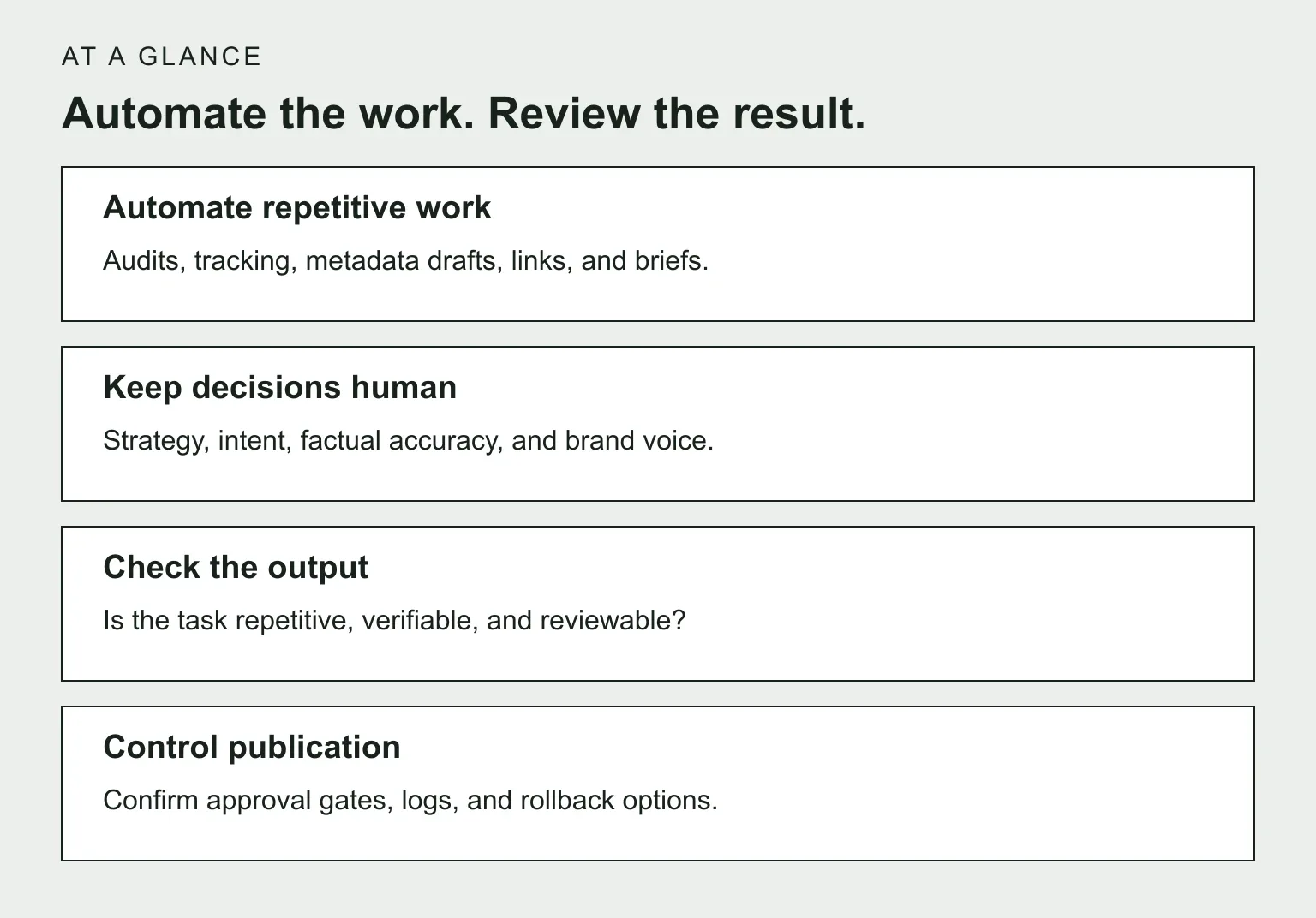
- Automate safely: site audits and monitoring, ranking and Search Console tracking, title and metadata drafts, internal-link suggestions, content briefs.
- Keep human: strategy and prioritization, search intent decisions, content quality sign-off, link earning and outreach, anything you cannot easily undo.
- How to decide: if a task is repetitive, verifiable, and reviewable, automate it. If it is judgment-heavy or brand-facing, keep a person in the loop.
- Check 'fully automated SEO' claims carefully. Confirm approval controls, logs, and rollback options before allowing live changes.
What automated SEO optimization actually means
Automated SEO optimization is the use of software, scripts, or AI to do SEO tasks without someone doing them by hand each time. The machine crawls your site, reads your Search Console data, checks rankings, flags problems, and prepares fixes. Some tools go further and draft the fix itself: a new title tag, an internal link, a content outline.
The key word in that sentence is 'prepares'. Good automation suggests and stages work. It does not quietly rewrite your site overnight.
It is also not the same as a ranking guarantee. A service may automate research, content, or publication, but that does not establish the quality of the result. Google's guidance on generative AI content emphasizes accuracy, quality, and relevance, and warns that generating many pages without adding value may violate its scaled content abuse policy. Ask what gets checked and who is accountable for changes.
That is the difference between automated SEO optimization and a hands-off promise. Automation handles the busywork. You still decide what matters.
Tasks that automate safely
Some SEO work is well suited to automation because it is repetitive and easy to check:
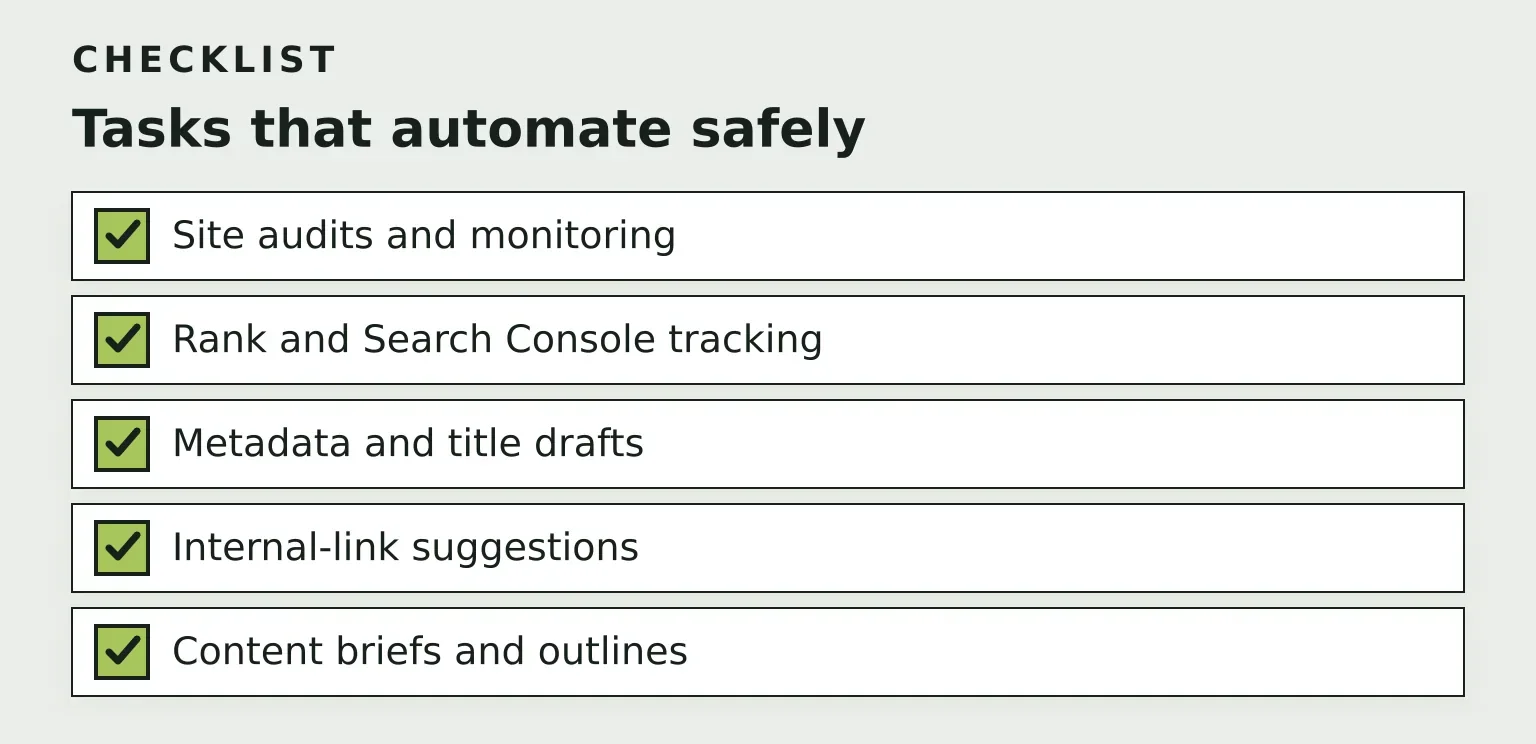
- Site audits and monitoring. Crawling for broken links, missing titles, slow pages, and index problems. The same checks every time, and the output is verifiable.
- Rank and Search Console tracking. Watching which queries and pages are rising or falling, and flagging when a page loses traffic. This is pure data work.
- Metadata and title drafts. Writing title tag and meta description variants is a perfect first automation target. A draft is cheap, easy to review, and easy to revert.
- Internal-link suggestions. Machines are good at spotting that page A discusses what page B covers. You accept or reject the suggestion.
- Content briefs and outlines. Drafting the structure of a page based on what ranks and what your existing pages cover.
Notice the pattern: in every case, the automation produces a draft or a signal. A human approves it. If you want to go deeper on the on-page side, the practical guide to on-page SEO optimization covers what these fixes look like once you apply them.
Tasks that need human judgment
Other work fails the automation test, often in more than one way:
- Strategy and prioritization. Deciding that recovering one decaying page matters more than publishing three new ones requires knowing your business, not just your data.
- Search intent decisions. A tool can tell you a keyword has volume. Software can estimate whether a searcher wants a tutorial, a comparison, or a product page. A reviewer should confirm that the interpretation fits the business and the actual search results before investing in a page.
- Brand voice and content quality. AI can produce readable paragraphs. Whether the piece is accurate, useful, and sounds like you is a human call.
- Link earning and outreach. Real relationships do not come from a template queue. Automated outreach at scale usually reads like spam, because it is.
- Anything irreversible or brand-facing. Deleting pages, changing URLs, publishing under your name. If a mistake is expensive or public, keep a person in the loop.
A simple decision framework
Before automating any SEO task, ask three questions:
- Is it repetitive? You do it weekly or monthly, the same way each time.
- Is it verifiable? You can check the output against facts: links work, titles fit limits, data matches Search Console.
- Is it reviewable? The change can be staged as a draft or a diff that a human approves before it goes live.
If you answer yes to all three, automate it. If the task involves judgment, brand, or prioritization, automate the surrounding busywork and keep the decision human. Most bad automation experiences trace back to automating something that failed one of these three checks.
Why the human-review loop matters
Review provides a checkpoint between a proposed change and a public result. It complements good data and reliable automation; an approval button alone does not establish that an output is correct.
A review-first workflow looks like this: the tool finds an opportunity, prepares the change as a pull request or a CMS draft, and you approve, edit, or reject it. Nothing goes live silently. When automation acts on bad data, an outdated crawl or a misread query, the damage stays inside a draft instead of reaching your live site.
This is exactly the model RomeoSEO is built on: it uses your pages, rankings, and connected Search Console data to find keyword and content opportunities, then prepares new or improved pages, internal links, and metadata as changes for human review before they go live. It is one concrete example of a broader principle: automation should feed human review, not replace it.
Risks and limits worth knowing
- AI slop. Mass-generated content that is technically fine and practically useless. Google's own guidance is that ranking systems reward helpful, reliable, people-first content, however it is produced, and readers can tell the difference.
- Over-optimization. Automated tools that stuff keywords, add excessive internal links, or rewrite every title for clicks. More optimization is not better SEO.
- Bad inputs. Automation acting on stale or misread data makes confident, wrong changes at scale. This is why reviewable staging matters.
- Oversold claims. When a vendor says 'fully automated SEO', ask what exactly gets reviewed and what happens when the system is wrong. If the answer is 'nothing, it just publishes', walk away.
None of these risks argue against automation. They argue for automation with an approval step.
Tool categories (not a ranked list)
You do not need to memorize product names. Most automated SEO optimization tools fall into one of four categories, and you pick one per need:
- Audit and monitoring tools crawl your site and watch rankings and Search Console data. For how to evaluate one, see the guide to choosing SEO analysis tools.
- Content and on-page tools draft metadata, outlines, and page improvements. Most AI SEO optimization tools live in this category.
- Internal-linking tools map related pages and suggest links between them.
- Workflow and agentic platforms combine several of the above and stage changes end to end, usually with some review mechanism.
When comparing options within a category, look at the same three things this article keeps coming back to: does it verify its data, does it stage changes for review, and can you undo what it does? The limits matter as much as the feature list. Compare the quality of a representative output, the available approval controls, and the ease of reversing a change before expanding the workflow.
Where to start if you are a small team
A practical sequence, all of it through review:
- Monitor first. Connect your Search Console data and get a clear picture of which pages are winning and which are slipping.
- Then metadata and internal links. Start with a small batch of changes. Review the destination, relevance, and wording, then monitor results and keep a rollback path.
- Then content improvements. Use audits and ranking data to pick pages worth rewriting, draft the improvements, and review them like any other edit.
This is the opposite of the 'publish 100 articles automatically' pitch. It prioritizes checking results and learning from a small batch before increasing volume. When you are ready to pick specific software, the list of the 12 best SEO automation tools in 2026 is a natural next step, and the guide to choosing SEO automation software walks through evaluation criteria. For readers extending automation toward AI search visibility, the comparison of AI search optimization tools covers that adjacent question.
If this review-first approach sounds like the way you want to work, you can join the RomeoSEO waitlist by leaving your email and see it applied to your own site.