
RomeoSEO13 min read
Best Free SEO Audit Tools 2026: What Each Checks
Compare the genuinely free SEO audit tools of 2026: what each one checks at no cost, real free limits, and which stack fits a small site without an SEO team.
The short version
There is no single free tool that audits a whole site end to end. Instead, you get free tools that each cover one slice: Google's own view of your site, one-page speed and SEO checks, or crawls capped at a few hundred URLs. The practical answer for a small site is a stack of two or three of these, not one winner.
- Google Search Console: Google's own indexing, Core Web Vitals, and manual action data; free, but only for sites you verify.
- PageSpeed Insights: free speed, accessibility, and SEO checks, one URL at a time.
- Screaming Frog SEO Spider: free desktop crawler for up to 500 URLs per crawl, no signup.
- Ahrefs Free: Site Audit with 5,000 crawl credits per month per verified project; verified sites only.
- Seobility free plan: 1 project, 100 pages per crawl, 7-day wait between crawls.
- Semrush free account: 10 reports per day, Site Audit limited to 100 pages a month.
- SEO PowerSuite WebSite Auditor: free desktop tier crawling 500 URLs.
- Sitechecker: free one-page SEO checker; full site audits need a trial or paid account.
- SEOptimer: free instant page audit with 100+ checks; a page-level snapshot, not a site audit.
- SEOJuice free SEO audit tool: scans up to 50 pages once per day, no login; a slightly deeper snapshot.
- RomeoSEO free SEO audit: reads your robots.txt, sitemap, homepage and up to 24 more pages, no signup; returns a prioritized, plain-English fix list with the affected pages.
Most tools that advertise themselves as a free SEO audit tool are actually free trials or lead-capture widgets. A few are genuinely free, and each one checks something different. This guide sorts the honest ones from the gated ones, states each tool's real free limit as shown on its own site, and helps you pick based on the size of your site.
What a free SEO audit tool should cover
A useful audit covers five areas:
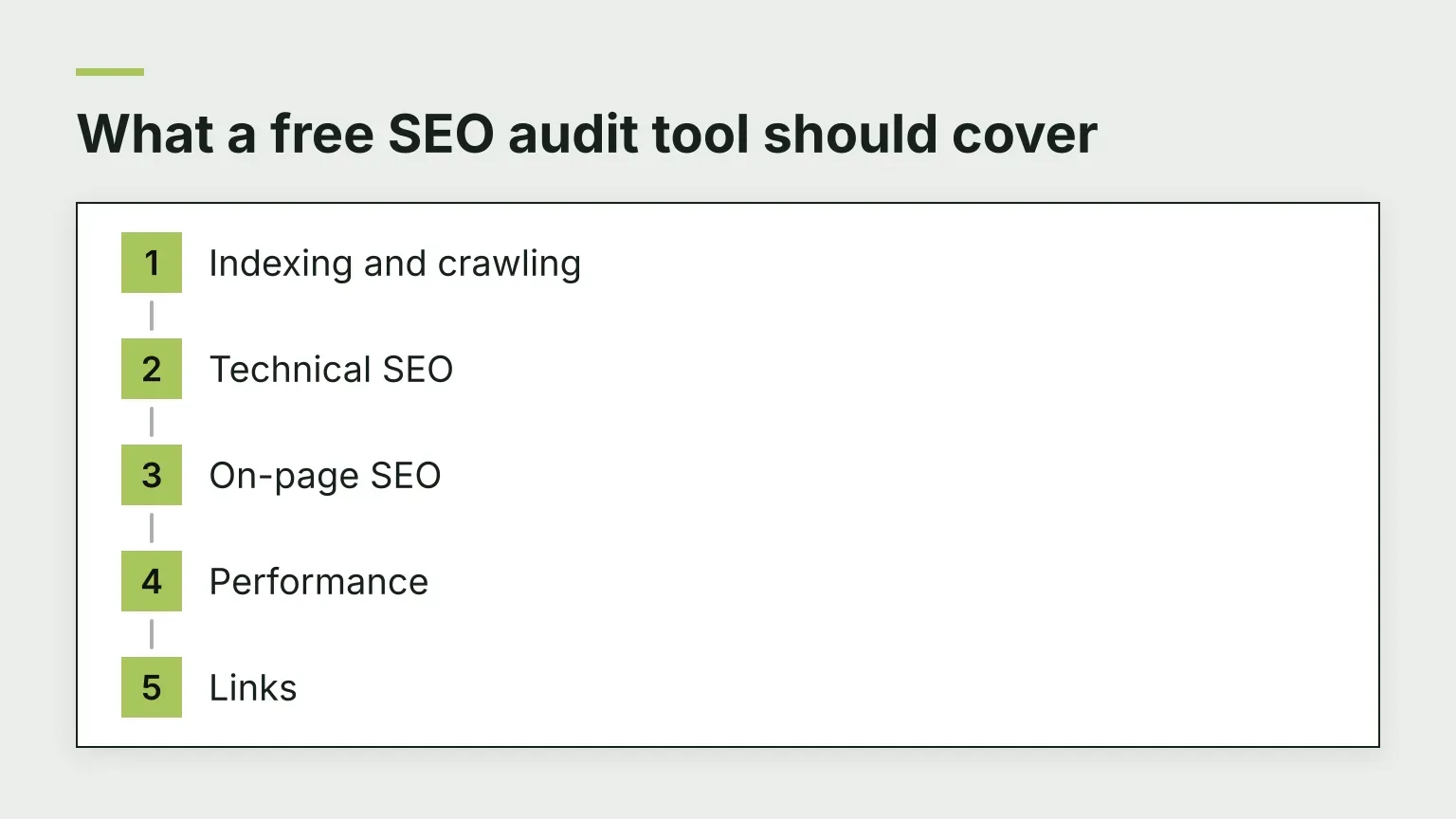
- Indexing and crawling: can search engines reach your pages, and did Google actually index them?
- Technical SEO: broken links, redirect chains, HTTPS, robots.txt, sitemaps, canonical tags.
- On-page SEO: titles, meta descriptions, headings, image alt text, internal links.
- Performance: Core Web Vitals and page speed.
- Links: internal linking structure and, if possible, backlinks.
Free tiers differ because auditing a whole site costs the tool crawl time and data. That cost shows up as a cap of some kind: URLs per crawl, pages per crawl, credits per month, or reports per day. So the real question is not "is it free" but "what unit of work is free, and does that unit fit my site?"
Free SEO audit tools at a glance
| Tool | Free limit | Signup required | Unit of work | Best for |
|---|---|---|---|---|
| Google Search Console | Unlimited | Yes, site verification | Whole site, Google's own data | Indexing, clicks, penalties |
| PageSpeed Insights | Unlimited | No | One URL per run | Speed and Core Web Vitals |
| Screaming Frog SEO Spider | 500 URLs per crawl | No | Crawl | Technical SEO under 500 pages |
| Ahrefs Free (formerly Webmaster Tools) | 5,000 crawl credits/month per project | Yes, verification | Monthly crawl credits | Ongoing technical audits of your own site |
| Seobility | 1 project, 100 pages per crawl | Yes | Crawl with 7-day wait | Small sites, simple monitoring |
| Semrush free account | 10 reports/day, 100-page Site Audit per month | Yes | Reports per day | Second-opinion checks |
| WebSite Auditor (SEO PowerSuite) | 500 URLs per crawl | Download | Crawl | On-page detail on desktop |
| Sitechecker | One free page check | Trial for site audit | One URL | Quick page-level score |
| SEOptimer | Free page audit | No for the basic audit | One URL | Instant snapshot of one page |
| SEOJuice free audit | Up to 50 pages, once per day | No | Small multi-page scan | Deeper snapshot with a grade |
| RomeoSEO free SEO audit | 25 pages per run | No | Small multi-page scan | A prioritized fix list with the affected pages |
Limits change over time, so treat the table as a starting point and check each tool's site before you commit to a routine.
Google Search Console
Google Search Console is the most important free audit source because it is Google's own data. It is a free service, and after you verify your site, you get:
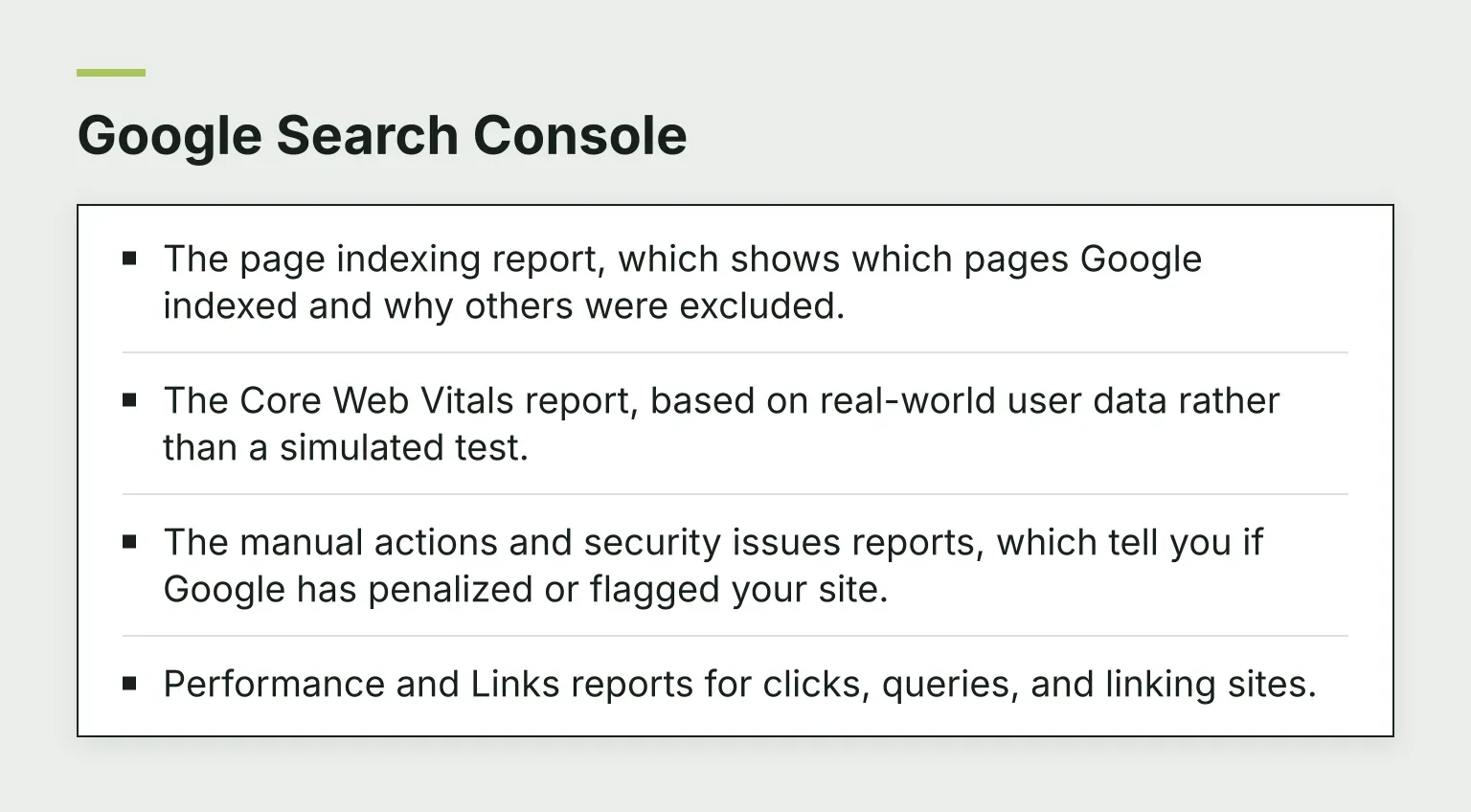
- The page indexing report, which shows which pages Google indexed and why others were excluded.
- The Core Web Vitals report, based on real-world user data rather than a simulated test.
- The manual actions and security issues reports, which tell you if Google has penalized or flagged your site.
- Performance and Links reports for clicks, queries, and linking sites.
Tradeoff: Search Console shows you what Google sees, but it does not crawl your site like an auditor. It will not list every broken link or thin page. It also only works on sites you own and verify.
PageSpeed Insights and Lighthouse
PageSpeed Insights is genuinely free with no signup. Paste one URL and it returns both lab data (a simulated load via Lighthouse, scoring Performance, Accessibility, Best Practices, and SEO) and field data (how real Chrome users experienced the page over the previous 28 days, per the official documentation).
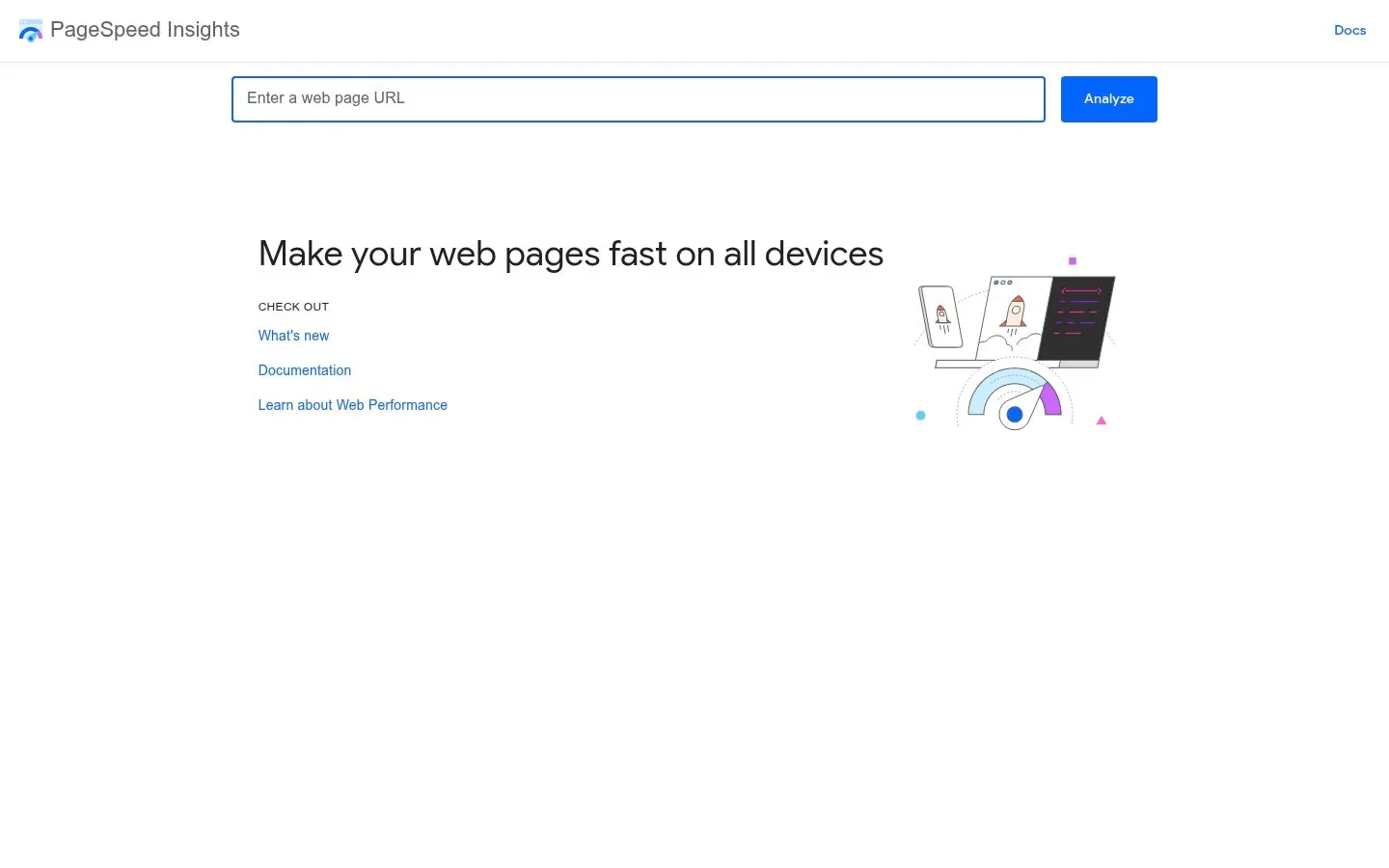
Tradeoff: it is one URL per run. For a 400-page site, that is 400 runs. Use it on your homepage, top templates, and worst performers, not every page. Lab and field scores can disagree, and a freshly published page may have no field data at all.
Screaming Frog SEO Spider (free tier)
The Screaming Frog SEO Spider is free SEO audit software you download for Windows, Mac, or Ubuntu. The free version requires no signup and crawls up to 500 URLs, finding broken links, redirect chains, duplicate pages, and missing metadata. Per the official FAQ, the free version restricts crawl configuration, saving crawls, and advanced features such as JavaScript rendering, custom extraction, and API integrations; the paid licence (listed at €245 per user per year on its pricing page when we checked in November 2026) removes those limits.
Tradeoff: it is the most hands-on option here. You get raw data and need to interpret it yourself. The 500-URL cap means larger sites only get a partial crawl unless you pay.
Ahrefs Webmaster Tools (now Ahrefs Free)
Ahrefs Free is Ahrefs' free account, formerly known as Ahrefs Webmaster Tools. For sites you verify, you get Site Audit covering 170+ technical and on-page issues with 5,000 crawl credits per month per verified project, per Ahrefs' help center. Only internal HTML pages that return a 200 status spend credits, so redirects, error pages, and assets like images do not count against you, per Ahrefs' crawl credit guide.

Tradeoff: verification means your own sites only. If your site has more than 5,000 pages, the free credits will not cover a full crawl, and Ahrefs itself points larger sites toward paid plans.
Seobility (free plan)
The free Basic plan on Seobility covers one website project with 100 pages analyzed per crawl and 10 keywords for ranking monitoring, per Seobility's pricing page when we checked in November 2026. Per Seobility's FAQ, you must also wait 7 days between crawls, start crawls manually, and accept limits on duplicate content analysis. Its reports are more polished and prioritized than a raw crawl export, which suits non-specialists.
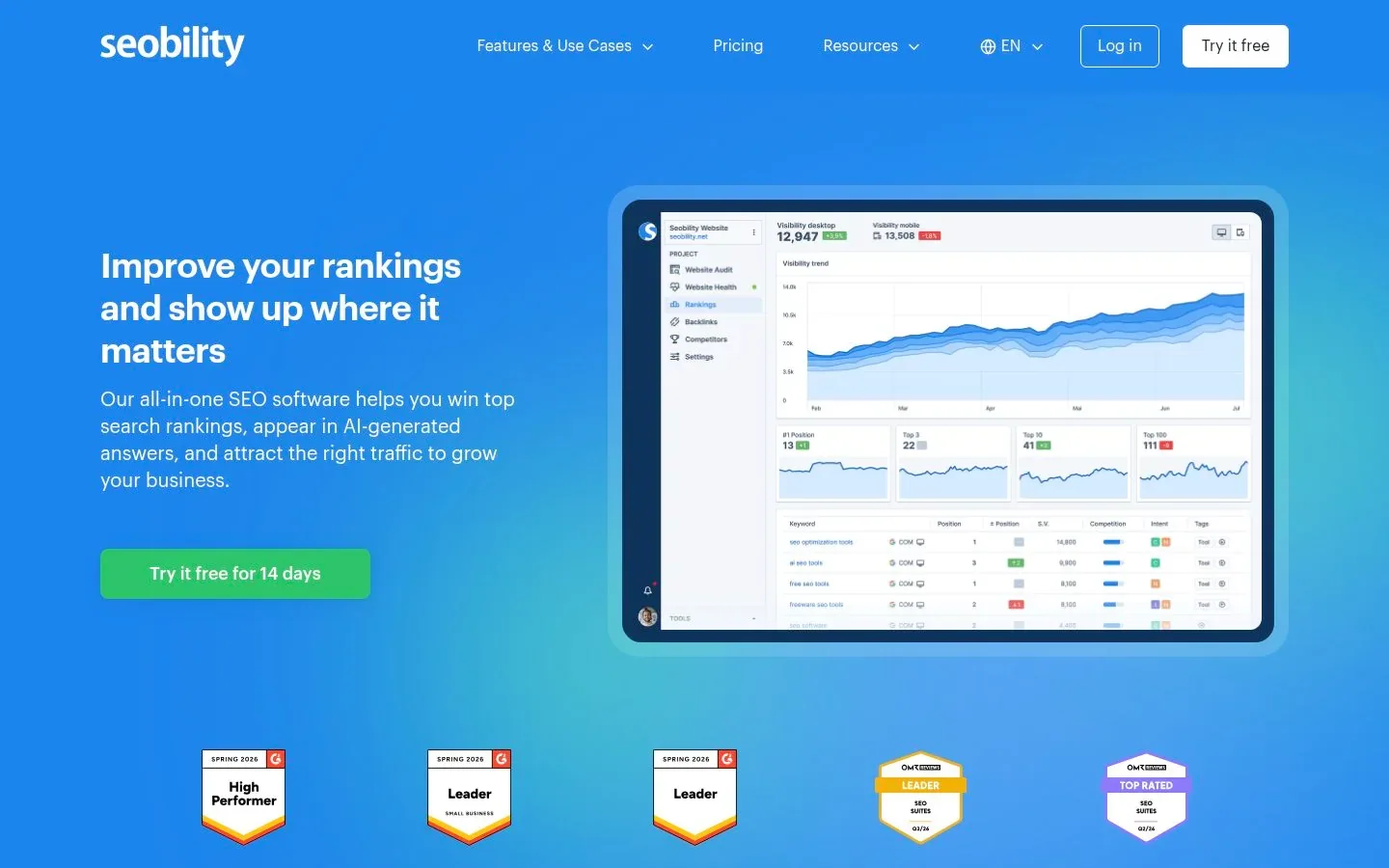
Tradeoff: the 100-page cap plus the weekly re-crawl wait makes this a slow feedback loop. Best for sites under roughly 100 pages that want ongoing, easy-to-read monitoring rather than deep technical work.
Semrush free account
A free account on Semrush requires no credit card and includes 1 demo project with 10 reports per day across tools, per its subscription help page. Semrush's own free account guide lists Site Audit at 100 pages a month, Position Tracking at 10 keywords, and 10 queries per day for domain, keyword, and backlink research.
Tradeoff: the free account is a taste of a much larger platform. It works well as a second opinion on one page or a competitor check, not as your main audit engine.
SEO PowerSuite WebSite Auditor (free tier)
The free license of WebSite Auditor from SEO PowerSuite includes site crawling and auditing for 500 URLs, on-page recommendations, and saving projects, per the official license page. It is a desktop app, free for as long as you want.

Tradeoff: like Screaming Frog, it is desktop software with a manual workflow, and the free tier caps the crawl at 500 URLs. It is a reasonable free alternative if you want built-in recommendations rather than raw crawl tables.
Sitechecker (free check)
Sitechecker offers a free on-page SEO checker that scores a single URL against technical and indexation signals, with a shareable PDF. A full website audit with 300+ issues and affected URL lists sits behind its trial or paid plans, as its own site audit page describes.
Tradeoff: the free piece is page-level. If you want whole-site crawling from Sitechecker, expect to sign up.
Instant audit widgets: snapshots, not site audits
Three tools occupy a middle ground between a one-page check and a real site audit. All three grade what they find on the spot. None will crawl your whole site.
SEOptimer (free audit)
SEOptimer lets you enter any URL and get a free audit covering on-page SEO, performance, Core Web Vitals, social tags, and backlink summaries. Its one-click audit runs more than 100 SEO checks, per its own extension page. It is instant and genuinely usable without paying, but it grades one page. A full-crawl SEO crawler and automated reports are part of its paid product.
SEOJuice free SEO audit tool
The SEOJuice free SEO audit tool goes a step further: it scans up to 50 pages, runs Core Web Vitals, accessibility, technical, on-page, and content checks across 10 categories, and returns a 0-100 grade in about 5-7 minutes. No login is required, and the audit is free once per day, per the tool's own page.
RomeoSEO free SEO audit
Our own free SEO audit is the hands-on option if you want a fix list rather than just a grade. Enter your homepage and it reads your robots.txt and sitemap, then your homepage and up to 24 more pages spread across the sitemap. You get a prioritized, plain-English list of issues covering indexing, titles, descriptions, headings, speed, the sitemap, and robots.txt. Each issue lists the affected pages and what to change, and you can download a CSV of every page checked. No signup or email is needed.
It reads the HTML your server sends before JavaScript runs, and it measures speed on the homepage only, so pair it with PageSpeed Insights for your other key templates.
Tradeoff for all three: these are snapshots, not site audits. Twenty-five or fifty scanned pages tell you more than one, but none of these tools will enumerate every broken link on a 5,000-page site. They are good for a quick health check and a starting to-do list.
How to choose by site size
Match the tool's free unit of work to your site:
- Under 100 pages: start with the RomeoSEO free SEO audit for a prioritized fix list, then use Seobility's free plan to crawl the whole site. Add Search Console for Google's own view. SEOJuice's free audit is another quick graded snapshot.
- 100 to 500 pages: Screaming Frog or WebSite Auditor free tiers cover a full crawl, then PageSpeed Insights for your top pages. Ahrefs Free's 5,000 monthly credits also fit comfortably.
- 500 to 5,000 pages: Ahrefs Free on your verified site is the one free tier in this list that can crawl the whole site, since its 5,000 monthly credits fit a site this size. Pair it with Search Console for Google's indexing data on every page.
- Over 5,000 pages: no free tier audits the whole site in one go. Crawl the most important sections with Screaming Frog, use Ahrefs Free's 5,000 credits strategically, and lean on Search Console indexing data for full-site coverage.
A sensible free stack for a small site: Search Console + PageSpeed Insights + one 500-URL crawler, with the RomeoSEO free SEO audit for a plain-English fix list to start from. These free website audit tools cover each other's gaps: Google's data shows what happens after pages go live, the crawlers show what the pages contain, and PageSpeed shows how fast they load.
Limits and honest caveats
- Free tiers are not full audits. Every tool above caps something.
- One-off scores move run to run. A PageSpeed score of 78 today and 83 tomorrow is normal, because simulated tests and field data shift.
- A high audit score does not mean good rankings. Audits find defects, not keyword opportunities or content gaps.
- If a tool asks for your email to show results, you are trading contact details, not just using a free feature.
What to do after the audit
An audit only pays off once findings become fixes. Rank issues by impact and effort: broken or noindexed important pages first, then titles and meta descriptions on pages that already get impressions, then internal linking gaps, then speed. Our SEO Content Audit: A Practical Guide walks through turning findings into prioritized content fixes, and SEO Analysis Tools: How to Choose the Right One helps if you want to compare tools by category and workflow beyond the free tier. When you later want ongoing checks to run themselves, see SEO Automation Software: How to Choose a Tool, and for evaluating AI-era tooling, AI Search Optimization Tools: How to Compare Them. For follow-up checks on single pages, our free on-page SEO checker and broken link checker need no signup.
If you want help going from audit findings to finished fixes, that is what RomeoSEO is built for. It uses your pages, rankings, and connected Search Console data to find keyword and content opportunities, then writes new pages and improves existing ones, with images, internal links and an editorial pass, and sends the work to your site.
Start with what costs nothing: run the free 25-page audit. When you want the whole site covered and the fixes done for you, try RomeoSEO free. Sign-up and the preview are free, the 3-day trial needs a card, and after that it is $69 a month per site.