
RomeoSEO9 min read
How to Extract Keywords from Any Text (2026)
Extract keywords from any text or URL: clean the input, choose manual, statistical, or AI extraction, then validate the list against real search data first.
Summary of the Article
You can pull keyword ideas from any text in four steps: get clean text, pick an extraction method that fits your job, clean and group the results, then check them against real search data. Extraction tells you what a page covers, not what people search for, so the raw list is only ever a starting point.
- Manual reading and frequency counts: fast and free for one page, but you have to clean the output yourself.
- Statistical methods (TF-IDF, RAKE, YAKE): good for single pages or comparing many pages, but they favor frequent words.
- AI extraction: reads topics the way a person would, but costs per page and needs careful prompting.
- After extraction: validate against Search Console or a keyword tool, group the terms, then write the brief.
What Extracting Keywords Actually Tells You
Keyword extraction reads a piece of text and returns the words and phrases that best describe what it is about. Paste in an article, a competitor page, or a draft, and you get back its main topics.
Here is the tradeoff most tool pages skip: extraction tells you what the page covers. It does not tell you how many people search for those topics, how hard they are to rank for, or where any page ranks. One detailed guide on keyword extraction methods makes the same point: those answers come from search data, and no amount of reading the page will produce them.
So treat the extracted list as raw material. The method below turns it into decisions.
Step 1: Get the Real Text First
Extraction is only as good as its input, and a web page's HTML is mostly not content. Run an extractor over raw HTML and the top terms are usually "cookie", "subscribe", "menu", and the site name, because those words appear on every page and in every banner.
Before you extract anything from a page:
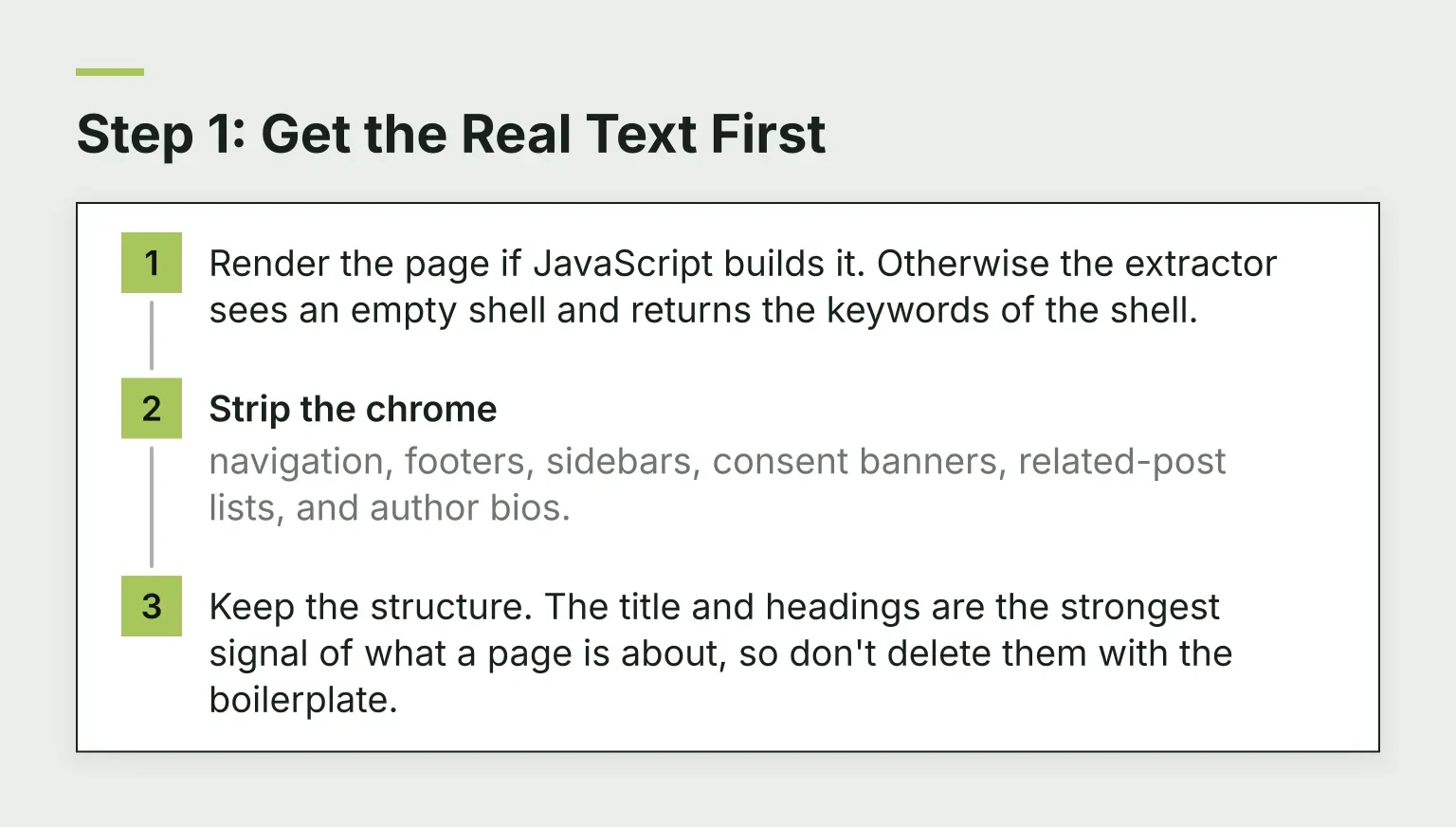
- Render the page if JavaScript builds it. Otherwise the extractor sees an empty shell and returns the keywords of the shell.
- Strip the chrome: navigation, footers, sidebars, consent banners, related-post lists, and author bios.
- Keep the structure. The title and headings are the strongest signal of what a page is about, so don't delete them with the boilerplate.
If you're working from your own draft or a document instead of a URL, this step is easy: copy the body text only, and leave the headings in.
Step 2: Pick an Extraction Method That Fits the Job
There are three practical approaches. Pick by what you're trying to do, not by which sounds most advanced.
Manual reading and frequency counts
For one page, often the fastest method is to read it and note the repeated nouns and phrases yourself. A simple word or phrase count backs this up and catches repeats you'd skim past.
When a quick count is enough: you have a single draft, a short article, or a competitor page to review, and you want a starting list in five minutes.
How to clean the output: drop stop words like "the" and "with" when counted alone, delete site names and UI labels, and check that multi-word phrases stayed intact. A phrase such as "keyword clustering workflow" carries more meaning than its separate words ever will.
You can run this immediately with the free keyword density checker, which counts one-, two-, and three-word phrases in pasted text or any URL. Treat the counts as a signal for review, not a final ranking. A frequent term can be generic, while a phrase that appears twice can define the page's most useful idea.
Statistical scoring: TF-IDF, RAKE, and YAKE
Statistical methods score candidate terms using math instead of judgment. A course chapter on keyword extraction explains the three you'll see most often:
- TF-IDF scores a term by how often it appears in one document, discounted by how many documents in a collection contain it. It shines when you compare pages across a set, and it needs that collection. One page alone has nothing to compare against.
- RAKE splits text at stop words and punctuation into candidate phrases, then scores words by how often they appear together. It works on a single document and handles multi-word phrases, though it sometimes returns long, clunky ones.
- YAKE scores candidates on position, casing, frequency, and how spread out they are through the text. It also works per document and across many languages.
The shared weak point: these are all surface counts. They favor frequent words, miss synonyms, and can't spot a topic the page never names outright.
AI and LLM extraction
A language model reads the text and names the topics, the way a human editor would. You get phrases like "server-side rendering" instead of "server" and "rendering" separately, near-duplicates get merged, and the output works in the page's own language.
To prompt it well, ask for a specific output: a list of 5 to 15 keywords and phrases, most relevant first, taken from the page's own wording, with the site name and near-duplicates removed.
The costs are real. Model-based extraction is priced per page on API services, and output varies unless you pin the prompt down. If you're processing a handful of pages, that's fine. For hundreds, the bill and the cleanup both grow.
Quick comparison
| Method | Best for | Main weakness |
|---|---|---|
| Manual reading + frequency counts | One page, fast start, zero cost | You clean the output by hand |
| TF-IDF | Comparing many pages in a set | Needs a collection to work against |
| RAKE / YAKE | Multi-word phrases from a single document | Favors frequent words, misses topics |
| AI / LLM extraction | Topic lists a human would write | Costs per page, output needs prompting |
Every method above shares one limit: none of them knows what anyone searches for.
Extracting from a URL Instead of Pasted Text
A URL adds pitfalls that pasted text doesn't have:
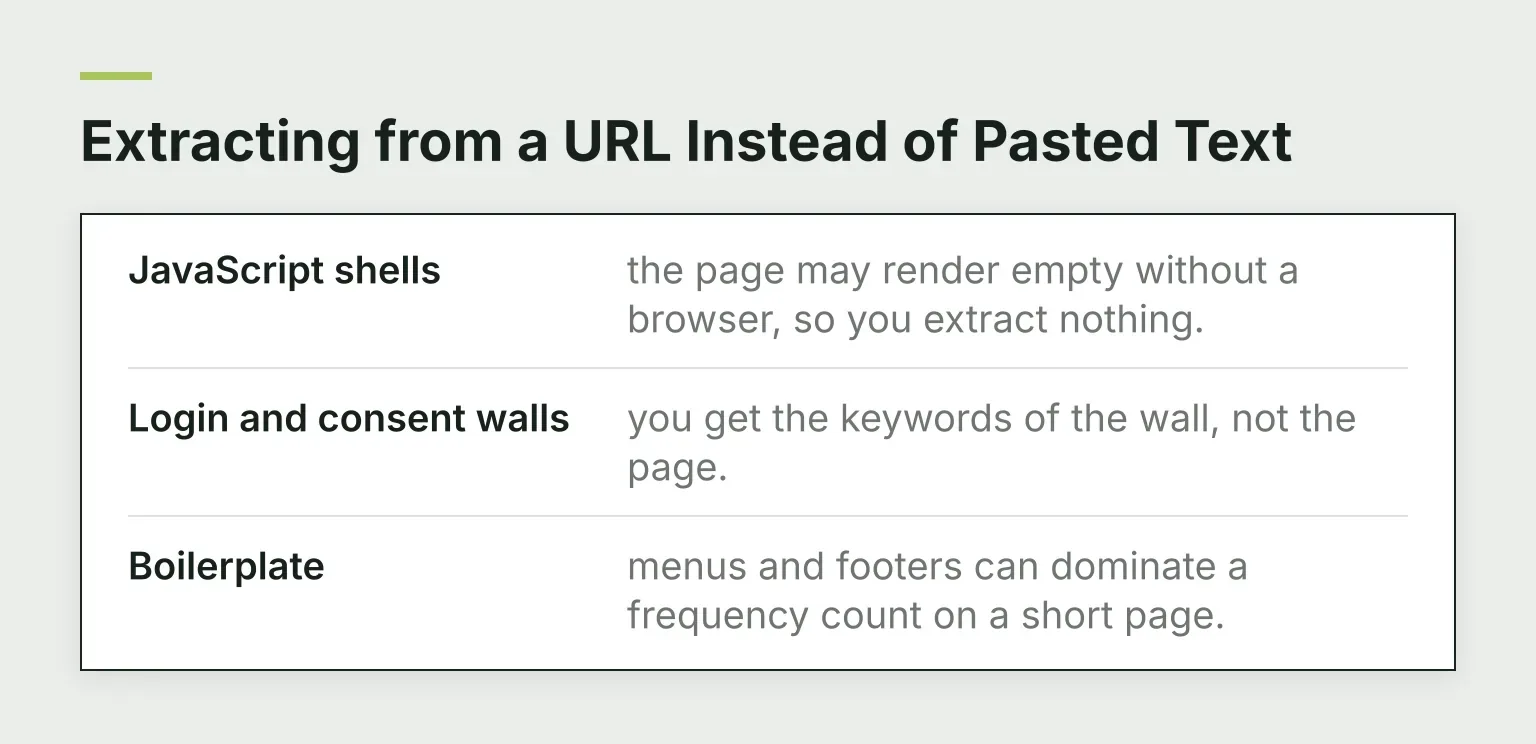
- JavaScript shells: the page may render empty without a browser, so you extract nothing.
- Login and consent walls: you get the keywords of the wall, not the page.
- Boilerplate: menus and footers can dominate a frequency count on a short page.
A tool built for URLs handles most of this for you. RomeoSEO's free website keyword generator, for example, pulls keyword ideas from a URL. Whatever tool you use, spot-check the extracted text before trusting the list. If "cookie" outranks your actual topic, the input was dirty.
Step 3: Clean and Group the Extracted List
A raw list isn't usable yet. The editorial workflow at utilities.link recommends this cleanup, and it takes about fifteen minutes:
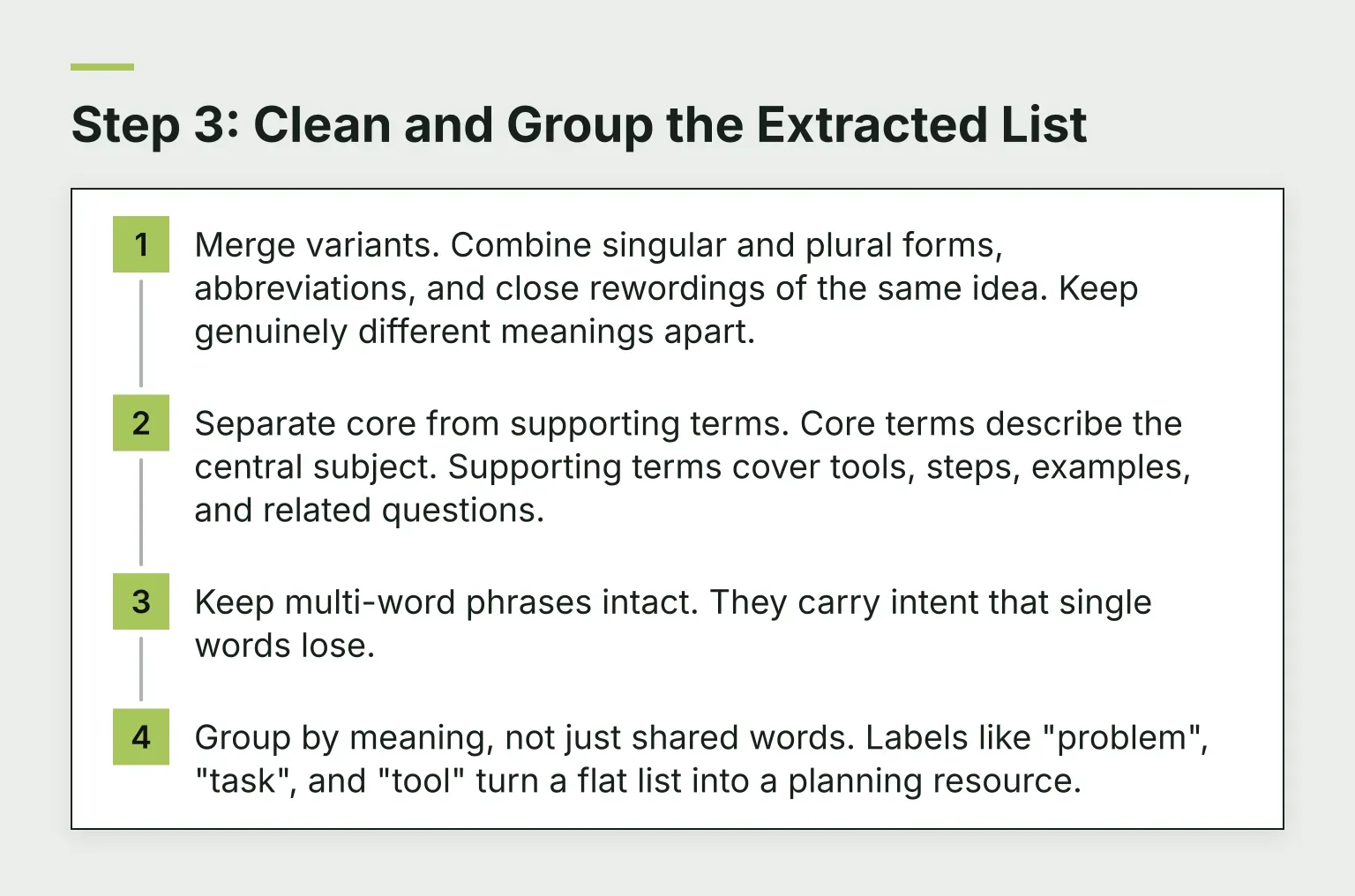
- Merge variants. Combine singular and plural forms, abbreviations, and close rewordings of the same idea. Keep genuinely different meanings apart.
- Separate core from supporting terms. Core terms describe the central subject. Supporting terms cover tools, steps, examples, and related questions.
- Keep multi-word phrases intact. They carry intent that single words lose.
- Group by meaning, not just shared words. Labels like "problem", "task", and "tool" turn a flat list into a planning resource.
Once the list is grouped, the free keyword clustering tool can group your keywords by shared Google results, which is a stronger grouping signal than your own judgment alone.
The Limits Checklist
Before you act on any extracted list, check it against these four facts:
- Frequency is not relevance. A term can repeat because the template repeats it.
- One page is not a site. A homepage rarely represents what a site covers. Extract per page, then combine.
- Extraction finds no hidden keywords. Google has ignored the meta keywords tag for ranking since 2009, and what a page is about sits in its content anyway.
- No volume, no difficulty, no rankings. That data lives in search tools, not in the text.
Step 4: Validate the List Against Real Search Data
Now the list becomes an SEO input. For your own pages, Google Search Console's Performance report shows the actual queries that bring impressions and clicks. The free Search Console quick wins tool pulls page-two keywords and low-CTR queries from that data, which is exactly the reality check extraction can't give itself.
For terms extracted from competitor or reference pages, check whether people search them at all. The free keyword research tool returns volume, difficulty, and intent, and the LSI keyword generator surfaces related keywords and questions from live Google results, which often reveals better phrasings than the source page used.
Then turn the validated groups into work: pick one group per page, write the brief around the core term, and let supporting terms shape the headings and FAQ. If you'd rather connect this to your whole site, RomeoSEO does this stage for you. Romeo finds keyword opportunities from live Google results and your Search Console data, checks your existing pages first so he does not repeat them, then writes the articles and improves the pages that are already close. Start your free trial on romeoseo.com and put your extracted list to work.
Common Questions About Extracting Keywords from Text
Is keyword extraction the same as keyword research?
No. Extraction reads a document and returns what it covers. Keyword research asks what people search for, how often, and how hard it is to rank. Extraction feeds research; it doesn't replace it.
Can an extracted keyword list show search volume?
No. Volume comes from search data such as Google's own query reports or a keyword tool with a search database. Any tool that claims volume from text alone is estimating from elsewhere.
Which method should I start with?
For one page or a draft, start with manual reading plus a quick frequency count. For comparing many pages, use TF-IDF or a site-wide tool. Use AI extraction when you want a clean, human-style topic list and don't mind paying per page. Whatever you pick, finish the job in Step 4: check the list against real search data before it drives any content decision.