
RomeoSEO9 min read
How to Calculate SEO ROI: Formula and Example
Calculate SEO ROI with one simple formula: count every cost, value your organic conversions, pick a GA4 attribution model, and check a worked example.
Key takeaways
You can calculate SEO ROI (return on investment) with one formula: subtract your SEO costs from the value of your organic conversions, then divide by those costs. The hard parts are counting every cost honestly, putting a fair value on organic conversions, and picking an attribution model you can defend.
Here is the path this article walks you through:
- Start with the formula: (conversion value − SEO cost) ÷ SEO cost, shown as a percentage.
- Count all four cost buckets: staff time, freelancers or agencies, tools, and content distribution.
- Value conversions by your business model: sales for e-commerce, qualified leads for lead-gen, trials or lifetime value for SaaS.
- Set up conversion tracking in GA4, segment to organic traffic, and pick one attribution model to keep reporting consistent.
- Judge results over 6 to 12 months, not weeks, and state the limitations when you present the number.
Before You Start: What You Need
Gather three things before you calculate anything:
- Cost records. Invoices, salaries for anyone who spends time on SEO, and every tool subscription you use for search work.
- Conversion tracking. A working GA4 property (or another analytics tool) with key events marked up, so you can count conversions that came from organic search.
- A measurement period. One fixed span of time to count costs and conversions in. Step 7 explains how to choose it.
If you have not yet pulled Search Console data such as impressions and clicks for your site, the guide on how to track keyword rankings in Search Console is a useful first step; those numbers help you explain why conversions moved, not just that they moved.
Step 1: Apply the SEO ROI Formula
The formula is the same everywhere:
SEO ROI = (value of organic conversions − cost of SEO) ÷ cost of SEO
Multiply by 100 to express it as a percentage. A result of 2.0 means 200% ROI: for every dollar you spent, you got three dollars back (your original dollar plus two more).
A quick example: if organic conversions are worth $200,000 and SEO cost $40,000, the calculation is ($200,000 − $40,000) ÷ $40,000 = 4, or 400% ROI.
The formula is easy. The two inputs are not, so the next two steps deal with each one.
Step 2: Count Every SEO Cost
The most common mistake is counting only the agency invoice. SEO costs fall into four buckets:
- In-house employees. Not just your SEO specialist. Include the writer, designer, and developer time that goes into publishing pages. Estimate hours and multiply by a realistic hourly cost.
- Freelancers and agencies. The invoices, straight from the records.
- SEO tools. Every subscription you use for search work. If a broader marketing tool also serves SEO, count your fair share of its cost.
- Content distribution and link building. Promotion, outreach, and any paid placement in link campaigns.
A quick checklist to tally for your measurement period:
- Salaries and hourly time for everyone who touched SEO work
- Agency and freelancer invoices
- Tool subscriptions, including the share of shared tools used for SEO
- Content production costs (writing, design, video, development)
- Distribution, outreach, and link building spend
If you skip the internal time, you will overstate your ROI. If you skip it when pitching to a boss, you will get caught the moment someone does the math properly.
Step 3: Value Your Organic Conversions
An SEO conversion is an organic-search visitor completing an action you care about: a purchase, a form submission, a trial signup. How much each one is worth depends on your business model.
E-commerce. The simplest case. Each organic transaction carries its order value, so conversion value is just the revenue from organic sessions.
Lead generation. Assign a dollar value to a qualified lead. If your sales team closes 10% of qualified leads at an average $5,000 deal, a qualified lead is worth about $500 in expected revenue. Use a conservative closing rate rather than an optimistic one; it makes the number easier to defend.
SaaS. Two reasonable options: value each trial-to-paid conversion at first-year revenue, or estimate customer lifetime value and use that. Lifetime value makes SEO look better but also invites skepticism, so be ready to show how you calculated it.
Whichever model you choose, write down the rule and apply it the same way every period. Changing how you value conversions mid-stream makes your ROI trend meaningless.
Step 4: Set Up Conversion Tracking for Organic Traffic
In GA4, mark each meaningful action (purchase, form submit, trial signup) as a key event. Then segment your reports to organic traffic so you count only conversions that organic search touched.
Google's own documentation on getting started with attribution walks through where these reports live: in GA4, open Advertising, then Attribution, and review the attribution models and conversion paths there.
Two practical tips:
- Check that key events actually fire before you trust the numbers. A broken form event silently zeroes out your organic value.
- Keep your conversion definitions stable. If "demo booked" sometimes means a form fill and sometimes a sales-qualified lead, your ROI history will not add up.
Step 5: Choose an Attribution Model and Stick With It
Attribution decides who gets credit when a visitor touches several channels before converting.
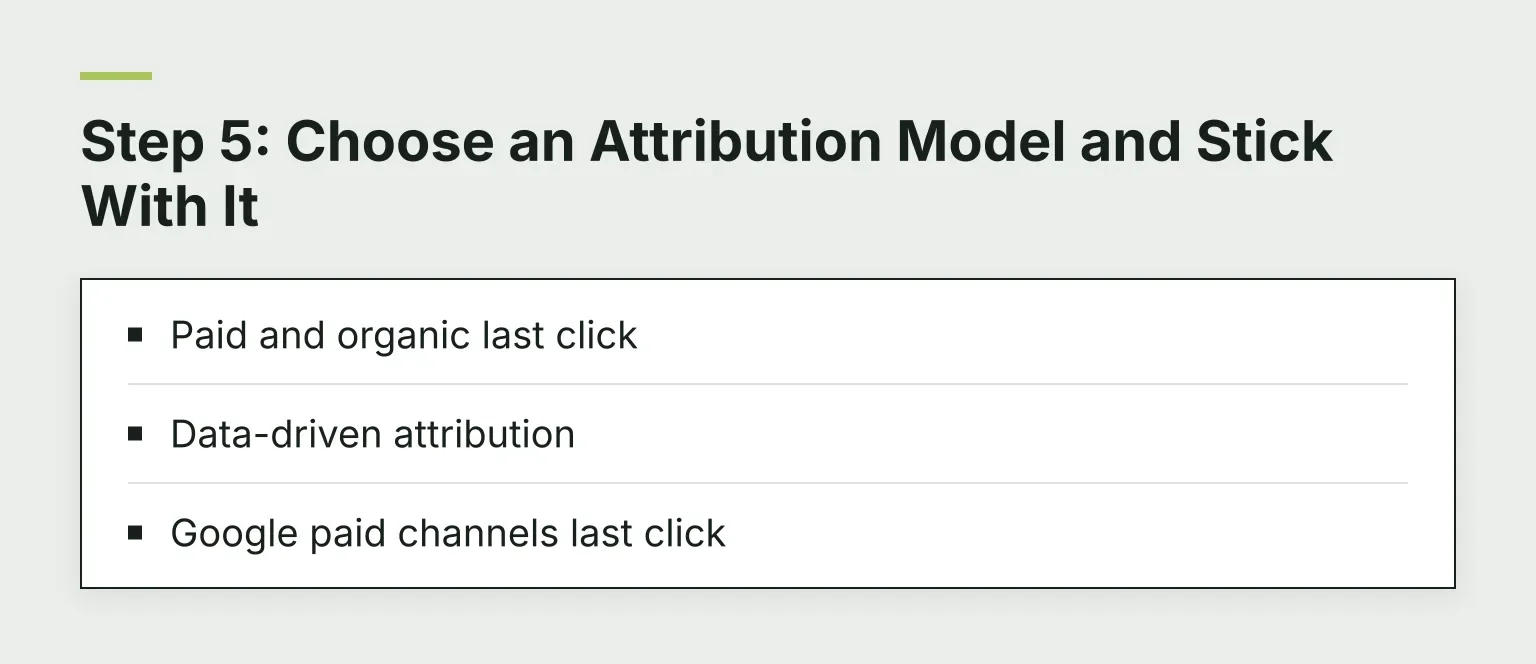
A warning before anything else: many older guides recommend linear or time-decay models, but Google removed first-click, linear, time-decay, and position-based models from GA4 as of November 2023. If you open GA4 looking for time decay, it is not there. The attribution documentation lists what GA4's Attribution reports actually offer now:
- Paid and organic last click. Gives 100% of credit to the final non-direct touch. Simple, but it undercounts SEO, because organic content often earns attention weeks before a purchase that an ad or email later closes.
- Data-driven attribution. The GA4 default. It uses your account's own conversion paths to estimate how much each interaction actually contributed, so earlier touches like an organic visit get a share of the credit.
- Google paid channels last click. Gives all credit to the last Google Ads click. Not useful for judging organic SEO, so ignore it for this calculation.
You set the reporting model for your property in GA4's attribution settings, and you can compare models side by side in the Advertising → Attribution reports.
This is also where assisted conversions matter. Organic search often starts a path: someone reads your article in January and fills the demo form in March. Under last click, that January article gets nothing, even though it did real work. Data-driven attribution exists precisely to spread some credit back to those earlier touches.
The practical move: use GA4's default data-driven model and tell anyone reviewing your numbers which model you chose. Reporting inconsistently between periods is worse than choosing a slightly imperfect model.
If you switch to last click for comparison, expect SEO's share to drop. That drop is not SEO getting worse; it is the model ignoring earlier touches.
Step 6: Worked Example
Here is the full calculation for a small service business measuring one quarter:
- Organic conversions: 40 qualified leads from organic search.
- Value per lead: closing rate 10%, average deal $5,000, so $500 expected revenue per lead. 40 × $500 = $20,000.
- Costs: freelancer $4,000 + tools $600 + in-house time (15 hours × $80) $1,200 = $5,800.
- ROI: ($20,000 − $5,800) ÷ $5,800 = 2.45, or about 245%.
Same numbers, sloppy accounting: if you had counted only the freelancer invoice, ROI would look like ($20,000 − $4,000) ÷ $4,000 = 400%. The honest number is lower but survives scrutiny.
Prefer not to build a spreadsheet? Plug your own numbers into our free SEO ROI calculator.
Step 7: Pick Your Measurement Period
SEO pays off over months, not days. The gap between spending and return is one of the hardest parts of calculating SEO ROI: money spent in January often produces revenue in June.
Workable periods:
- 3 months: use only if you made quick, focused fixes and accept the number may look bad early.
- 6 months: the sweet spot for most small and mid-size sites.
- 12 months: best for content-heavy strategies, and it smooths out seasonality.
Once you pick a period, keep using it so trends mean something.
Common Mistakes to Avoid
- Double-counting assisted and last-click value. If your attribution model already spreads credit across touchpoints, do not add assisted-conversion value on top. Pick one view per report.
- Ignoring internal time. Covered above, but it is the mistake people make most often, so it bears repeating.
- Changing conversion definitions. Redefining what counts as a conversion mid-year makes every past number incomparable.
- Counting brand search as SEO value. Branded queries often come from word of mouth or ads. If you want a conservative number, track non-brand organic separately.
- Judging in weeks. One bad month is noise, not a trend.
What to Say About the Limitations
Present your ROI with two honest caveats and your credibility goes up:
- Attribution is inherently imperfect. Every model, including data-driven ones, is an estimate of what caused a conversion, not a measurement of it.
- Brand traffic, seasonality, and retention effects distort the picture. SEO content also helps customers stay and upgrade, and no ROI formula captures that well.
Stating what your number cannot show is what makes the part it does show believable.
FAQ
What is a good SEO ROI? There is no universal benchmark. A common sanity check: if SEO can beat or approach the return of your other channels with comparable risk, it earns its budget. Expect early-stage programs to look weak, or even negative, while new content ages and starts ranking.
How long until SEO pays off? Usually months, not weeks. New content needs time to get crawled, indexed, and ranked, and competitive topics take longer. Judge most programs over a 6 to 12 month period.
Do I need GA4 to calculate SEO ROI? You need some form of conversion tracking. GA4 is free and integrates with Search Console, which makes it the default choice for most sites.
Related Reading
For more measurement and strategy guides, see the RomeoSEO blog. Three pages worth your time next:
- Our free SEO ROI calculator runs this article's formula on your own numbers.
- A content audit helps you find pages that deserve the investment before you spend on new ones.
- AI search monitoring extends the same measurement habit to AI search visibility.
Next Step
Calculating SEO ROI is mostly bookkeeping discipline: count every cost, value conversions by one written rule, and report on a fixed measurement period with one attribution model. If you want help with the work behind the number, give Romeo your website and he will show you the first fixes for free. He ties your Search Console data to prioritized content fixes, then writes and sends the work to your site.