
RomeoSEO9 min read
Page Titles for SEO: Rank and Get Clicks
Rules and examples for writing SEO page titles: pixel length, keyword and brand placement, avoiding Google rewrites, and a CTR test to prove the lift.
Summary of the Article
A good page title does two jobs: it tells Google what the page is about, and it gives searchers a reason to pick your result. Keep it under about 600 pixels on desktop, put your main keyword early, add your brand at the end, and make a specific promise instead of a vague label. Then treat every title change as a small experiment: find a page with impressions but few clicks, rewrite the title, wait, and compare click-through rate only where the ranking barely moved.
- Measure in pixels, not characters: about 600 pixels on desktop, with the important words in the first 40 characters.
- Put the keyword early and naturally; write one unique title per page.
- End with your brand after a hyphen or colon, and keep the homepage as the exception.
- If Google keeps rewriting your title, the tag usually breaks one of its documented rules.
What a page title actually is
The page title is the text inside the <title> element in a page's HTML. It is not the same as your H1. The H1 is the big heading readers see on the page; the title is what search results show. Yoast explains the difference well: the H1 is written for people already on your site, while the SEO title is written for people still scrolling the results page.
That search-result version is called the title link. Google builds it from your title tag in most cases, but it also looks at the main visual heading, other headings, and other prominent text on the page (see Google's title link documentation). If your tag is missing, stuffed with keywords, repeated across many pages, or doesn't match the page, Google may replace it with something else entirely.
So three texts matter: the title tag you write, the title link Google displays, and the H1 readers see. They can be similar, but they don't have to be identical.
Rule 1: Measure in pixels, not characters
The famous "60 characters" rule is a rough guess. Google truncates titles by width, not by letter count. On desktop, most titles get cut at roughly 580 to 600 pixels, as Search Engine Land's title tag guide explains; Semrush's guide puts it at about 550 pixels. There's no official number, because Google adjusts the layout.
Why does that matter? Because letters have different widths. A lowercase "i" takes a fraction of the space of a capital "W". Two 60-character titles can differ by hundreds of pixels: one displays in full, the other ends in "...".
Two practical habits fix this:
- Put the words that matter in the first 40 characters. Even if Google cuts the rest, the query and the promise survive.
- Check the real width before you publish. Our free SERP preview tool draws your title at Google's sizes and shows the exact text that survives the cut, on desktop and mobile.
Rule 2: Put the keyword early, and only once
Google matches your title against the search. If someone searches "page titles for seo", a title that starts with those words is an obvious match, and Google often bolds matching words in the snippet under it.
Early and natural wins. "Page Titles for SEO: How to Write Titles That Rank and Get Clicks" does the job. "SEO Page Titles | Best Page Titles | Page Titles SEO" does not. Google's own guidance says keyword stuffing makes a result look spammy to users and to Google, and it's a common trigger for rewrites.
One mention, ideally in the first few words, is all the ranking signal the title needs. Google ranks on the full HTML title, whether or not it displays every word.
Rule 3: Brand at the end (with one exception)
On your inner pages, put your brand name last, separated by a hyphen, colon, or pipe: "Page Titles for SEO: A Practical Guide | RomeoSEO". Searchers rarely type your brand for an informational page, so it earns the least valuable spot and acts as the expendable part when the title gets trimmed.
The homepage is the exception. Google's guidance says the homepage is the reasonable place for a fuller description of the site, such as "RomeoSEO, SEO software that finds and fixes content opportunities".
Rule 4: One unique title per page
Every page needs its own title that describes that page. Boilerplate is the enemy: a template where only one word changes makes it impossible for users, or Google, to tell your pages apart. Google flags this directly in its title link documentation.
A quick self-check: read your last ten titles in a row. If you can't tell from the title alone what each page covers, neither can a searcher scanning the results.
Why Google rewrites your title
Google documented the most common triggers. Your title tag gets replaced when it is:
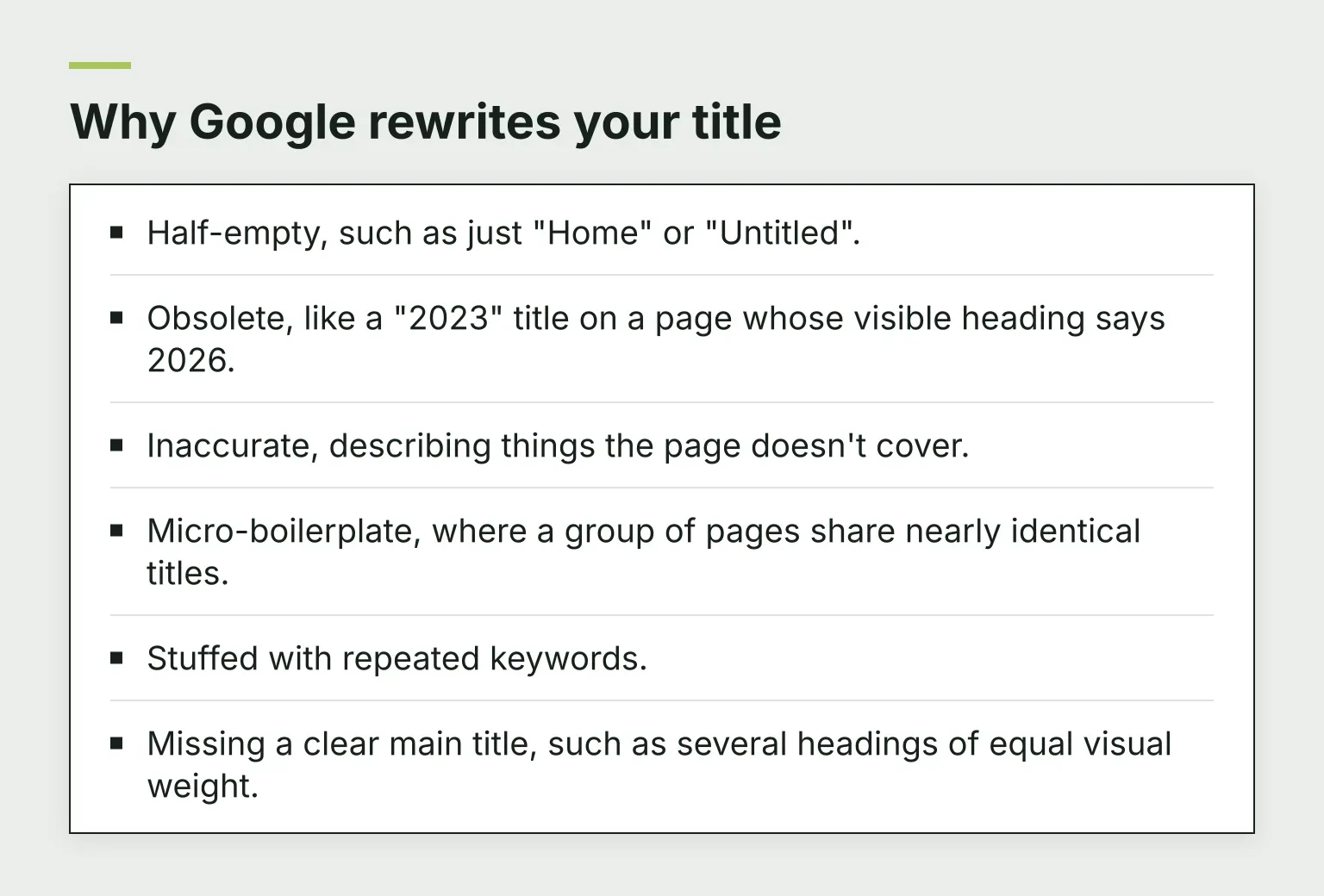
- Half-empty, such as just "Home" or "Untitled".
- Obsolete, like a "2023" title on a page whose visible heading says 2026.
- Inaccurate, describing things the page doesn't cover.
- Micro-boilerplate, where a group of pages share nearly identical titles.
- Stuffed with repeated keywords.
- Missing a clear main title, such as several headings of equal visual weight.
Stale years deserve a special note: an old year in the title is one of the fastest ways to get your tag rewritten, and it also makes searchers skip the result. If you use years, keep them updated.
Writing for the click, not just the rank
Ranking gets you shown. The title earns the click. At any given position, the results above and below you offer the same topic; yours gets clicked when it makes the most specific promise.
Vague vs specific for the same page:
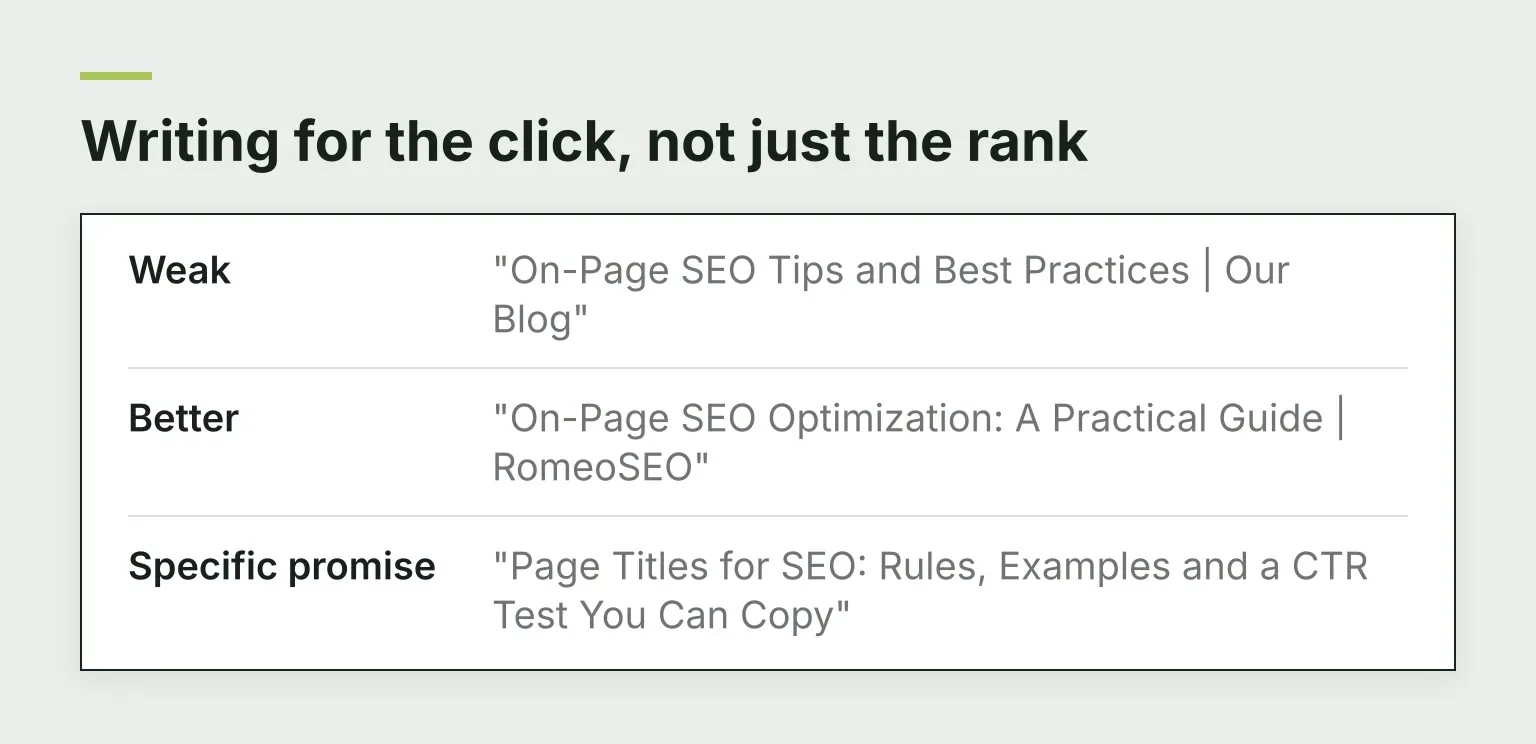
- Weak: "On-Page SEO Tips and Best Practices | Our Blog"
- Better: "On-Page SEO Optimization: A Practical Guide | RomeoSEO"
- Specific promise: "Page Titles for SEO: Rules, Examples and a CTR Test You Can Copy"
Numbers, outcomes, and format cues ("checklist", "step by step", "in 5 minutes") work because they tell the searcher exactly what they'll get. But the promise has to be honest: if the page doesn't deliver what the title says, people bounce, and that's a worse outcome than a lower click-through rate.
This is also where search intent matters. A how-to query wants a how-to title. A comparison query wants a comparison title. Matching the shape of the query is often worth more than clever wording. For a broader view of where titles sit in on-page work, see our on-page SEO guide.
A step-by-step workflow to improve real titles
Rules are easy to read and hard to apply at scale. Here's the order that works.
- Find low-CTR pages in Search Console. Open Performance, filter for pages with plenty of impressions and a click-through rate clearly below neighboring pages at similar positions. Those are pages Google already shows that fail to earn the click.
- Confirm the ranking is stable. Note the average position for the last few weeks. A title change only proves anything if the position barely moves.
- Check what Google actually shows. Look at the live result before rewriting. If Google is already replacing your tag, changing the tag alone won't change what searchers see. Our free title-meta CTR skill automates this check against live results.
- Rewrite against the rules. Keyword early, promise specific, brand at the end, under about 600 pixels. Our free SEO title generator drafts titles that fit Google's width, and you can grade a rewritten title against its target keyword with the on-page SEO checker before you publish.
- Verify the live tag. After publishing, view the page source or use a checker to confirm the new title is actually live. Changes can take days to weeks to be recrawled, and you can request a recrawl in Search Console.
- Wait about 28 days, then compare. Compare click-through rate only where the average position moved less than half a place. If the position jumped, ranking changed, not the title's pull.
- Change one page at a time. Testing several titles in the same week tells you nothing about which change worked.
To see what an improved CTR is worth in visits, our CTR calculator estimates the traffic a move up the results page brings.
When a title change is not the fix
Titles are cheap to change, so they're tempting to change first. But a title rewrite only helps when the page is being shown and not clicked. Check these before you touch anything:
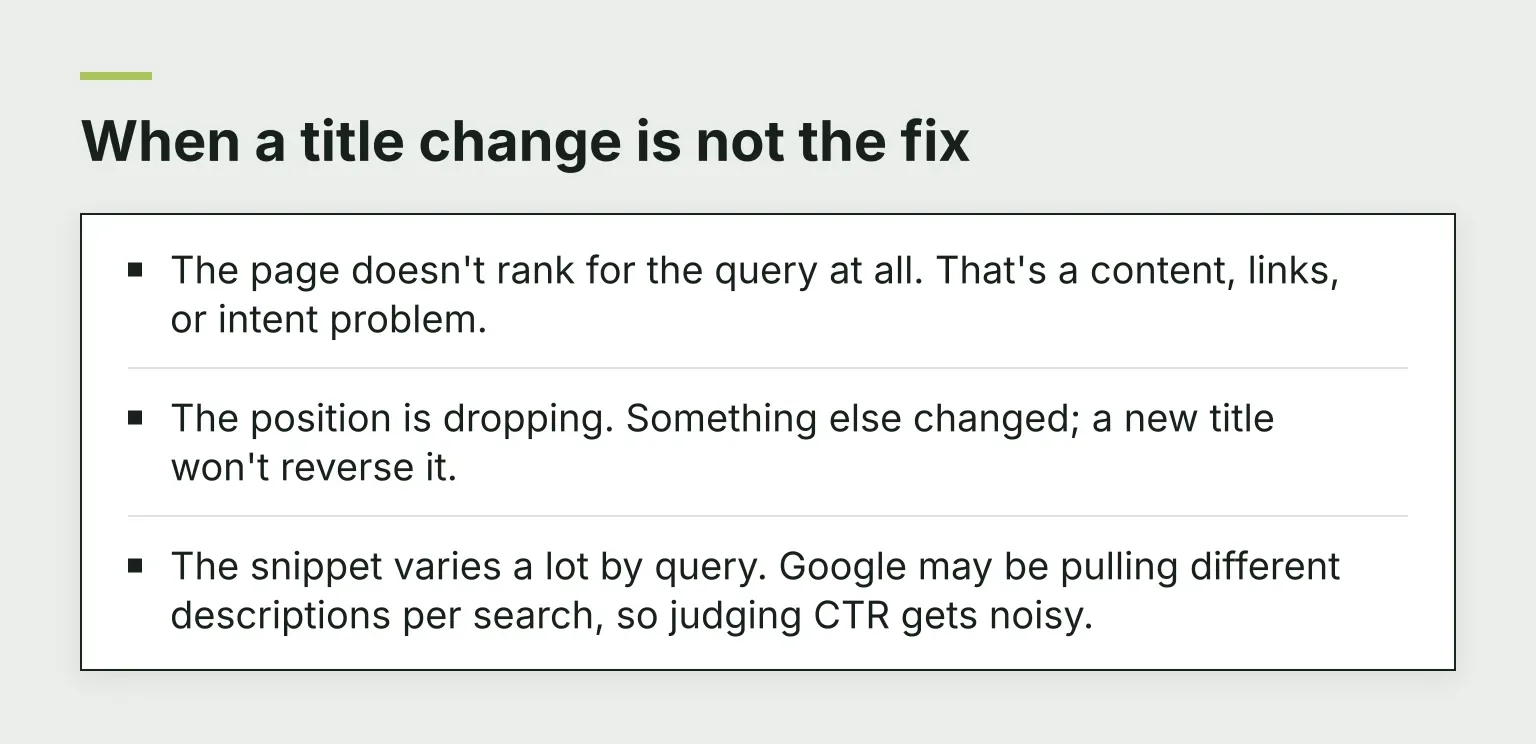
- The page doesn't rank for the query at all. That's a content, links, or intent problem.
- The position is dropping. Something else changed; a new title won't reverse it.
- The snippet varies a lot by query. Google may be pulling different descriptions per search, so judging CTR gets noisy.
If none of those apply and searchers see your result without clicking, the title is a fair suspect.
Common questions
Title or meta description: which matters more?
The title carries more weight in both ranking and the click decision. The description matters too: Google shows it when it describes the page well, and it's your one chance to add a reason the title can't fit.
Does title length affect rankings?
No. Google ranks on the full HTML title, not the displayed portion. Length affects whether your title is truncated or rewritten, which affects clicks, not ranking directly.
Which separator should I use?
Google names hyphens, colons, and pipes as acceptable delimiters. Pick one and use it consistently. A pipe "|" and a hyphen "-" behave the same in results.
Should I put the year in the title?
Only if you keep it current. A fresh year can help for queries where recency matters; a stale year triggers rewrites and loses clicks.
Your next step
Start with your own data: open Search Console, find three pages with impressions but few clicks, and run the workflow above on one of them. RomeoSEO finds those pages from your connected Search Console data, writes the new titles and descriptions, then checks the live page and watches whether the change helped. Start your free trial on romeoseo.com and see which pages are leaving clicks on the table.