
RomeoSEO10 min read
SEO Site Audit: A Lean Process for Small Teams
Run a full-site SEO audit with free tools: scope it to your trigger, pull Search Console and crawl data, run ordered checks, and ship a prioritized fix list.
The short version
An SEO site audit is a checkup of your whole site: what's indexed, what's technically broken, what's slow, and how your pages link to each other. You can run a useful one in an afternoon with Google's free tools and one site crawl. The steps below work for small teams, and the fix list you end up with matters more than the report.
- Define the trigger first: a routine checkup, a traffic drop, a migration, or a pre-launch review all call for different scopes.
- Pull free data before buying anything: Search Console, your XML sitemap, one crawl, and your analytics.
- Run checks in order: indexability, then technical issues, then on-page basics on your most important pages, then speed and internal links.
- Prioritize by impact versus effort, assign each fix an owner, and save a baseline so your next crawl proves the fixes worked.
If you came here looking for a page-level content review instead, our SEO content audit guide covers judging the quality of individual pieces of content. This article is the bigger picture: the whole site.
Full-Site Audit vs. Per-Page Content Audit
These two jobs get confused because both are called audits, but they answer different questions.
A site audit asks: can search engines find, access, and read everything on this site, and is the foundation sound? You look at the site as a system: indexing, status codes, redirects, canonicals, speed, internal linking. You rarely read the actual words on most pages.
A content audit asks: is this page good, and does it still deserve to exist? You judge quality, accuracy, intent match, and whether to keep, update, merge, or delete each page. That work deserves its own guide, which is why we keep the two apart.
A small team should do a light site audit a few times a year, and content audits on your most valuable sections more often. If you do the site audit first, your content audit won't waste time on pages Google can't even see.
Step 1: Define the Trigger and the Goal
Before you open any tool, write one sentence: why are we auditing, and what would make this audit a success?
| Trigger | Scope | What to focus on |
|---|---|---|
| Routine checkup | Whole site, light pass | Indexing health, broken links, top-page basics |
| Traffic drop | Changed sections plus site-wide quick check | What lost rankings, indexability, recent technical changes |
| Migration or redesign | Everything, deep pass | Redirects, canonicals, status codes, sitemap |
| Pre-launch review | The new site, everything | Blocking rules, indexability, mobile rendering, speed |
A traffic-drop audit and a pre-launch audit are different jobs. Scoping to the trigger keeps the work shippable. If a traffic drop is your trigger, our SEO keyword ranking guide covers tracking which queries rose and fell, and our free SEO performance audit skill helps you diagnose the drop before you start guessing. Once you know which pages slipped, our content audit checklist shows how to recover rankings page by page.
Free Data Sources to Combine
You need four inputs, and all of them are free:
- Search Console. The Page indexing report shows which URLs Google knows about and why unindexed ones were excluded. Google's own guidance: your important pages should be indexed, and non-indexed URLs are only a problem when the reason is wrong, not when the page is a duplicate or an intentional noindex.
- Your XML sitemap. Download it and count the URLs. This is your list of pages you want indexed. If you're unsure what belongs in one, Google's sitemap guide covers formats and what to include.
- One site crawl. Use any crawler you like. For a free start, Romeo's free SEO audit crawls 25 pages with no signup, and a small site under a few hundred URLs can even be checked semi-manually. A full crawl gives you status codes, redirect chains, titles, and internal links in one table.
- Analytics. Your top 10 to 20 pages by traffic define where the audit's attention goes.
To map pages, intent, and performance into one view, our free site content inventory skill does this step for you.
Step 2: Indexability and Access Checks
Start here because nothing else matters if Google can't see your pages.
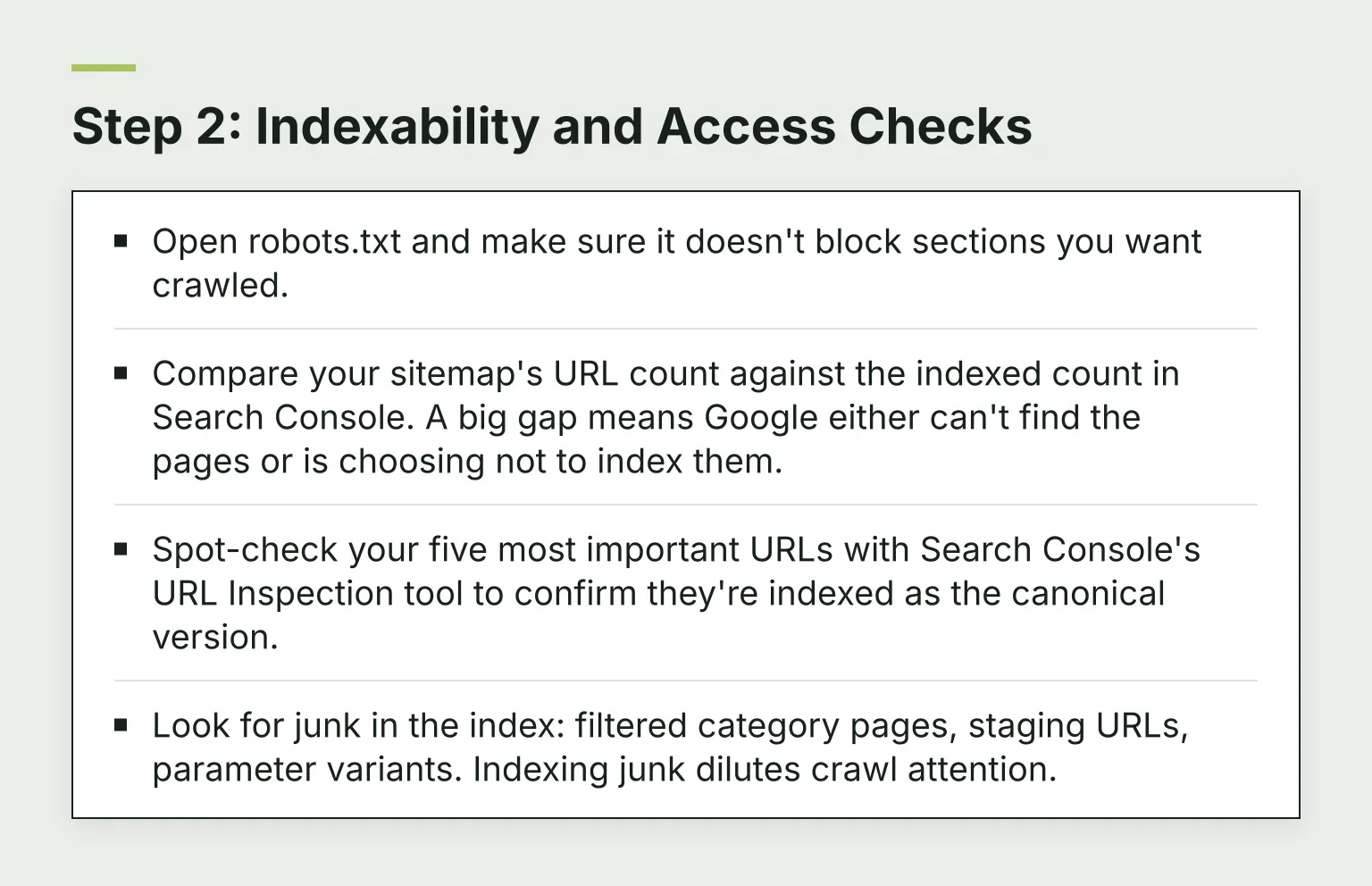
- Open robots.txt and make sure it doesn't block sections you want crawled.
- Compare your sitemap's URL count against the indexed count in Search Console. A big gap means Google either can't find the pages or is choosing not to index them.
- Spot-check your five most important URLs with Search Console's URL Inspection tool to confirm they're indexed as the canonical version.
- Look for junk in the index: filtered category pages, staging URLs, parameter variants. Indexing junk dilutes crawl attention.
Step 3: Technical Checks
From your crawl export, work through:
- Status codes. Anything important returning 4xx or 5xx is a priority. Flag 404s that still earn links or traffic.
- Redirect chains. A URL that redirects through two or three hops slows down visitors and crawlers. The fix is simple: point the first redirect straight at the final destination. Google's redirect guidance explains which redirect types to use.
- Canonicals. Check that each page's canonical tag points where you intend, and that no page accidentally canonicalizes to the homepage. Google's canonicalization documentation explains which signals it reads and in what order.
- Mobile rendering. Load a few key pages on a phone. Google indexes with a mobile crawler, so a page that renders broken on mobile is broken for search.
If you want an AI assistant to walk through these checks with you, our free technical SEO audit skill covers crawling, indexing, canonicals, and speed, and returns a prioritized fix list with evidence.
Step 4: On-Page Basics on Your 10-20 Most Important Pages
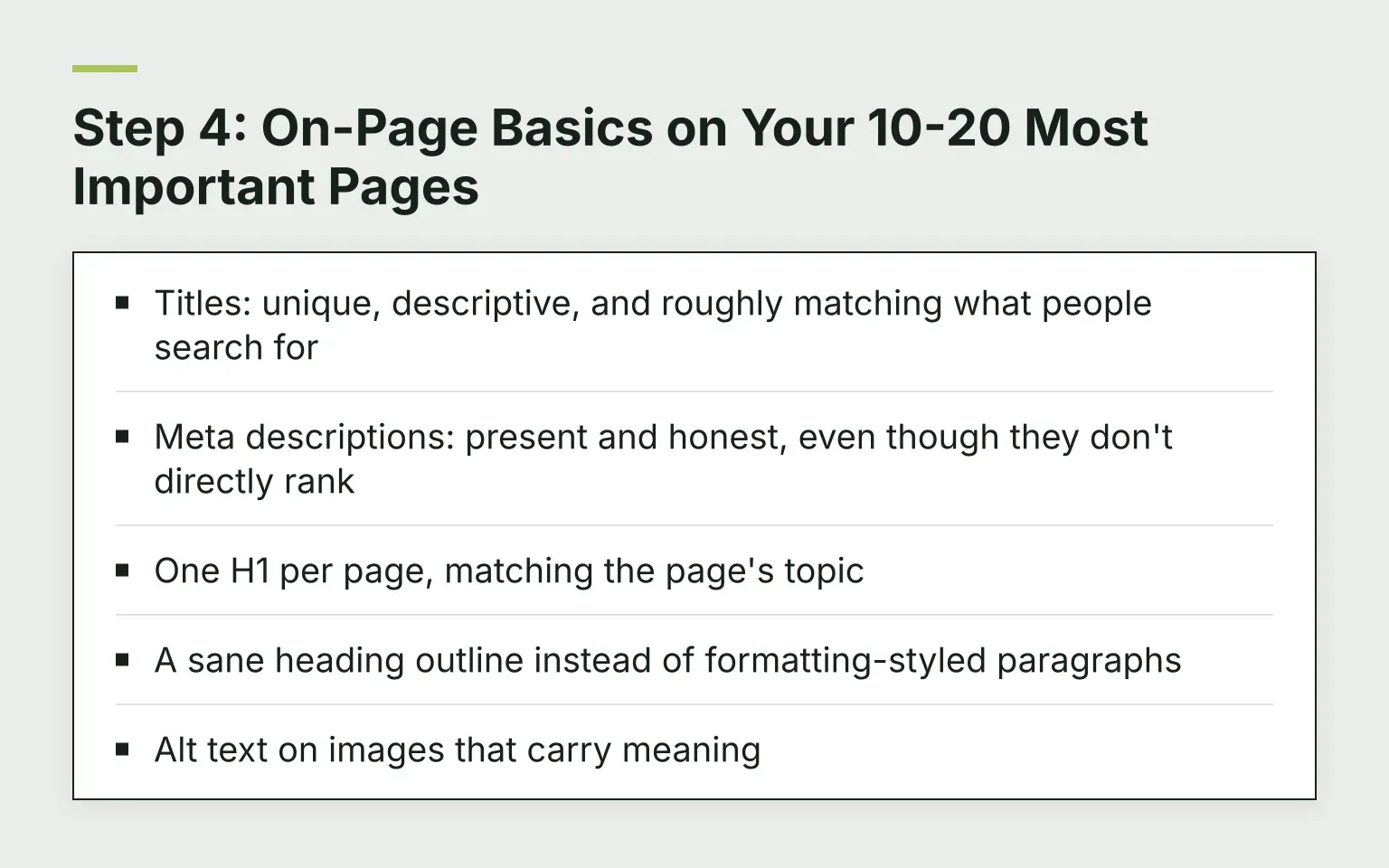
Don't try to fix every page. Take the pages that drive most of your traffic or conversions and check:
- Titles: unique, descriptive, and roughly matching what people search for
- Meta descriptions: present and honest, even though they don't directly rank
- One H1 per page, matching the page's topic
- A sane heading outline instead of formatting-styled paragraphs
- Alt text on images that carry meaning
To grade a single page against the keyword it should rank for, try our free on-page SEO checker. Our on-page optimization guide goes deeper on each of these if a section needs work.
Step 5: Speed and Core Web Vitals on Top Pages
Run your key pages through PageSpeed Insights. It reports both lab data and real-user data, and the real-user numbers are the ones that count.
The three Core Web Vitals are LCP (how fast the main content appears), INP (how fast the page reacts to clicks), and CLS (how much the layout jumps). "Good" means an LCP of 2.5 seconds or less, INP of 200 ms or less, and CLS of 0.1 or less, measured at the 75th percentile of real visits. Google publishes these thresholds and what they measure if you want the details.
One rule saves small teams days: fix only what PageSpeed flags as high-impact on the pages that matter. Ignore the long tail of advisory suggestions. They are rarely worth a developer sprint on a small site.
Step 6: Internal Links
Internal linking is the most under-rated part of a site audit:
- Crawl depth. From your crawl, note how many clicks from the homepage it takes to reach an important page. Three clicks is a good ceiling.
- Orphans. Pages no other page links to are hard for crawlers and users to find.
- Broken internal links. These leak trust and attention; fix every one. Our free broken link checker flags 404s and redirects on any page.
- Anchor text. "Click here" tells search engines nothing. Describe the destination.
Verify the Crawl and Save a Baseline
Two closing habits make the audit real:
- Check crawl completeness. Compare the URLs your crawler found against your sitemap and Search Console. If the crawler missed pages, your findings are incomplete.
- Save the baseline. Export your crawl and your Search Console numbers with a date. When you fix things, recrawl and compare. An audit that can't show before-and-after is just a document.
Prioritize: Impact vs. Effort
Now turn findings into work. For each finding, score two things: how much it matters (does it block indexing, break an important page, or cost traffic?) and how hard it is to fix (five minutes or a developer week?).
Then sort into three buckets:
- Now: broken important pages, indexing errors, redirect chains on top pages. Fix this week.
- Next: title and meta improvements, internal link gaps, speed fixes with clear payoffs. Fix this month.
- Later: nice-to-haves, low-traffic pages, anything needing a bigger rebuild. Park them with a date.
Group fixes into themes ("redirect cleanup," "top-page metadata") rather than 47 scattered tickets, and give each theme one owner. A fix list without names on it doesn't get done.
As one way to close the loop from findings to shipped work: RomeoSEO's audit tool uses your pages, rankings, and connected Search Console data to find and prioritize pages losing traffic, then makes the fixes, like new titles, content, and internal links, and sends them to your site as a GitHub pull request or a Webflow draft (other sites get the text to copy). You can also ask Romeo in chat which fix matters most this week.
What Small Teams Should Skip or Defer
Not all audit advice applies to a five-person company:
- Log file analysis. Useful for huge sites with crawl budget problems. Your small site isn't running out of crawl budget; skip it.
- Full backlink audits. For a small site, a full link audit is expensive and low-yield. Unless Search Console shows a manual action, skip it.
- Enterprise tooling. An all-in-one suite is nice, but for a site under a few thousand pages, Search Console, PageSpeed Insights, and one crawler cover the checks above. Our free SEO agent skills add lightweight, no-cost help for audits, inventories, briefs, and content QA when you want a repeatable process instead of one more subscription.
Make It a Cadence, Not a Document
The audit that matters is the second one. Put a lightweight version on a calendar, quarterly works for most small sites, and run the same checks against your saved baseline. Repeated small audits beat one heroic one, because problems creep in slowly and the second pass catches them early.
Your next step: pick your trigger, pull the four free data sources, and run the indexability checks today. Want a head start? Run Romeo's free 25-page audit and get a plain-English list of what's broken, no signup needed. If you'd rather have software that keeps watching your pages and rankings and fixes what matters most first, try RomeoSEO free: sign-up is free, and the 3-day trial needs a card.
Frequently Asked Questions
How long does an SEO site audit take for a small site?
With free tools and a few thousand pages, expect half a day to a full day for a light audit, and a few days for a post-migration deep pass. Most of the time goes into verifying findings, not collecting them.
Do I need paid tools for an SEO site audit?
Not for your first audit. Search Console, PageSpeed Insights, your sitemap, and one crawl cover the core checks. Paid suites add convenience and scale, not new fundamentals.
How often should I audit my site?
A light pass quarterly is enough for most small teams. Audit immediately after migrations, redesigns, or any unexplained traffic drop.