
RomeoSEO13 min read
Best AI Alt Text Generators in 2026
Compare the leading AI alt text generators on accuracy, bulk support, and review workflows, plus how to use generated alt text without hurting SEO.
Summary of the Article
An AI alt text generator writes image descriptions for you. The right pick depends on how many images you have, which platform you run, and whether you want a human to check the output before it goes live.
- RomeoSEO: writes alt text for the images in the articles it creates and fixes missing alt text as one of its page improvements; best when alt text is one part of a broader SEO workflow.
- AltText.ai: bulk processing and an API at scale, with plans from $5 per month and 25 free images to try.
- ShortPixel AI Alt Text Generator: a WordPress plugin that also writes captions, titles, and filenames, with a preserve-existing-data option.
- Alt Magic: one-time credit packs instead of a subscription, plus browser extensions and a WordPress plugin.
- AutoAlt.ai: a WordPress and WooCommerce plugin with 50 free images per month and a scan for missing alt text.
- Free single-image generators: fine for a handful of photos, but no bulk support and no review workflow.
Every tool here writes text a machine produced. That text still needs a human pass before it reaches real visitors, and this article shows you how to do that without turning your media library into alt-text spam.
Not sure what good output looks like? Read what makes a good alt description before you pick a tool. For a single image, our free alt text generator writes a description in seconds.
What an Alt Text Generator Actually Does
An alt text generator looks at an image and writes a short text description for its alt attribute. Screen readers read that text aloud to blind and low-vision visitors, and search engines use it to understand what the image shows. You will also see the terms alternate text generator and alternative text generator in search results. They all mean the same thing: software that writes that attribute for you.
Most AI generators do this job well on simple photos: a red bicycle leaning against a wall, a screenshot of a dashboard, a plate of food. Where they struggle is context. A generator that only sees pixels cannot know that a photo of a podium is "our CEO accepting the 2026 industry award" on your news page but "example of a stage setup" on an events page. It also cannot reliably tell whether an image carries meaning or is just decoration, which changes how the alt text should be written.
That gap is the core tradeoff in this comparison: bulk tools move fast, but someone still has to supply the context.
What Good Alt Text Looks Like
Before comparing tools, it helps to know what you are asking them to produce. The W3C WAI Images Tutorial sorts images into a few types, and each type needs different alt text:
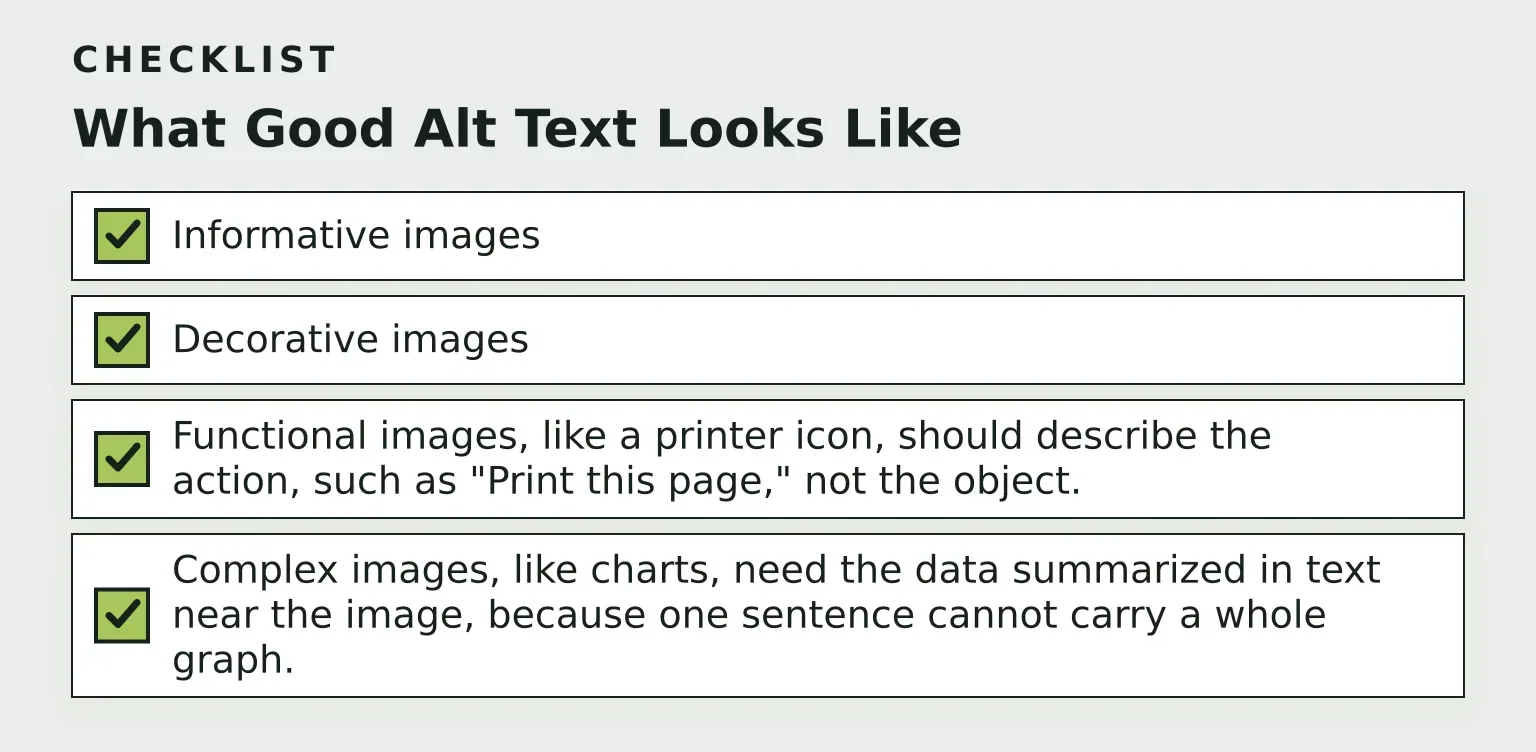
- Informative images need a short description of the information the image conveys, not a literal inventory of what is in the frame.
- Decorative images should get empty alt text (alt="") so screen readers skip them. Describing a purely decorative divider just adds noise.
- Functional images, like a printer icon, should describe the action, such as "Print this page," not the object.
- Complex images, like charts, need the data summarized in text near the image, because one sentence cannot carry a whole graph.
A few rules apply across the board, and WebAIM's alt text guide explains them well: keep most alt text under roughly 125 characters, skip phrases like "image of" (the screen reader already announces it is an image), and never stuff keywords. A description like "cheap running shoes, best running shoes, buy running shoes online" helps neither visitors nor rankings.
The W3C also publishes an alt decision tree that walks you through deciding between informative, decorative, and functional treatment. A generator can suggest text, but deciding whether an image is decorative at all is a judgment about the page, and that judgment stays with you.
How We Picked These Tools
This comparison uses seven criteria:
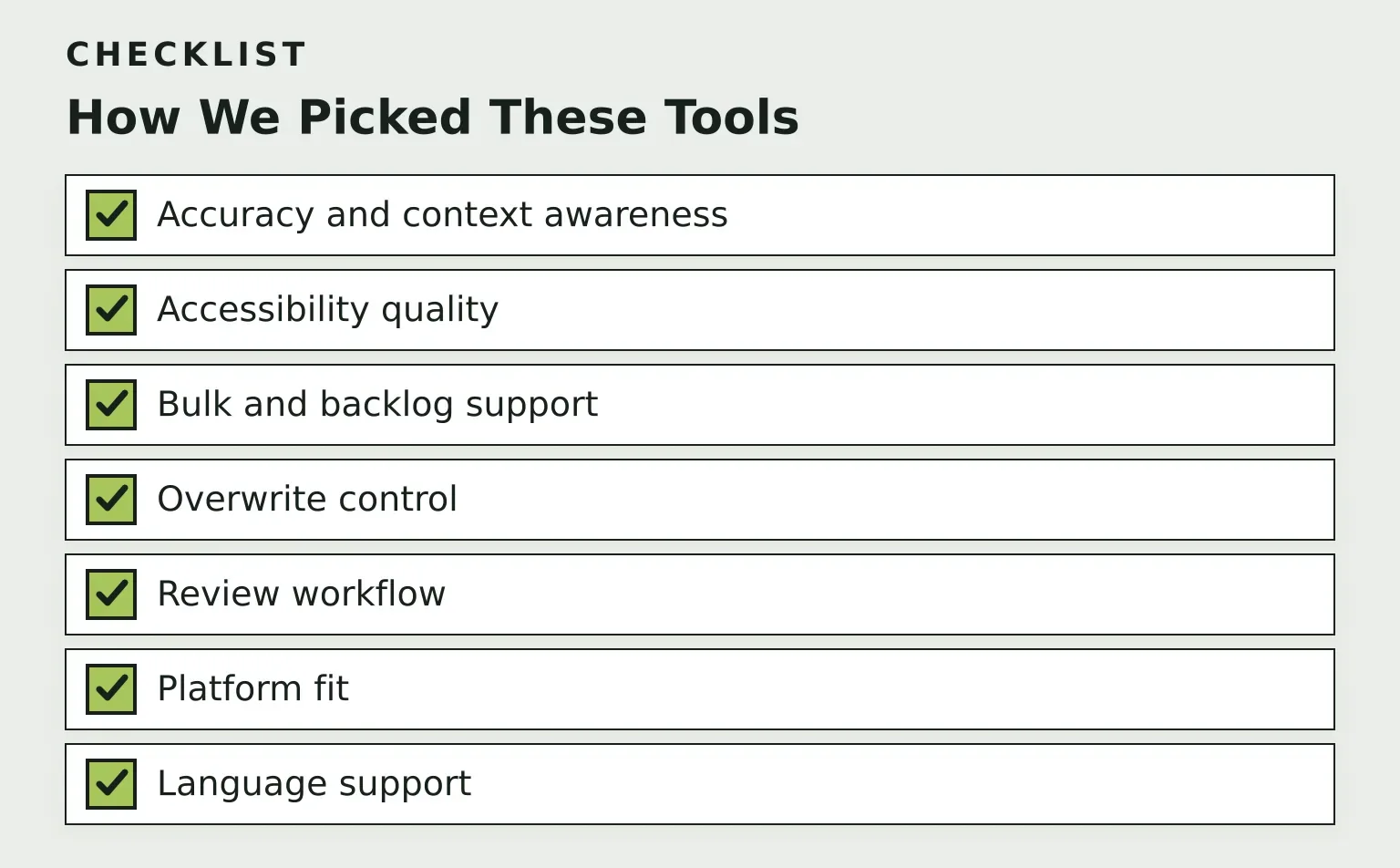
- Accuracy and context awareness: does the tool use only the image, or also the page or product it sits on?
- Accessibility quality: does the output follow WCAG-style conventions, and can it leave decorative images alone?
- Bulk and backlog support: can it process an existing media library, not just new uploads?
- Overwrite control: can it preserve alt text you already wrote?
- Review workflow: can a human approve the results before they are published?
- Platform fit: WordPress, WooCommerce, Shopify, or an API?
- Language support for multilingual sites.
RomeoSEO
RomeoSEO treats alt text differently from the plugin-style tools in this list. Instead of being a per-image generator you run over a media library, it is SEO software that finds keyword and content opportunities using your site's pages, rankings, and connected Search Console data, then writes new articles and page improvements. The articles come with original images in your site's look, each with alt text written for the page it sits on, and missing alt text is one of the technical fixes its page improvements cover.
The difference that matters here is context. RomeoSEO writes the image and the article together, so the alt text describes what the image means on that page, not just what is in the frame. It also arrives with the rest of the work, such as titles, metadata, content, and internal links, delivered as a GitHub pull request, a Webflow or WordPress draft, or a one-click copy for any other site.
The honest tradeoff: if you only need descriptions for 10,000 existing product images tomorrow, a dedicated bulk plugin is the more direct tool. RomeoSEO fits when alt text is one item on a longer list of SEO improvements and you want those improvements handled together.
AltText.ai
AltText.ai is built for volume. Its bulk page describes a workflow where you connect WordPress, Shopify, an API, or a CSV, configure languages and SEO keywords, process your library, and then review the results before writing them back or exporting them. Its API accepts batches of 100,000 or more image URLs in a single job, which suits migrations and large stores.
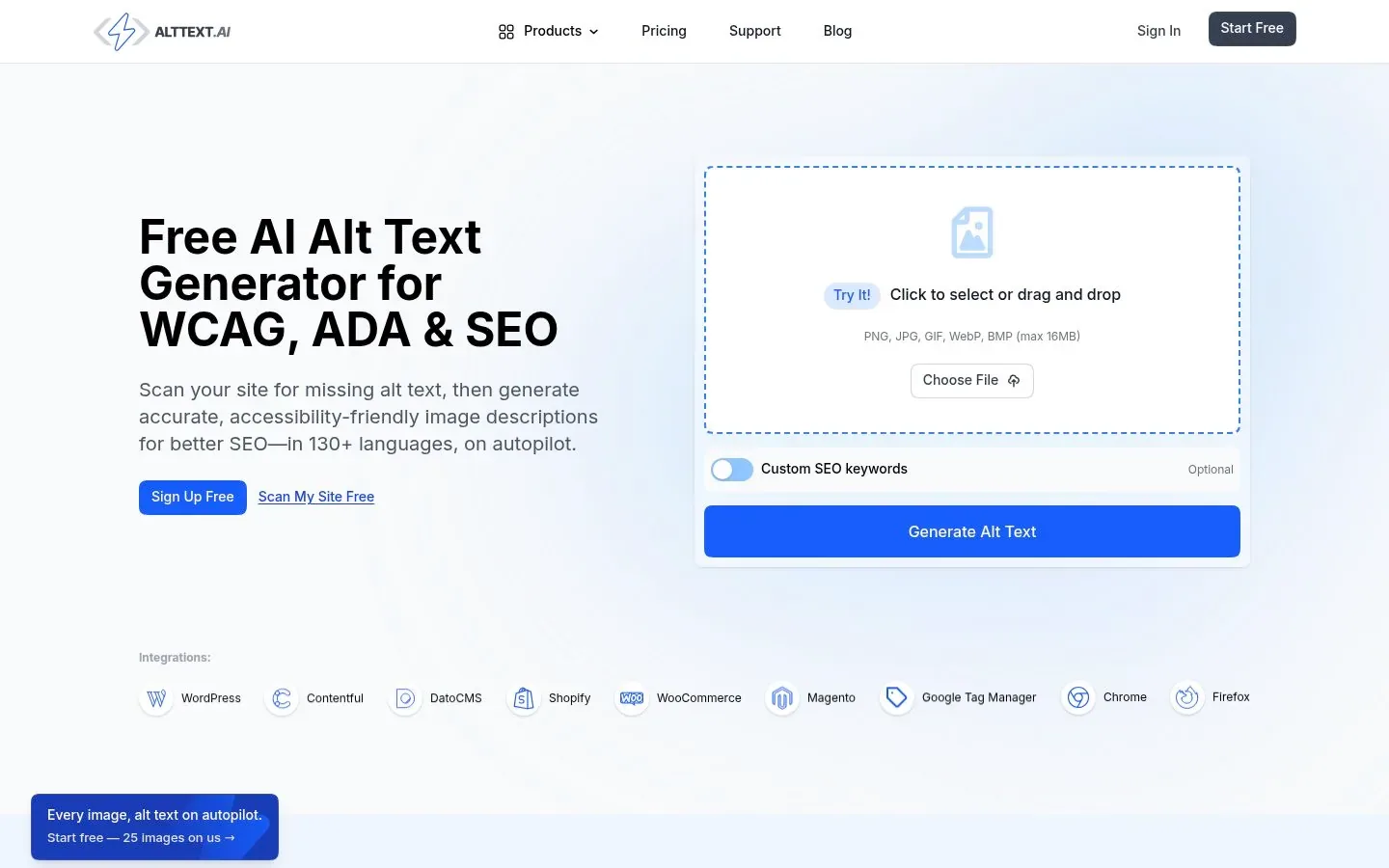
Pricing is credit based: one credit generates a description for one image on standard formats, and the pricing page lists plans from $5 per month with the first 25 credits free. Advanced formats such as SVG and TIFF cost two credits.
The tradeoff: review happens inside AltText.ai's dashboard before write-back, which is better than blind autopilot, but it is still a separate step from editing the page itself.
ShortPixel AI Alt Text Generator
ShortPixel makes a WordPress plugin, the ShortPixel AI Alt Text Generator, that writes alt text plus captions, descriptions, titles, and even SEO-friendly filenames. A ShortPixel knowledge base article explains that you can set a maximum length for the alt field, pass the parent post or page title to the AI for context, and add general site context.
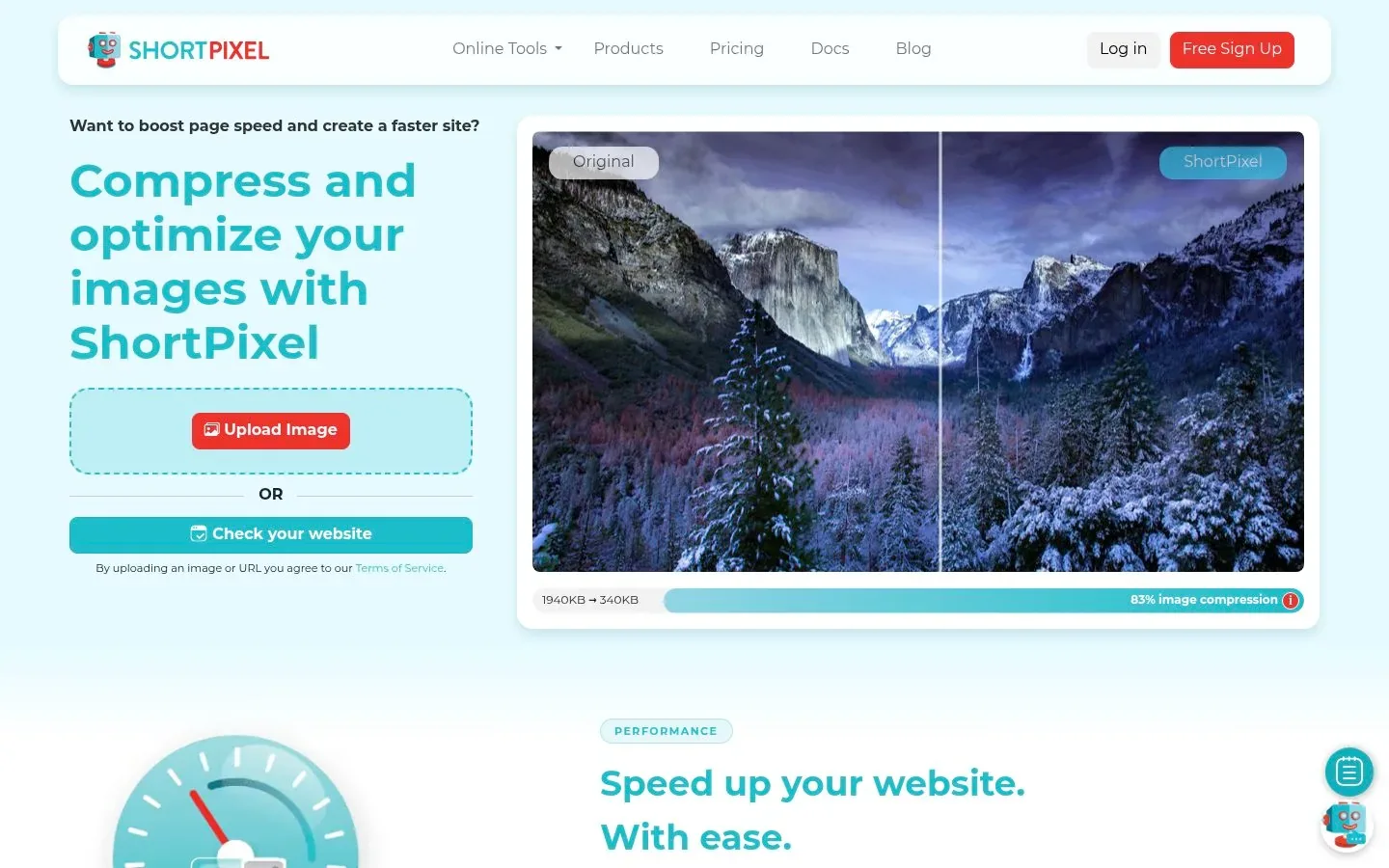
Two details stand out for the criteria in this comparison. First, a "Preserve existing Image SEO data" option keeps alt text you wrote by hand and only fills the gaps. Second, Bulk Mode has a preview setting so you can check a sample of results before applying them across the whole library. Output language is selectable, with more than 100 languages supported, which helps multilingual sites.
The plugin needs a ShortPixel API key, which you can create with a free account, and ShortPixel's announcement post says the feature is included with its ShortPixel Unlimited AI plan. Check ShortPixel's site for current plan details.
Alt Magic
Alt Magic offers a WordPress plugin, a Shopify app, browser extensions for Chrome and Firefox, and an API, all drawing on one credit balance. The browser extension is its most unusual feature: you right-click any image on any site and generate alt text on the spot, which is handy for platforms without a plugin.
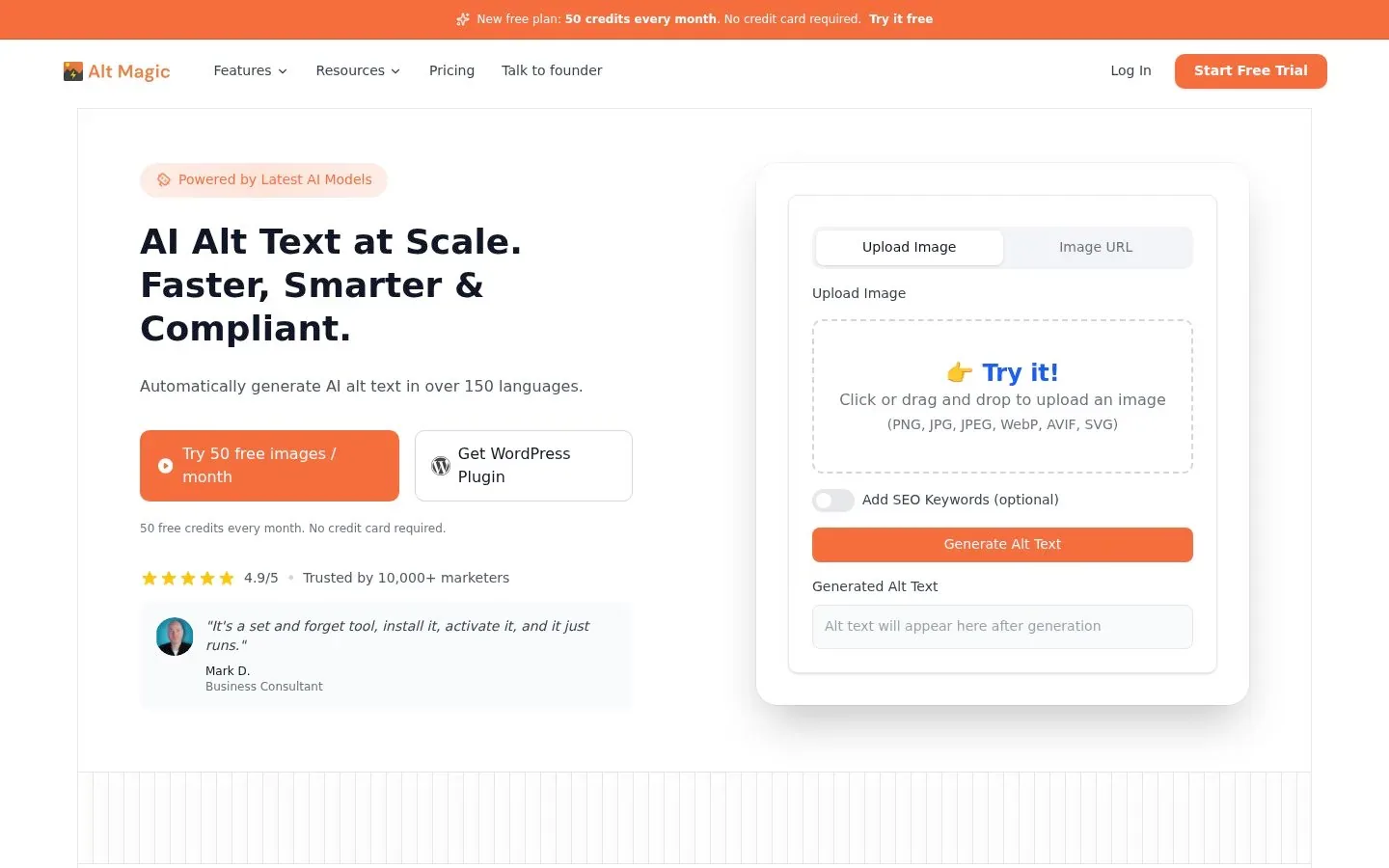
Its pricing page sells one-time credit packs rather than subscriptions, with a Pro pack listed at $99 one-time, plus 50 free credits every month. If you dislike recurring billing, that model is easier to budget.
The tradeoff: one-time credits are convenient, but the tool's review story is thinner. It can scan pages for missing alt text and generate replacements in bulk, yet there is no draft-and-approve workflow comparable to what a CMS or code review gives you.
AutoAlt.ai
AutoAlt.ai is a WordPress and WooCommerce plugin that generates alt text, titles, captions, descriptions, and filenames, either on upload or in bulk across the Media Library. Its WordPress listing describes a scan for images with missing or suspiciously short alt text, a history with regeneration, and the option to process only images attached to posts, pages, or products.
The WordPress integration page states the plugin itself is free on WordPress.org and that each account gets 50 free image credits per month, with paid rates starting from €0.021 per image on the Agency plan. It supports more than 100 languages and works with WPML and Polylang.
The tradeoff: it is WordPress only, so shops on Shopify or custom stacks need a different route, and bulk results are saved directly, so build your own check before letting it run unattended.
Free Single-Image Generators: Fine for a Handful of Photos
Plenty of websites, including tools like the SEOJuice image alt text suggester, let you upload one image and get alt text back for free. For a blog with a dozen images, that is a perfectly sensible choice: no plugin, no account, no cost.
What they cannot do is bulk-process a library, remember your site's context, or protect alt text you already wrote. They also put the copying back into your CMS squarely on you. Use them for one-off images; move to a plugin or platform workflow once the backlog grows.
Quick Comparison
| Tool | Context awareness | Bulk support | Review step | Platform fit |
|---|---|---|---|---|
| RomeoSEO | Written with the article, plus Search Console and crawl data for page fixes | Part of articles and page improvements, not a bulk tool | Arrives with the article or page fix | GitHub, Webflow, WordPress, or copy |
| AltText.ai | Keywords, product data, custom instructions | Yes, including 100K+ URL API batches | Review inside dashboard before write-back | WordPress, Shopify, API, CSV |
| ShortPixel AI Alt Text Generator | Parent page title, site context, length caps | Yes, with preview mode | Preserve-existing-data option; preview before bulk | WordPress |
| Alt Magic | SEO keyword optimization | Yes, plus page scans | None built in | WordPress, Shopify, browser, API |
| AutoAlt.ai | Focus keywords from SEO plugins, multilingual | Yes, with generation history | Review and regenerate from history | WordPress, WooCommerce |
How to Use a Generator Without Hurting SEO
Generated alt text helps rankings only when it is accurate and honest. A few habits keep it that way:
- Audit before you generate. List the images that have no alt text or filenames like IMG_4827. Most plugins above include such a scan. Fixing real gaps beats rewriting descriptions that already work. Our SEO content audit guide covers how to hunt down weak on-page elements like this across a whole site.
- Do not stuff keywords. Write for the person who cannot see the image. If a keyword fits naturally, fine; if it needs three repetitions, delete it. Keyword-stuffed alt text reads as spam to visitors and adds no ranking value that an accurate description would not already give.
- Leave decorative images empty. A generator will happily describe a background flourish. Tell it not to, or clean those up afterward, because alt="" is the correct treatment for decoration per the W3C guidance above.
- Never overwrite good alt text blindly. Use the preserve options ShortPixel and others offer, or a review workflow, so hand-written descriptions survive.
- Check the context mismatch. Spot-check generated text against the page it appears on. Generic "photo of a laptop" text on a product page is a missed description, not a fix.
If you want the broader picture of where image work sits in a page overhaul, the practical steps in our on-page SEO optimization guide cover the other on-page elements worth fixing alongside alt text.
Where Automation Still Needs a Human
WebAIM makes the point plainly: an algorithm can describe what an image looks like, but it cannot know what the image means on your page, because meaning comes from the surrounding content and the author's purpose. The W3C says the same thing from the other direction: whether an image is informative or decorative is a judgment only the author can make.
This is why review-before-publish is not a nice-to-have. Bulk generation with no human pass can produce thousands of technically-present but wrong-purpose descriptions. If you are weighing how much of your SEO to automate versus keep under human judgment, our guide to choosing SEO automation software walks through that decision in more depth.
Quick Decision Guide
- Mostly new images, WordPress site: a plugin that generates on upload (ShortPixel or AutoAlt.ai) covers you with almost no effort.
- Large existing backlog or a store migration: AltText.ai's bulk and API pipeline, with its dashboard review step.
- Multiple platforms, no plugin available: Alt Magic's browser extensions fill alt text on any site you can open.
- Budget as one-time spend: Alt Magic's credit packs.
- Alt text as part of ongoing SEO work: RomeoSEO, where images and alt text come with each new article and missing alt text is fixed alongside other page improvements.
FAQ
Are generated alt texts good for SEO? Accurate ones are. A generator that writes a correct, specific description gives search engines the same signal a careful human would, and it helps image search. Stuffed or generic text does not add value and can read as low quality. Treat output as a first draft, not a final answer.
Do generators overwrite my existing alt text? It depends on the tool's settings, not the category. ShortPixel has an explicit preserve-existing-data switch, and AutoAlt.ai can skip images it already processed. With tools that lack this, back up your media library metadata before a bulk run.
How do bulk processing limits work? Most tools use credits: one credit per image is the common rate, and free tiers are modest. AltText.ai starts you with 25 free credits, while Alt Magic and AutoAlt.ai each give 50 free credits per month. Larger libraries mean a bigger plan. RomeoSEO works differently: alt text comes with its articles and page improvements rather than from a per-image quota.
Is empty alt text really acceptable? Yes, for purely decorative images it is the correct answer, because it tells screen readers to skip the image entirely. Missing alt attributes are the problem; deliberate empty ones are not.
The Next Step
If you want image and alt text work handled alongside the rest of your SEO, start your free RomeoSEO trial and see what Romeo writes for your site.