
RomeoSEO14 min read
8 Best Content Gap Analysis Tools in 2026
Compare content gap analysis tools by the gap each finds: keyword, topic, question, or page-level. Free and paid options, prices, and honest limits.
Summary of the Article
A content gap analysis tool shows you what searchers want that your site doesn't give them. Which tool you need depends on the gap you have: keywords competitors rank for, topics you cover too thinly, questions you never answer, or a page that ranks but keeps losing to the results above it.
Here are the eight options covered in this guide, and who each one fits:
- RomeoSEO: finds pages that are losing rankings and writes the fixes using your site's own pages, rankings, and Search Console data; 3-day free trial.
- Google Search Console: free, real data on queries where you appear but get few clicks; no competitor view.
- Semrush Keyword Gap: Missing, Weak, and Untapped keyword views across up to five domains; the SEO Toolkit starts at $139.95 per month.
- Ahrefs Content Gap: keyword intersection filters across several competitors; the current version of the tool needs a Standard plan at $249 per month.
- SE Ranking: competitor and keyword research at $129 per month (less on annual billing), with a 14-day free trial.
- MarketMuse: topic depth gaps instead of keyword lists; a free plan with 10 queries per month.
- Surfer: closes topic and question gaps inside a draft while you write; plans from $49 per month billed yearly.
- AlsoAsked: question gaps from People Also Ask data; 3 free searches a day, paid plans from $12 per month.
If you only want one takeaway: start with Search Console because it's free and uses real data, add a keyword gap tool when you need competitor coverage, and use a page-level tool when the problem is a specific page that ranks but doesn't win the click.
New to the method itself? Start with how to run an SEO content gap analysis, then come back to pick a tool.
What Kind of Gap Are You Trying to Find?
"Content gap" gets used loosely, which makes tool comparisons confusing. Most tools look for one of four gaps, and they don't do each other's jobs.
Keyword gap
Competitors rank for keywords you don't. This is the classic gap analysis: subtract your keyword profile from theirs, and what's left is a list of topics to build pages for. Semrush, Ahrefs, and SE Ranking are built around this.
Topic gap
You cover a subject, but thinly. A competitor's page answers ten sub-questions yours skips, so theirs wins the topic even when you "target" the keyword. MarketMuse focuses here, measuring how complete a topic's coverage is rather than listing keywords.
Question gap
Searchers ask questions your content never answers. Google shows many of these directly in People Also Ask boxes. AlsoAsked maps them, and question lists are also hiding inside your Search Console data.
Page-level gap
Your page ranks, but the results above it get the clicks. Maybe they cover a comparison, add fresh data, or answer the next question. Generic keyword gap tools can't see this; you need a comparison of your page against the pages beating it. This is the gap RomeoSEO is built to close.
Knowing which gap you have decides the tool. A keyword gap tool won't tell you why your page at position 6 loses to position 3, and a content editor can't show you keywords five competitors rank for that you've never touched.
1. RomeoSEO: Find the Pages That Already Almost Win
The most expensive gap is the one on a page you've already invested in. It ranks on page one or high on page two, so the keyword tools file it under "fine," but the results above it take most of the clicks.
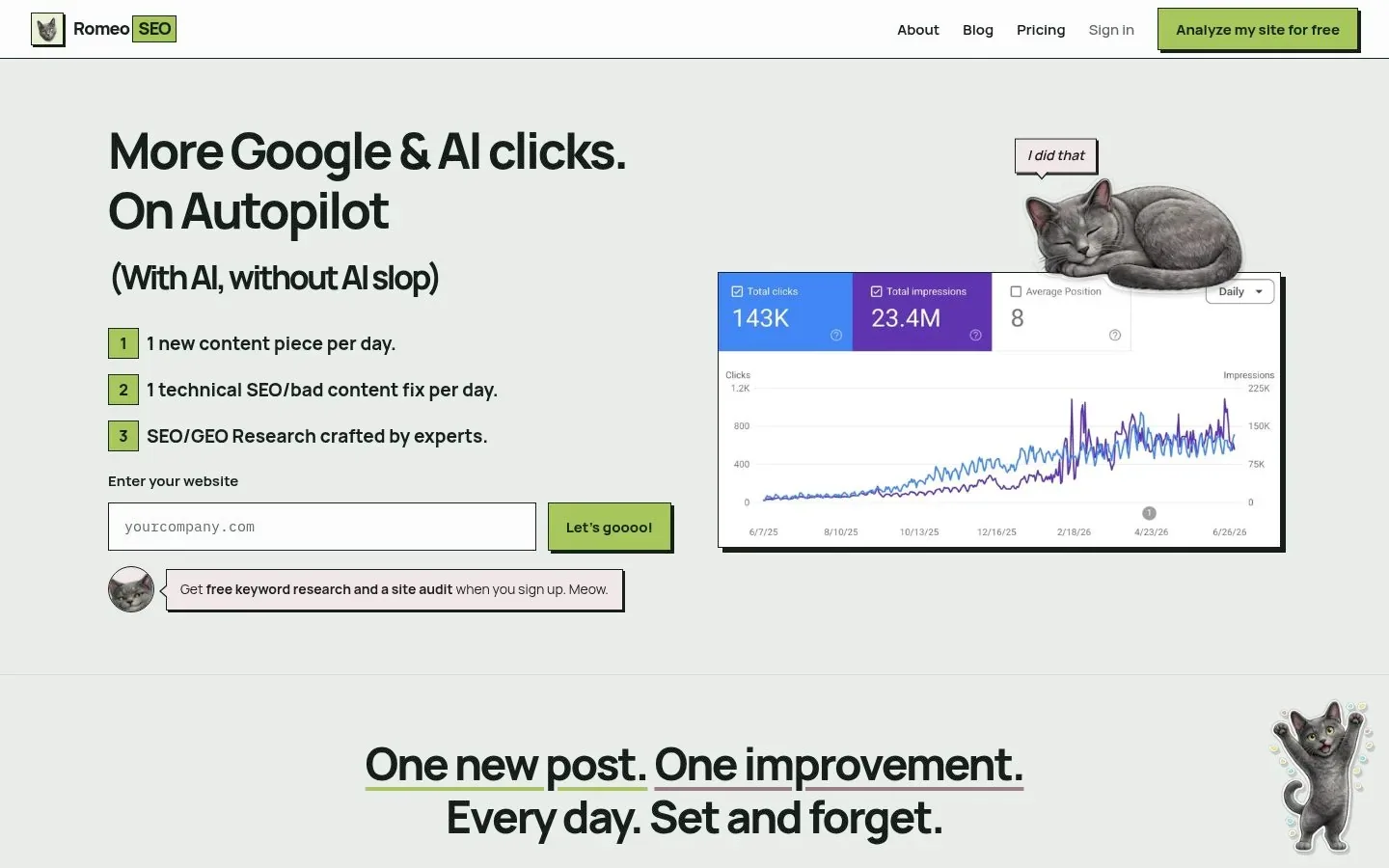
RomeoSEO works from your site's own pages, rankings, and connected Google Search Console data. It finds and prioritizes pages that are losing traffic or rankings, researches keywords and content gaps around them, and then writes the improvement: new or updated content, titles, metadata, and internal links, with images where they help. Its content gap analysis compares one of your pages with the pages that beat it on Google, lists what yours is missing, and can make those changes for you. Finished work reaches your site as a GitHub pull request, a Webflow or WordPress draft, or a one-click copy.
That last part matters if you run SEO without a large team. The tool doesn't just hand you a spreadsheet of gaps; it writes the fix. If you want to see how the research step works before the product does it for you, the free SEO opportunity research skill walks an AI agent through the same process.
Honest limits: RomeoSEO is the connected product here: $69 a month per site after a 3-day free trial, as listed on its pricing page. It analyzes your site and its data, so it's not the tool for spying on a competitor's entire keyword universe.
2. Google Search Console: The Free Baseline
Before paying anyone, look at your own data in Google Search Console, Google's free tool for monitoring how your site appears in search. Its Performance report shows the queries where your site appeared, how many times (impressions), how often people clicked, and your average position.
The free gap analysis lives in the mismatch between impressions and clicks:
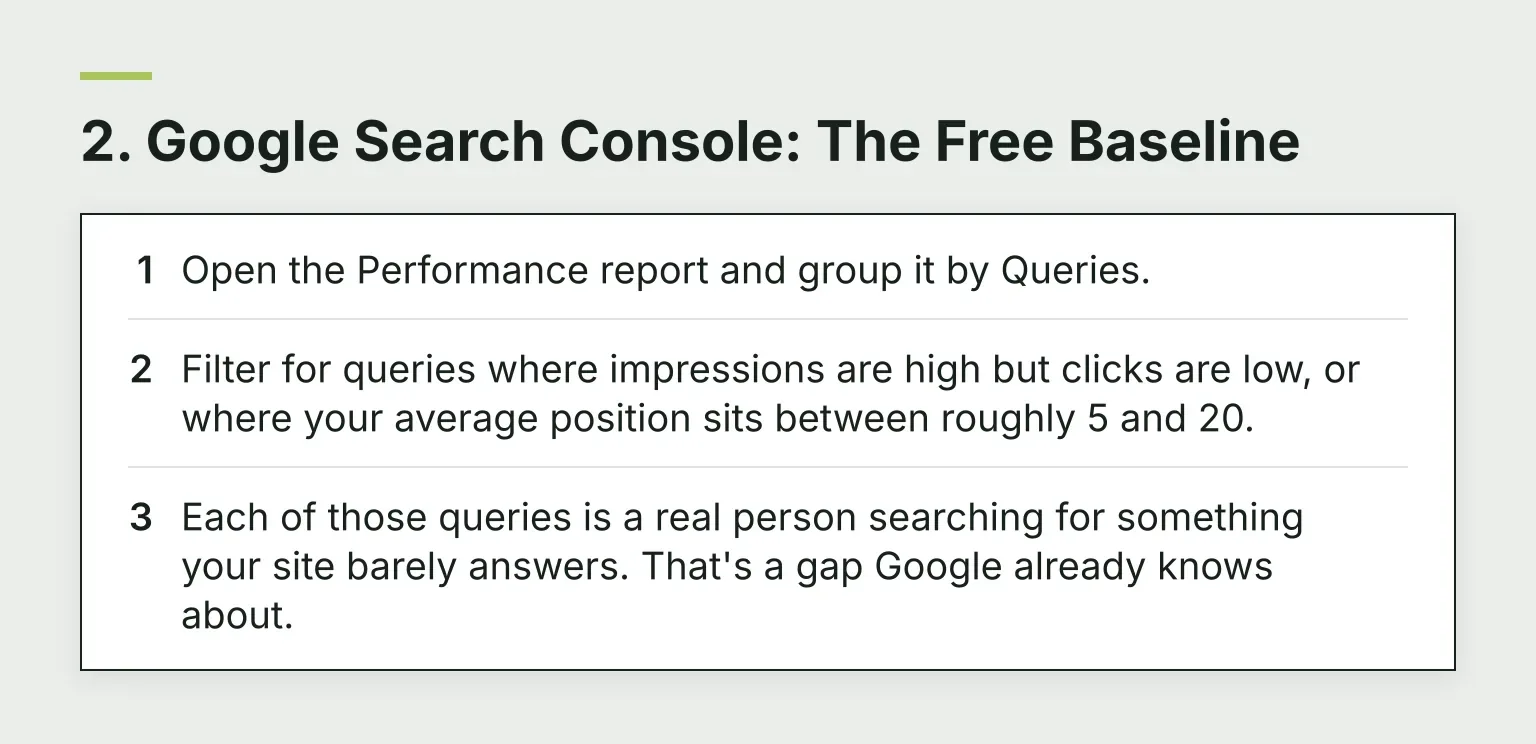
- Open the Performance report and group it by Queries.
- Filter for queries where impressions are high but clicks are low, or where your average position sits between roughly 5 and 20.
- Each of those queries is a real person searching for something your site barely answers. That's a gap Google already knows about.
This data has two advantages no paid tool matches. It's real: no keyword database estimation, no sampling. And it only shows demand that touches your site, which keeps the list relevant. The tradeoff: it can't show you keywords competitors rank for that you've never appeared for at all, and you can't see competitor pages. That's exactly why the paid tools below exist. In practice, the strongest workflow uses both: find your weakest real queries in Search Console, then check them against competitor data in a paid tool.
3. Semrush Keyword Gap
Semrush's Keyword Gap tool compares the keyword profiles of up to five domains side by side and sorts the results into labeled intersections. The useful ones:
- Missing: keywords all your competitors rank for and you don't.
- Weak: keywords where you rank, but below every competitor.
- Untapped: keywords you don't rank for at all, but at least one competitor does.
You can filter by position, intent, and keyword difficulty, then export the list. Comparing specific subfolders or URLs requires a higher tier.
Price: the Keyword Gap tool is part of Semrush's SEO Toolkit, where the Pro plan runs $139.95 per month, with a 7-day free trial. The main limit is that Semrush's keyword data is a third-party estimate of Google's index, so volumes are directional. Also note Semrush has been restructuring its plans, so confirm what the current tiers include before you buy. If even the entry price is too much, our 11 Best Semrush Alternatives covers cheaper options.
4. Ahrefs Content Gap
Ahrefs' Content Gap tool takes a different angle on the same job: instead of handing you every keyword a competitor touches, it asks you to set an intersection. You can show keywords that any competitor ranks for, that at least a chosen number rank for, or that all of them rank for. The "all of them" setting is the quality filter: if three or four real competitors rank for a keyword and you don't, it's rarely a fluke.
You can also set position filters, for example keywords where competitors rank in the top 10 while you sit at positions 11 to 20, which is the page-level gap in keyword form.
Price and access, stated carefully because this trips people up: Ahrefs' plans start with Lite at $129 per month, but Ahrefs' own announcement notes the revamped Content Gap tool is available on Standard plans and above, which start at $249 per month. Legacy Lite subscribers keep the older report. Ahrefs' link index is respected in the industry, but the same estimation caveat applies: it's modeled data, not Google's own.
5. SE Ranking: The Mid-Price Option
SE Ranking covers the same ground as the two tools above, competitor and keyword research included, at a lower entry point. Its current Core plan runs $129 per month, or $103.20 per month billed annually, with a fully functional 14-day free trial.
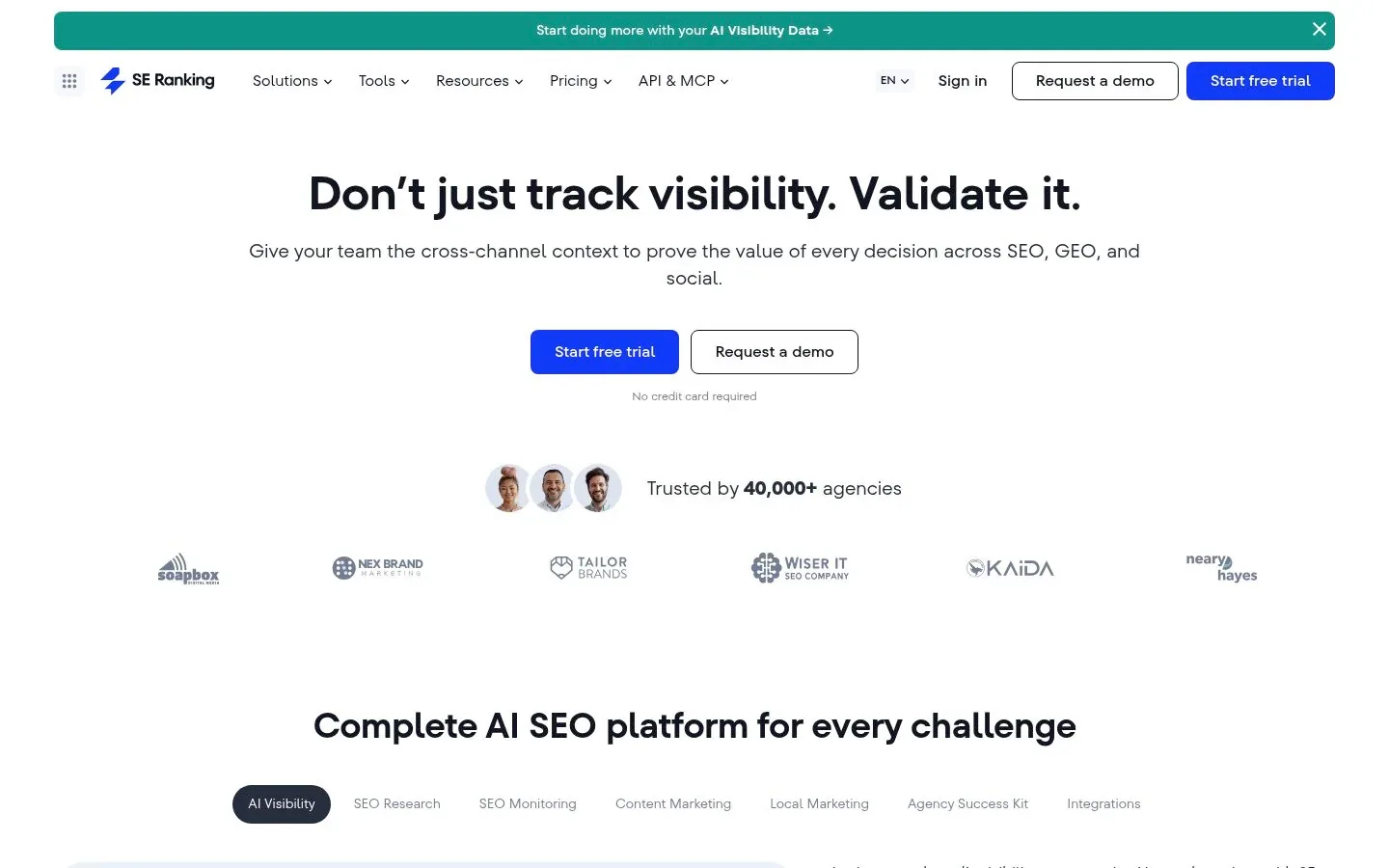
For a smaller company building a search presence, the practical question is whether SE Ranking's keyword database covers your market well enough. The honest answer is that coverage varies by country and niche, and the only way to know is to run your known keywords through its free trial and compare the results against what Search Console says about your own site. If its numbers roughly agree with your real data, you can trust its estimates about competitors too.
6. MarketMuse: Topic Depth Gaps
MarketMuse works at the topic level instead of the keyword level. Rather than asking "which keywords am I missing," it asks "how completely does my site cover this subject compared to what ranks?" That makes it the fit for the topic gap: you already have the page, but a competitor's version answers ten sub-questions yours skips.
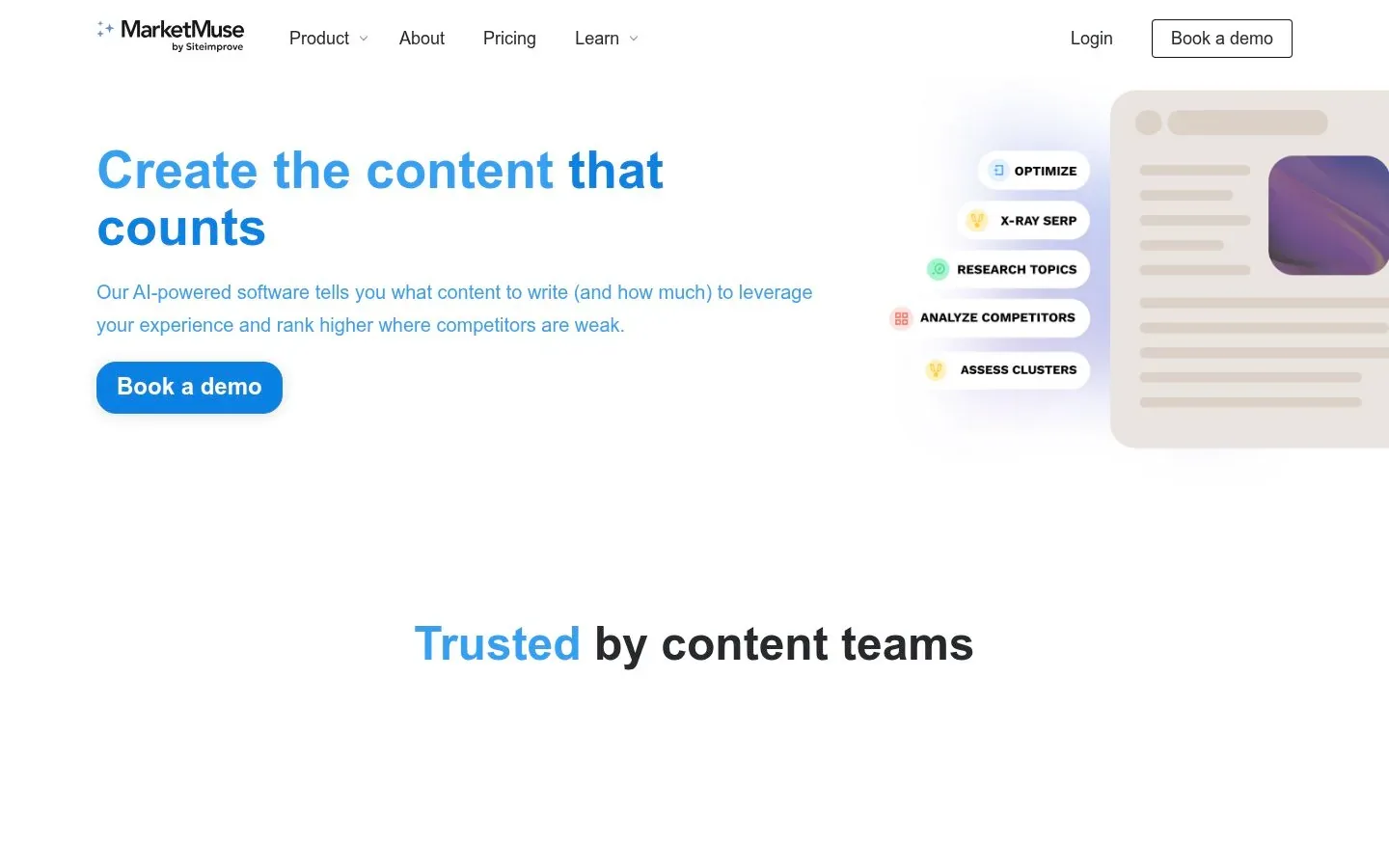
It also has one of the more usable free tiers in this space. MarketMuse's pricing page lists a free plan with 10 queries per month, one user, and access to its topic research applications, with paid tiers adding tracked topics, content briefs, and team seats. Check that page for current paid prices.
The tradeoff: MarketMuse tells you a topic is thin, but it isn't a competitor keyword gap tool. It won't hand you the five domains outranking you and their keyword overlap.
7. Surfer: Close Gaps While You Write
Surfer sits one step later in the workflow. Its content editor analyzes the pages ranking for your keyword and flags the terms, topics, and structure your draft is missing, with one-click optimization and internal linking. Where keyword gap tools find the page you need to create, Surfer closes the topic and question gaps inside a page you're already writing.
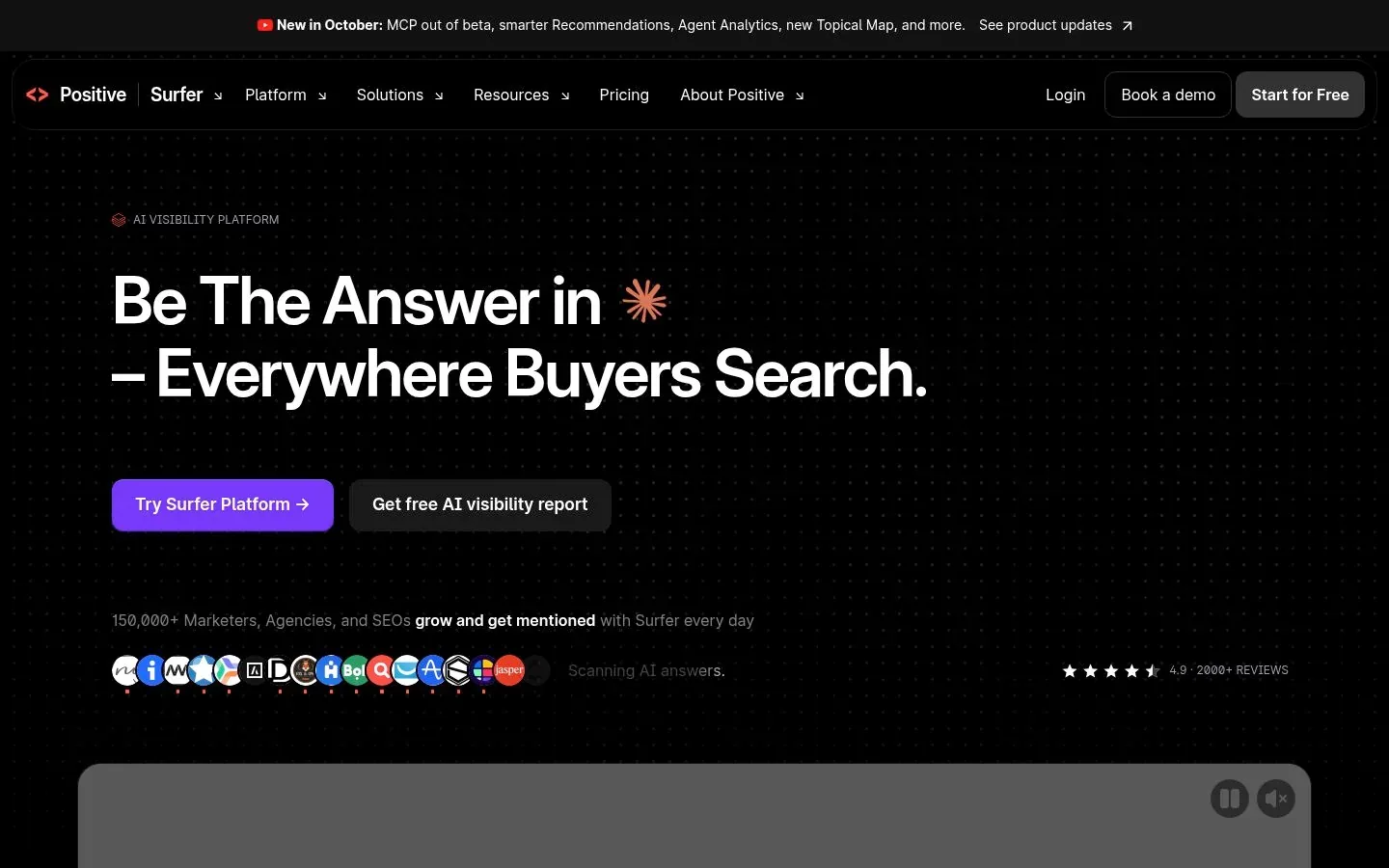
Its pricing starts at $49 per month on annual billing, and new accounts get a 7-day free trial. The limit is the same one every content editor shares: recommendations are drawn from correlation with current ranking pages. They show what winners tend to include, not a guarantee that adding a term moves your ranking.
8. AlsoAsked: Question Gaps
AlsoAsked maps Google's People Also Ask data. You enter a topic and it branches outward through the questions people actually ask, showing what searchers wonder about a subject and where existing content stops answering.
It's the cheapest dedicated tool in this list: paid plans start at $12 per month, and every visitor gets 3 free searches per day without an account. Use it to find the question gap: the sub-questions a competing page answers and yours ignores. The limit is scope. It shows questions and their structure, not search volumes, rankings, or what your competitors' pages contain.
Tool Comparison at a Glance
| Tool | Gap it finds | Data source | Entry price | Free option |
|---|---|---|---|---|
| RomeoSEO | Page-level: pages that rank but lose | Your site's pages, rankings, and Search Console data | $69/mo per site | 3-day free trial |
| Google Search Console | Keyword and question gaps in your own data | Google's real data on your site | Free | Fully free |
| Semrush Keyword Gap | Keyword gap vs up to 5 competitors | Third-party estimates | $139.95/mo (SEO Toolkit Pro) | 7-day free trial |
| Ahrefs Content Gap | Keyword gap with intersection filters | Third-party estimates | $249/mo (Standard, required for the tool) | Free account, limited use |
| SE Ranking | Keyword and competitor research | Third-party estimates | $129/mo ($103.20 annual) | 14-day free trial |
| MarketMuse | Topic depth | Third-party models | Paid tiers, see site | Free plan, 10 queries/mo |
| Surfer | Topic and question gaps in a draft | Analysis of current ranking pages | From $49/mo billed yearly | 7-day free trial |
| AlsoAsked | Question gaps | Google People Also Ask | $12/mo (Basic) | 3 free searches/day |
Pick Real Competitors, Then Filter the List
Every keyword gap tool returns thousands of rows, and most of them are noise. Two habits make the output usable:
Choose competitors that actually compete with you. Don't paste in the biggest brand in your industry. Use the tool's organic competitor report, or the domains that show up alongside yours for the queries in your Search Console. A domain with almost no keyword overlap with yours will produce a gap list you can never act on.
Filter by what you can win. Work the list in this order:
- Intent first: a keyword only matters if searchers looking for it want what you offer.
- Position second: keywords where you rank 11 to 20 are usually faster wins than keywords you've never touched, because a page already exists.
- Difficulty last: an estimated difficulty score is a tiebreaker, not a decision. Cross-check against your own Search Console performance before committing.
Once you've picked the gaps worth closing, the next job is fixing the pages involved. Our guide to the SEO content audit covers how to review and improve existing pages before you write anything new.
Free vs Paid: Your Data vs Estimates
The deepest difference in this list isn't features, it's data source.
Paid tools model the whole web from their own crawls and estimates. That's how they show you keywords you've never ranked for, which is their whole value. But every number they show about your site is an estimate, and the pages they compare can be sampled from different points in time.
Search Console shows real queries from real Google impressions of your pages. But it only covers demand that already reaches your site, and it shows nothing about competitors.
So treat them as a pair, not rivals. Use paid tools to widen the map and Search Console to verify the ground truth. If a keyword gap tool says you're "missing" a term, check whether Search Console shows any impressions for it, and whether the estimated volume matches anything real.
This pairing is also the logic behind wider tool choices. If you're still deciding on a stack, our guide to SEO analysis tools compares them by data quality and workflow, and our roundup of SEO automation tools shows where the research-to-fix steps can run on their own.
Content Gap Analysis FAQ
What is a content gap?
A content gap is a topic, keyword, or question that searchers look for and your site doesn't adequately cover. The four main types are the keyword gap (competitors rank, you don't), the topic gap (your coverage is shallow), the question gap (unanswered questions), and the page-level gap (your page ranks but loses to the results above it).
How do I run a content gap analysis?
Start in Google Search Console: open the Performance report, group by queries, and list queries with high impressions and low clicks. Then pick two or three real competitors, run a keyword gap comparison in a tool like Semrush, Ahrefs, or SE Ranking, and filter the results by intent, position, and difficulty. Finally, decide per keyword whether to improve an existing page or create a new one, and check the fix against your own data.
Which content gap analysis tools are free?
Google Search Console is completely free and uses real data. AlsoAsked gives 3 free searches a day, MarketMuse has a free plan with 10 queries a month, and Semrush, SE Ranking, and Surfer all offer free trials long enough to run one honest analysis. The free tools show gaps in your own data; free tiers of paid tools show estimated competitor gaps in limited volume.
Where to Start
Open Search Console today and pull your high-impression, low-click queries. That list is free, it's real, and it's already ordered by what Google thinks you're relevant for. If the pattern you find is a set of pages that rank but keep losing to the results above them, that's the job RomeoSEO is built for: it finds those pages, identifies the gaps from your own rankings and Search Console data, and writes the improvements. Start your free trial: 3 days free, nothing to pay today.