
RomeoSEO9 min read
SEO Content Gap Analysis: Find What's Missing
Find the searches your site should be winning. Run an SEO content gap analysis with Search Console and competitor research, then decide: new page or improve.
Summary of the Article
An SEO content gap analysis finds the searches your site should be winning but isn't. You compare what competitors rank for and what Google already shows you in Search Console, then decide whether each gap needs a new page, a better existing page, or nothing at all. The whole process fits in six steps:
- Find topic gaps with competitor research: subjects rivals rank for that your site never covers.
- Find page-level gaps in Search Console: queries where you get impressions but few clicks.
- Validate each gap: real demand, the right intent, and a fit with your business.
- Decide: new page or improved existing page, using concrete tests.
- Prioritize by impact and effort so a small team can actually ship.
- Turn validated gaps into briefs and assignable tasks.
Want the tools for each step? See the best content gap analysis tools. To run the page-by-page version with AI, read how to use AI for content gap analysis.
What Is Content Gap Analysis in SEO?
Content gap analysis is the process of finding searches your target readers make that your site doesn't answer well, or doesn't answer at all. In SEO, that usually means one of two things: a competitor ranks for a topic you've never written about, or you have a page on the topic but it ranks for fewer queries than the pages above it.
The point is not to clone competitors. It's to end up with a short, evidence-backed list of what to write or improve next, instead of guessing from a big keyword export.
The Two Main Gap Types, Plus Two Lookalikes
The two main gap types are the ones the whole process is built around: a topic gap, where competitors cover a subject your site never touches, and a page-level gap, where your page exists but rivals rank for more queries with theirs. Two more lookalikes show up once you dig into an existing page's performance, and all four call for a different response.
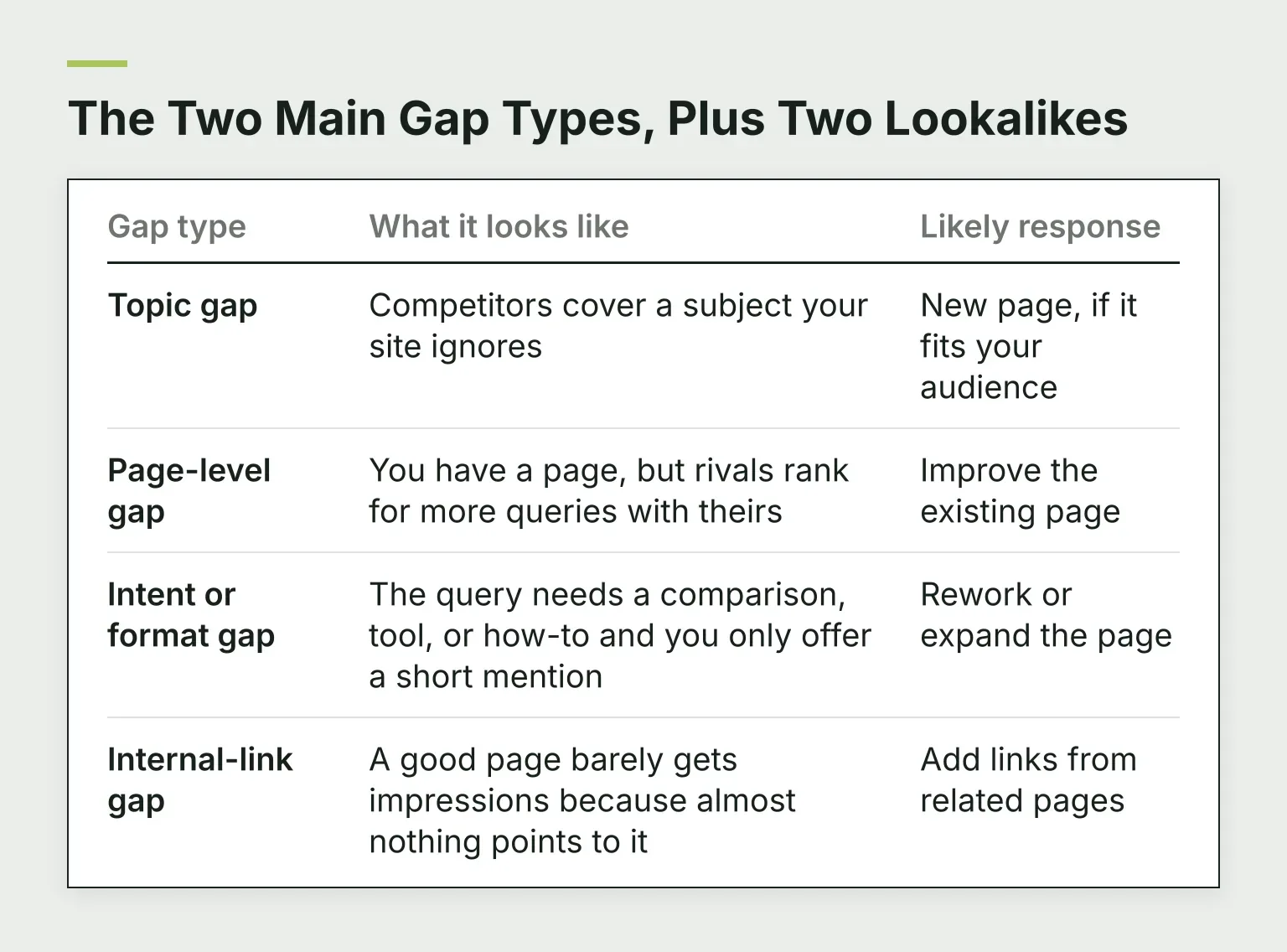
| Gap type | What it looks like | Likely response |
|---|---|---|
| Topic gap | Competitors cover a subject your site ignores | New page, if it fits your audience |
| Page-level gap | You have a page, but rivals rank for more queries with theirs | Improve the existing page |
| Intent or format gap | The query needs a comparison, tool, or how-to and you only offer a short mention | Rework or expand the page |
| Internal-link gap | A good page barely gets impressions because almost nothing points to it | Add links from related pages |
Ahrefs' content gap analysis guide describes the same split as domain-level gaps (topics competitors have that you don't) versus page-level gaps (pages that rank for fewer keywords than the pages above them), and it's worth reading their worked example after this. The mistake to avoid is treating every gap as a new page. Mixing the two up is the fastest way to end up with thin, competing pages.
Step 1: Find Topic Gaps with Competitor Research
Pick two or three sites that compete with you for the same readers, not just the same keywords. Then:
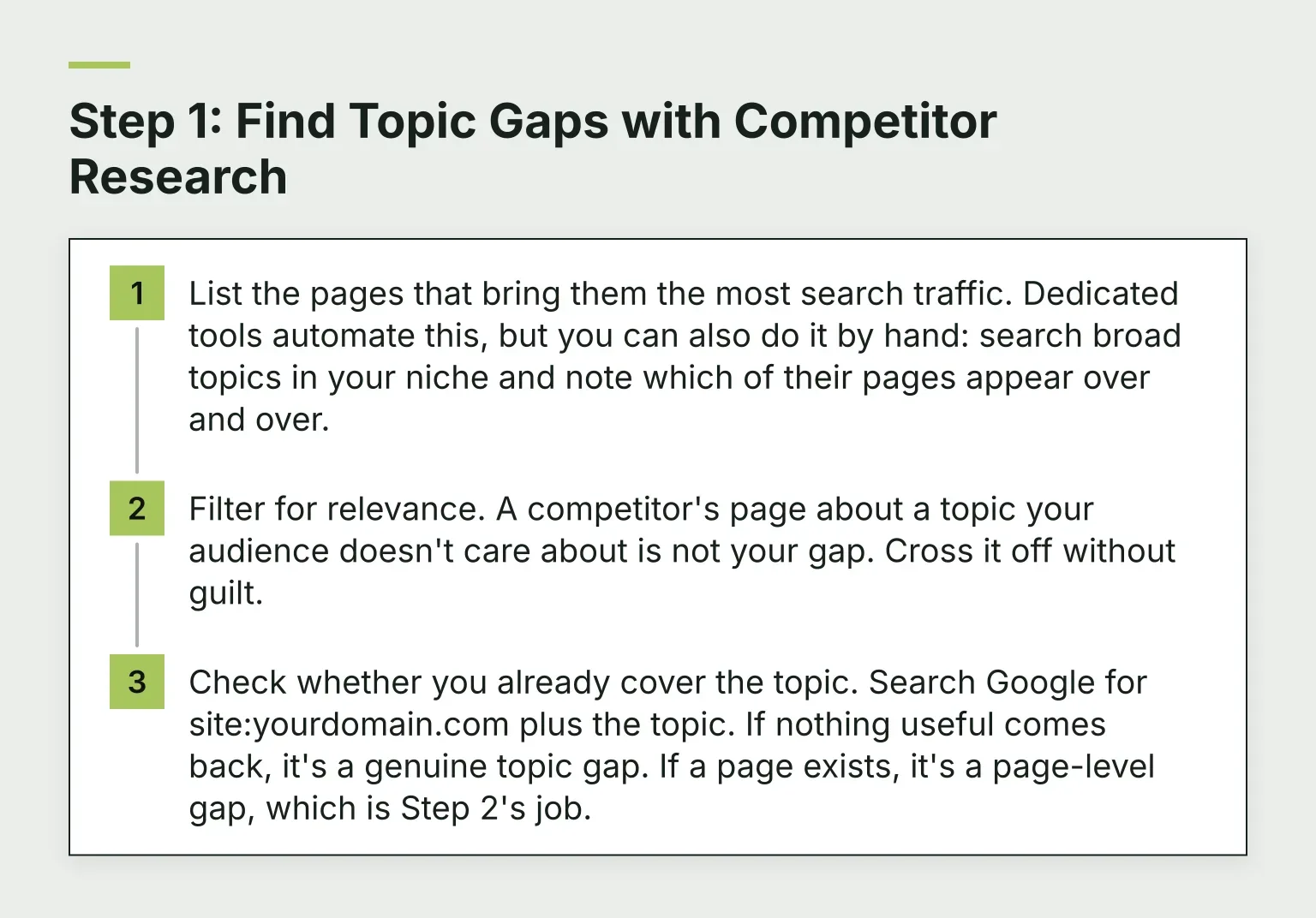
- List the pages that bring them the most search traffic. Dedicated tools automate this, but you can also do it by hand: search broad topics in your niche and note which of their pages appear over and over.
- Filter for relevance. A competitor's page about a topic your audience doesn't care about is not your gap. Cross it off without guilt.
- Check whether you already cover the topic. Search Google for site:yourdomain.com plus the topic. If nothing useful comes back, it's a genuine topic gap. If a page exists, it's a page-level gap, which is Step 2's job.
If you're weighing which tools to use for this comparison, our guide to choosing SEO analysis tools walks through what actually matters, and what you can skip at smaller budgets.
Step 2: Find Page-Level Gaps in Search Console
Search Console is free, and it's the only tool that shows how Google sees your own site. Open the Performance report and filter by a page you care about. Look for two patterns:
- Queries with impressions but almost no clicks. Google shows your page for the search, but few people click. Either the title doesn't match what the searcher wants, or the page sits too low to get noticed.
- Striking-distance rankings. Queries where your average position sits just below page one. SearchTriage's guide to Search Console recommendations describes one common version of this: pages with steady impressions but an average position in the high teens to mid twenties, which usually means Google understands the topic but the page needs a fuller answer and more internal support, not a second competing page.
Know the data's limits before you draw conclusions. Google hides rare or sensitive queries for privacy, and the report's tables store only the top rows, with a 1,000-row export cap in the interface. That's why the chart totals can be higher than the rows in the table; Google documents this in its Search Console data help pages. In practice: treat Search Console as directionally right, not perfectly complete.
For a deeper walkthrough of reading this ranking data and turning it into updates, see our guide to SEO keyword ranking.
Where a tool like RomeoSEO fits
This page-level comparison is the step RomeoSEO automates. It connects to your Search Console data and a crawl of your site, finds keyword and content opportunities across your pages, and writes the improved pages, titles, metadata, and internal links. Its content gap analysis compares one of your pages with the pages that beat it on Google and lists what yours is missing. It's one option, and every step in this guide also works with a spreadsheet and an afternoon.
Step 3: Validate the Gap Before You Act
A raw list of missing keywords isn't a to-do list. For each candidate, run three checks:
- Demand: do people actually search this, or could they? Impressions in Search Console count even if you have no paid keyword tool.
- Intent fit: does the searcher want something a page on your site could plausibly give them? If the results are all product pages and you're a blog, the gap may be the wrong shape.
- Business fit: would the right reader for this query care about what you sell, now or in six months? Semrush's content gap analysis guide makes a related point: keyword and prompt data alone can't reveal every topic your audience cares about, so support tickets, sales calls, and community questions count as gap evidence too.
Then classify what's actually missing. A gap can be a missing page, a missing section on an existing page, or a weak internal-link path to a page that's fine. Only the first one calls for a new URL.
Step 4: New Page or Better Existing Page?
This is the decision that separates useful analysis from keyword hoarding. Before creating anything, ask:
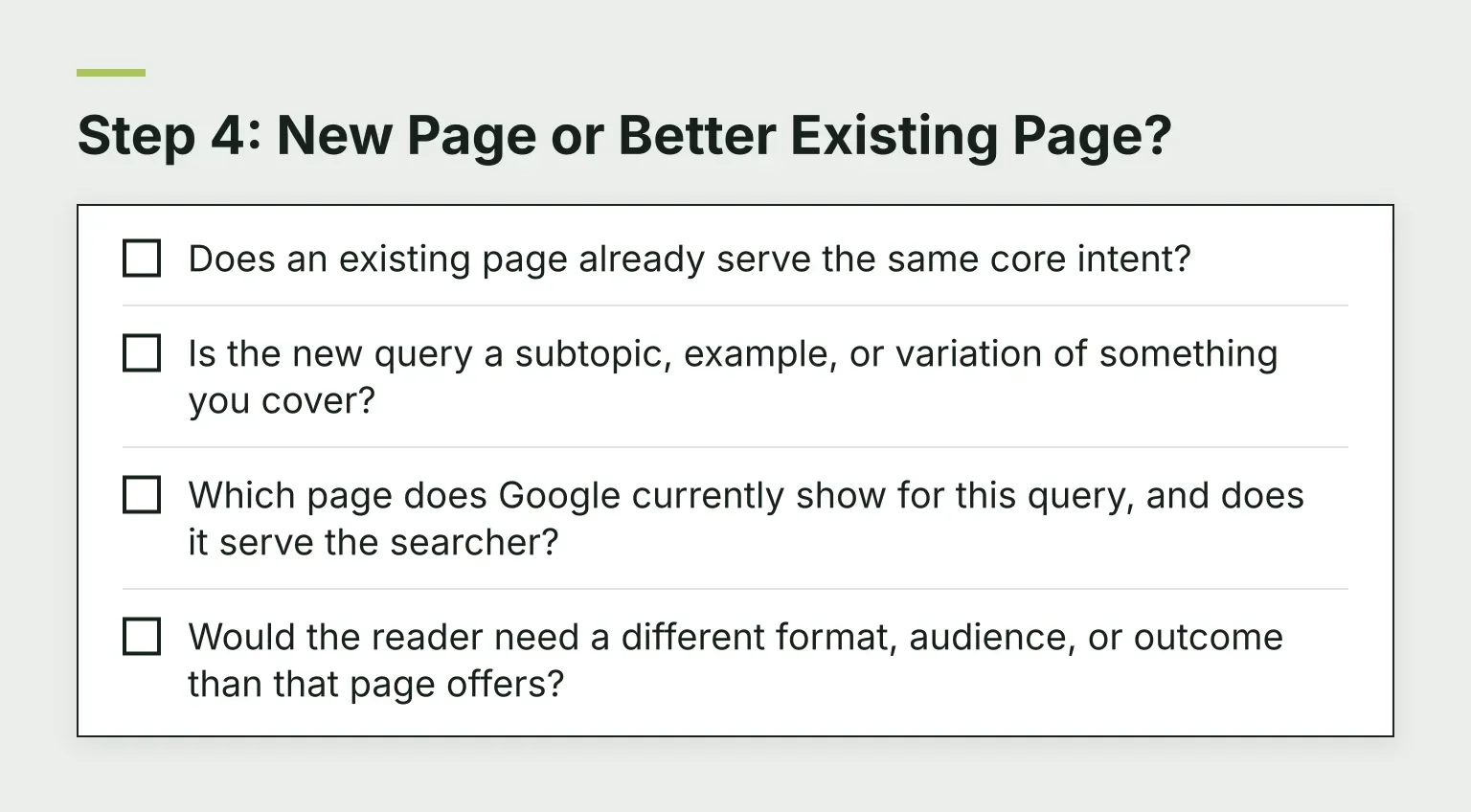
- Does an existing page already serve the same core intent?
- Is the new query a subtopic, example, or variation of something you cover?
- Which page does Google currently show for this query, and does it serve the searcher?
- Would the reader need a different format, audience, or outcome than that page offers?
If an existing page matches the core intent, improve it: add the missing section, sharpen the answer, fix the internal links. If the query is a genuinely different task, audience, or format, a new page earns its place. SearchTriage's write-or-update guide puts the principle well: the question isn't "do we have a page with this exact keyword," it's "which page gives this reader the best answer?"
When improving is the answer, start with our SEO content audit guide. It walks through judging existing pages and finding the smallest change that helps, which is usually cheaper than a rewrite.
Step 5: Prioritize by Impact and Effort
Sort validated gaps into three groups so a small team knows where to start:
- Quick wins: high impact, low effort. Usually page-level gaps and missing sections.
- Big bets: high impact, high effort. New pillar pages and topic expansions.
- Noise: low impact or wrong fit. Ignore them deliberately and write down why, so nobody re-litigates the list next quarter.
Be honest about effort. Adding a section and a few internal links is an afternoon. A new 1,500-word guide with original examples is days, plus review time. A five-person team can't take on ten big bets a month, and pretending otherwise is how gap lists die in a spreadsheet.
Here's what a worked-down board looks like:
| Opportunity | Gap type | Evidence | Action | Impact | Effort |
|---|---|---|---|---|---|
| "How to export reports" | Missing section on guide | 300 impressions, position 14 | Add section to existing guide | High | Low |
| "Tool comparison" topic | Topic gap | Two competitors rank; steady demand | New page | Medium | High |
| Rare long-tail variant | Noise | A handful of impressions, wrong intent | Ignore | None | None |
Step 6: Turn Validated Gaps into Tasks
Analysis ships only if each gap becomes an assignable task. Every task needs three things:
- A one-line brief: the page (new or existing), the target query, and the gap it closes.
- An owner: one person, not a committee.
- A review step: someone reads the change before it goes live.
That's the same workflow whether you track it in a spreadsheet or software. If you want the research and create-or-improve decision automated against your own data, our free SEO opportunity research skill runs exactly that check and hands you a starting list.
Mistakes That Waste the Analysis
- Treating every keyword variation as a separate gap. Ten phrasings of one question usually need one better page, not ten pages.
- Copying competitor headings. Their structure reflects their business, not yours. Cover the searcher's need, not their table of contents.
- Chasing volume with no business fit. A 5,000-search keyword aimed at readers who will never need you is a hobby, not a gap.
- Exporting the list and never shipping. The deliverable is a ranked set of tasks with owners, not the export itself.
Where to Start
If you have Search Console access, run a first pass today: pick five important pages, note every query with meaningful impressions and few clicks, and classify each one as a new page, an improvement, or noise. That's a content gap analysis, at its core.
And if you'd rather have that page-level comparison done for you, that's what RomeoSEO is built for: it uses your pages, rankings, and Search Console data to find the opportunities, writes the new pages, improves the existing ones, and sends the work to your site. Start your free trial: 3 days free, nothing to pay today.