
RomeoSEO13 min read
Programmatic SEO: Build Pages That Rank, Safely
Programmatic SEO builds many pages from one search pattern, one dataset and one template. When it works, how to avoid scaled content abuse, and which tools fit.

Summary of the Article
Programmatic SEO is a publishing method, not a content type. You pick one search pattern people type again and again, such as "[product] vs [competitor]", build a structured dataset with one row per page, and pour each row through a template. Done well, every page answers its own variant with facts the others don't have. Done badly, it becomes exactly what Google's spam policies call scaled content abuse.
The short version of this guide:
- What it is: one repeatable query pattern, one dataset, one template. Swapping a city name into identical copy is not programmatic SEO.
- When it works: you own or can enrich the data, each variant is a genuinely different search, and you can maintain the set over time.
- The safe workflow: prove 3-5 pages by hand, pilot 25-50 pages, check indexation, link the set together, prune on a schedule.
- Tools by step: Google Sheets and Airtable for data, Webflow or WordPress plugins for publishing, Byword and SEOmatic for AI-assisted drafting, and a human check of every batch before it goes live.
What programmatic SEO actually is
Every programmatic SEO project has the same three parts.
- A repeatable search pattern. People search the same question shape many times with one slot filled differently: "best CRM for agencies", "best CRM for dentists", "best CRM for real estate agents". The slot is the variable.
- A structured dataset. One row per page. Each row holds the facts that make that page different: prices, ratings, locations, specs, your own test results.
- A template. The layout and the rules for how a row becomes a page: which sections appear, what the title says, what happens when a field is empty.
Say you run a software review site. You pick the pattern "best CRM for [industry]". Your dataset has 40 rows, one per industry, and each row carries facts with it: the top five tools for that industry, typical contract lengths, compliance rules that matter there, a paragraph on pricing quirks. The page for dentists reads differently from the page for law firms because the rows are different.
That is programmatic SEO. Mass-generating 500 AI articles with the topic swapped is not. There is no dataset and no per-row value in that second approach; there is one article printed 500 times. Google treats these two things very differently, which is where this guide goes next.
When programmatic SEO works: the three conditions
Search guides from Backlinko, Search Engine Journal and independent SEO consultants keep landing on the same three conditions for programmatic SEO. Treat them as a checklist, not a vibe.
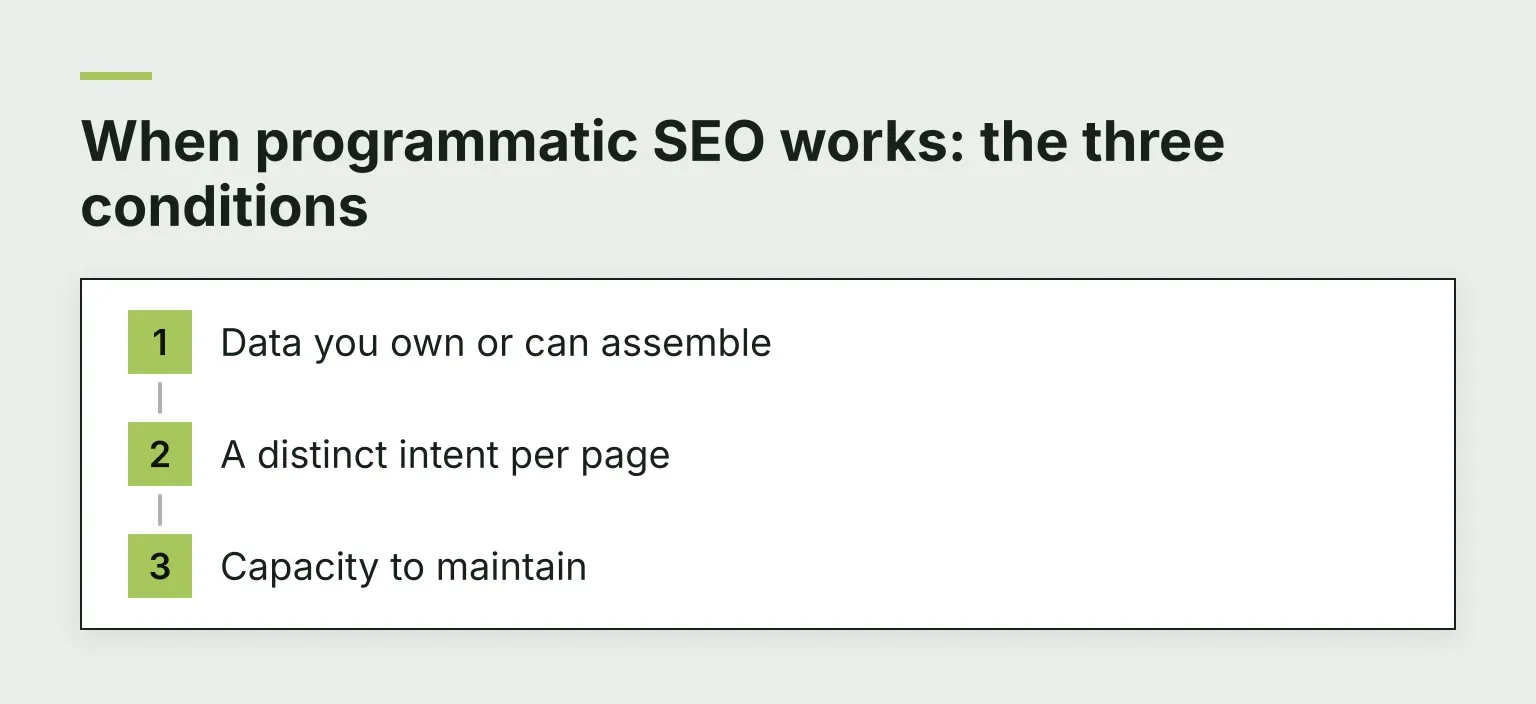
- Data you own or can assemble. Your own usage stats, prices you track, test results you ran, a dataset you combined from sources nobody else joined. If your only input is another website's articles, every "programmatic" page is just a rewrite.
- A distinct intent per page. Commercial and comparison patterns hold up best: "[product] vs [competitor]", "best [category] for [use case]", "[service] in [city]". Variants of "what is [term]" usually collapse, because the answer is the same every time.
- Capacity to maintain. A set of 500 pages needs updates: prices change, tools shut down, your data ages. If nobody owns the set, it decays into dead pages that drag on your site.
People who have built content engines for years make the same point from the other side: the programs that fail usually skip one of these three, most often the third.
Where Google draws the line
Google's spam policies define two practices you need to know by name.
Scaled content abuse: "many pages are generated for the primary purpose of manipulating Search rankings and not helping users", typically "large amounts of unoriginal content that provides little to no value to users, no matter how it's created".
Doorway abuse: "sites or pages are created to rank for specific, similar search queries", leading users through intermediate pages that are less useful than the page they actually needed.
Two details matter here. First, the word "programmatic" appears nowhere in the policies. When Google announced the scaled content abuse policy in March 2024, it stressed that the rules apply no matter whether content is produced through automation, human effort, or some combination. How the pages were made is not the trigger.
Second, the trigger is per-page value, not page count. Five hundred pages with real per-row data can be perfectly fine. Thirty pages that swap one word may not be. A quick self-test: cover the variable with your thumb. If a reader who searched that variant learns nothing they couldn't get from any other page in the set, the page shouldn't exist.
The workflow at a glance
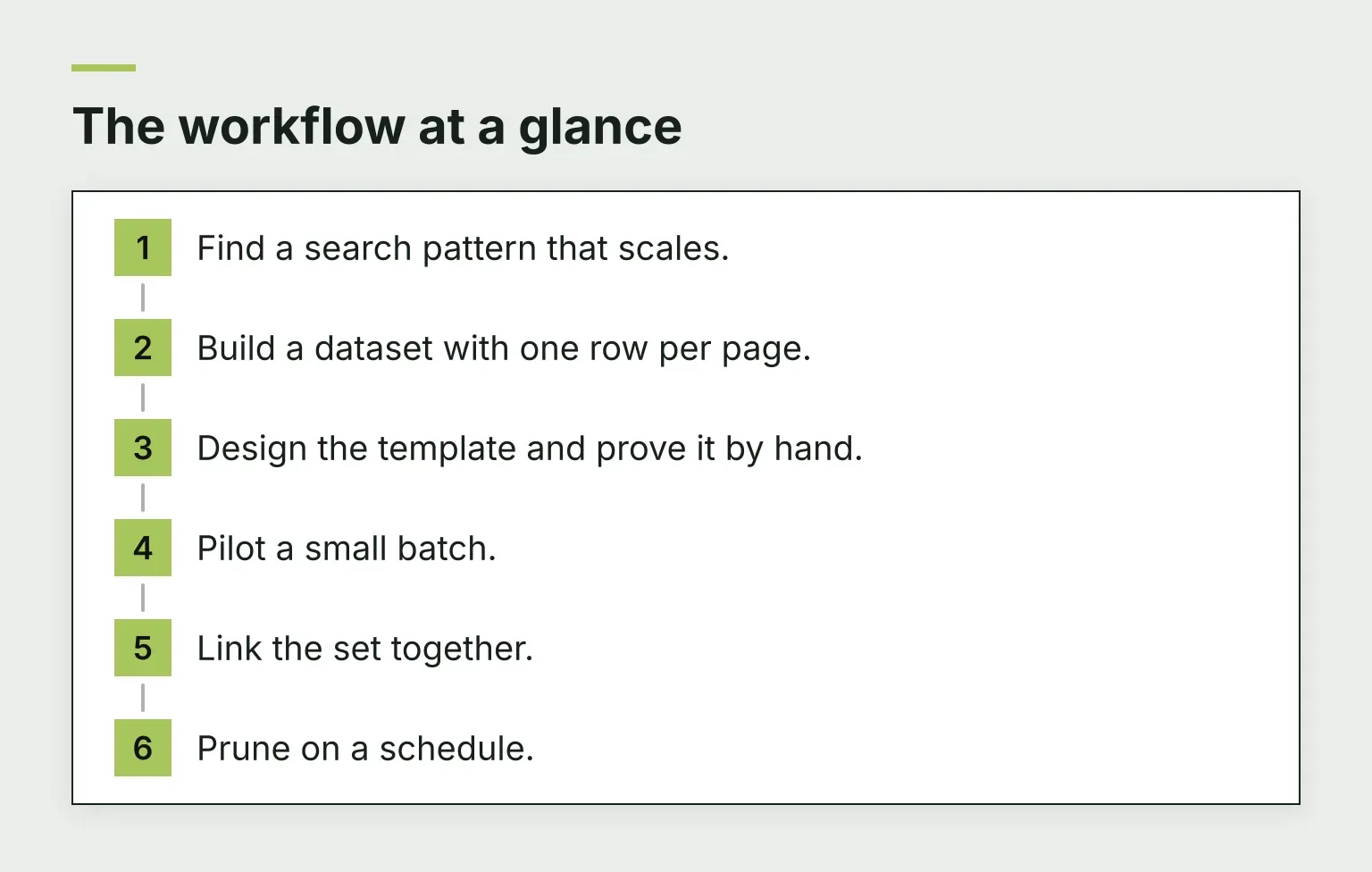
- Find a search pattern that scales.
- Build a dataset with one row per page.
- Design the template and prove it by hand.
- Pilot a small batch.
- Link the set together.
- Prune on a schedule.
The rest of this guide walks through each step, then maps tools to every stage.
Step 1: Find a search pattern that scales
Patterns that tend to work, when you can back them with data:
- "[service] in [city]", if you genuinely serve those cities
- "[product] vs [competitor]"
- "best [category] for [use case]"
- "[tool] integrations" or "[tool] alternatives"
Validate the pattern before you build anything:
- Pull real queries from Google Search Console. The wording your visitors already use is the best signal you have.
- Check that each variant is its own search, not a rewording. Our free keyword clustering tool groups keywords by their live Google results. If your variants cluster together, one strong page covers them all.
- Look for the pattern in your own gap analysis. Our guide on using AI for content gap analysis walks through that method.
Watch for pseudo-patterns. If Google shows nearly identical results for every variant, the variants are not separate searches, and thirty thin pages will lose to one good one.
Step 2: Build the dataset
Rank your data sources in this order:
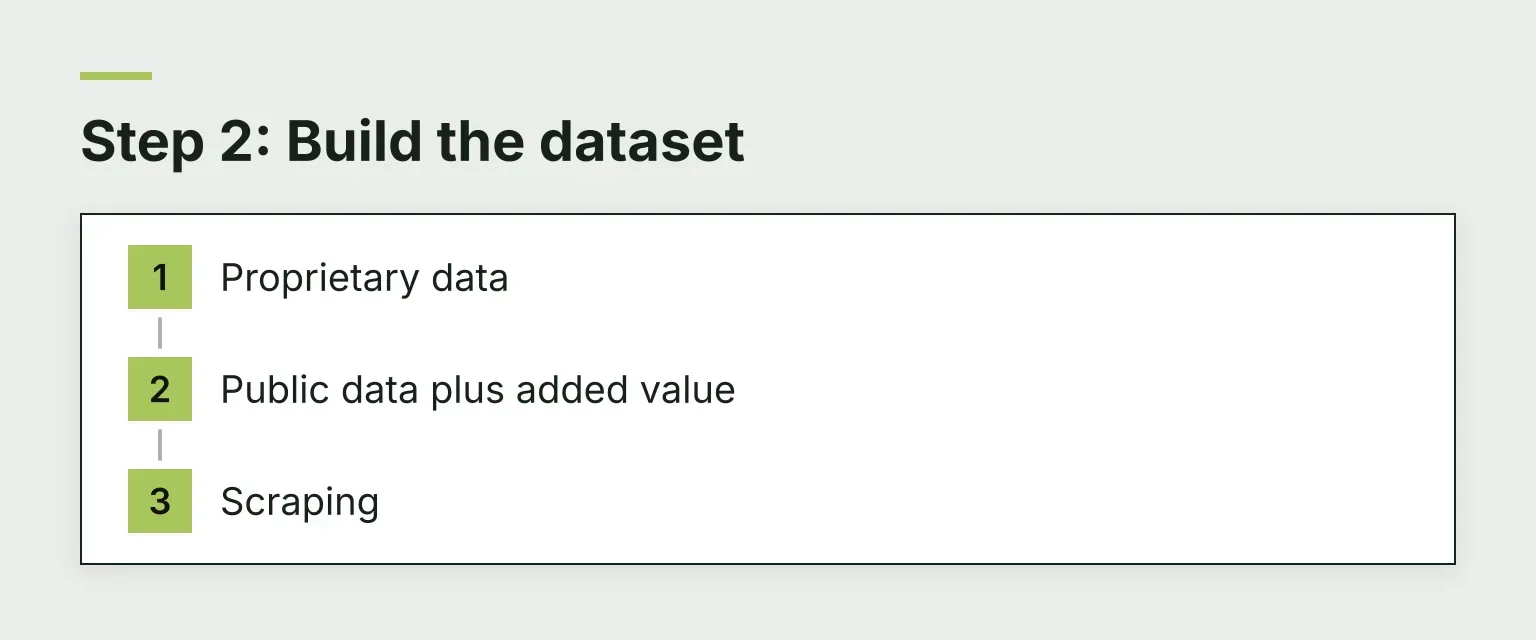
- Proprietary data. Your own usage stats, prices you track weekly, test results you produced. Nobody can copy it, and it makes every page defensible.
- Public data plus added value. Government statistics, open datasets, published benchmarks. These are fine if you add your own layer: calculations, verdicts, context. Google's spam policies target republishing "without adding any original content or value".
- Scraping. The riskiest option. Even done politely, you are building on data anyone can copy, and unoriginal republishing is exactly what the scraping policy names.
Design your columns so they force uniqueness. "City, service, phone" produces swapped-variable pages. "City, service, phone, most common job in this area, average response time, one customer note" produces pages with a reason to exist. If a column would hold the same value on every row, delete it: that value belongs in the template, not the dataset.
Step 3: Design the template before you generate anything
Build 3-5 pages completely by hand first. This is not a warm-up exercise. Writing five pages yourself shows you where the template needs conditional logic and where your dataset has holes.
Use conditional content logic: if a row's rating falls below a threshold, the intro changes. If a field is empty, the section drops out entirely rather than printing "N/A". A template that renders gracefully with missing data produces far fewer embarrassing pages.
Write your metadata rules with the same care as the body copy. Titles and descriptions built by find-and-replace read like find-and-replace, and they are the first thing a reviewer or a search engine sees.
Here is the line between a template page that earns its place and one that doesn't:
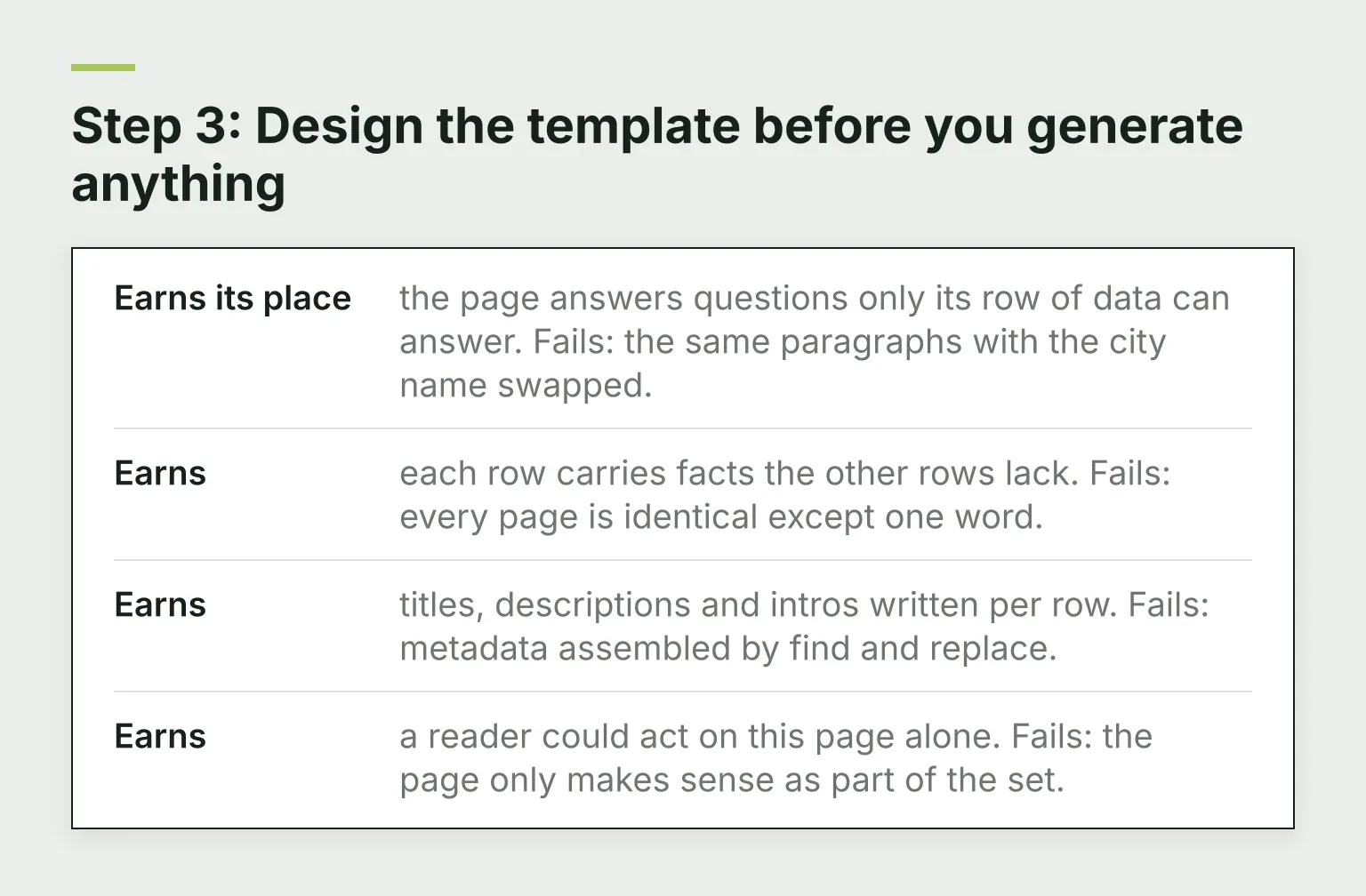
- Earns its place: the page answers questions only its row of data can answer. Fails: the same paragraphs with the city name swapped.
- Earns: each row carries facts the other rows lack. Fails: every page is identical except one word.
- Earns: titles, descriptions and intros written per row. Fails: metadata assembled by find and replace.
- Earns: a reader could act on this page alone. Fails: the page only makes sense as part of the set.
Step 4: Pilot a small batch first
Do not ship 500 pages on day one. Ship 25-50, then measure before you generate more.
- Most of the pilot pages are indexed in Search Console after two to three weeks.
- A hand review of ten random pages finds no duplicated sentences across pages.
- Every page has its own title, description and H1.
- The hub page and cross-links between siblings exist before you scale.
- You wrote down kill criteria before anything went live.
Check indexation with Google Search Console, or spot-check URLs with our free Google index checker. If most of the batch is not indexed, do not generate batch two. Find out why first: thin content, missing internal links, or crawl budget all produce the same symptom. Hand-review a sample against the earns-and-fails list from Step 3, and only then decide whether the template is ready to scale.
Step 5: Link the set together
Generated pages that link only to each other look like an island, and islands get ignored. Build the links in deliberately:
- One hub page lists and introduces every page in the set. It ranks for the head term and passes relevance down.
- Cross-link siblings only where it helps the reader. "[Product] vs [competitor]" linking to three directly related comparisons makes sense. Linking to all 40 siblings does not.
- Link from your existing pages. Your older, established pages should point to the hub and to the strongest new pages.
Orphaned pages are the most common structural mistake in programmatic sets. If a page can only be reached through other generated pages, fix it before you scale.
Step 6: Prune on a schedule
Sets rot without a pruning rule. Write your kill criteria before you publish: for example, any page with almost no impressions after six months gets improved, redirected, or deleted. Decide once, then apply the rule mechanically instead of arguing with yourself page by page.
Re-review a sample of the set after every template change. A template bug can break hundreds of pages at once, which is a risk unique to programmatic publishing. And keep the dataset fresh: a stale row is worse than no page, because it misleads readers who trusted you.
Programmatic SEO tools, mapped to each step
One honest note before the tools: no tool rescues a thin template. Tools make a good plan faster; they make a bad plan fail faster too. Our guide on choosing SEO automation software covers how to judge any tool by workflow fit and evidence.
| Workflow step | Tools worth knowing | What to check before committing |
|---|---|---|
| Pattern research | Google Search Console, our free keyword clustering tool | Does each variant get its own searches, or do the variants cluster into one page? |
| Dataset | Google Sheets, Airtable | One row per page, with columns that force unique facts |
| Publishing, no-code | Webflow CMS, Whalesync for Airtable sync | CMS item limits on your plan, and what a row change does to live pages |
| Publishing, WordPress | WP All Import, LPagery, Multiple Pages Generator | Free-tier caps, and how updates behave when the spreadsheet changes |
| AI-assisted generation | Byword, SEOmatic | Can you review drafts per row before anything publishes? |
| Hub page and supporting articles | RomeoSEO, described below | Is each article researched against live Google results and your existing pages? |
WordPress plugins. LPagery turns a template page plus a spreadsheet into WordPress pages, with placeholders for each column; per its WordPress.org listing, the free version handles up to 100 pages per run and up to three placeholders. Multiple Pages Generator (MPG) by Themeisle generates pages from CSV, Excel or Google Sheets; its WordPress.org listing states the free version supports up to 50 data rows. WP All Import is a more general importer that maps spreadsheet columns into any post field, flexible but with a steeper learning curve. The tradeoff across all three: they are also the fastest way to ship thin pages, because nothing in them asks whether a page deserves to exist.
The no-code stack. Build the dataset in Airtable, design in Webflow, and keep them in step with Whalesync, which runs a real two-way sync between Airtable and Webflow or WordPress. The tradeoff: subscription costs stack up across tools, and you should check item limits before committing to a large set.
AI-assisted generation. Byword lets you define a content structure, connect your data, and generate pages for every variation, with publishing to common CMSs. SEOmatic uses AI agents to build page sets from your own data and publish them into your CMS in batches you approve. Both can generate pages far faster than you can review them. That speed makes human review more important, not less.
Where RomeoSEO fits. RomeoSEO is not a programmatic page generator, and it does not bulk-publish pages from a spreadsheet. It does the work around the set. Romeo researches each article against live Google results and the pages that already rank, checks your existing pages first so he does not repeat them, writes for your business and audience, and adds images in your site's look and internal links to your own pages. Every draft goes through an editorial review, with a rewrite when it needs one. That makes it a good fit for the hub page and the supporting articles that link into the set, and for fixing the pages Search Console shows are underperforming. Our guide on what automated SEO optimization can and can't do explains where that line sits for every SEO task, not just this one.
Common failure modes
- Thin "[city] + service" pages. The classic. Fix: give every row facts only that row has, or shrink the set until it can.
- Generating batch two while batch one is unindexed. Unindexed pages are a message, not bad luck. Diagnose before scaling.
- No pruning rule. A set without kill criteria turns into hundreds of stale pages that quietly drag your site down.
- Cluster-only linking. If the only pages pointing at a generated page are its siblings, the page is an island. Route links from your established pages too.
How AI Overviews change the math
Google increasingly answers definitional queries like "what is [term]" directly with AI Overviews, which squeezes informational programmatic pages hardest. Commercial and comparison patterns hold up better, because a searcher comparing tools still wants a page with specifics, prices and a verdict.
Before choosing a pattern, check who Google's AI actually cites in your niche. Our free AI Overview checker shows you the sources Google's AI pulls for a query, which tells you what kind of page still earns the click.
Your next step
If you want this whole workflow as something your AI agent can execute, we publish a free programmatic SEO strategy skill covering the go/no-go call, the template, the quality gate and the batch rollout. It pairs directly with the pilot-first process in this guide.
And when you want the research, articles and page fixes around your set done for you, start your free trial on romeoseo.com.